
Graphics Failure Diagnosis and Board-Level Repair
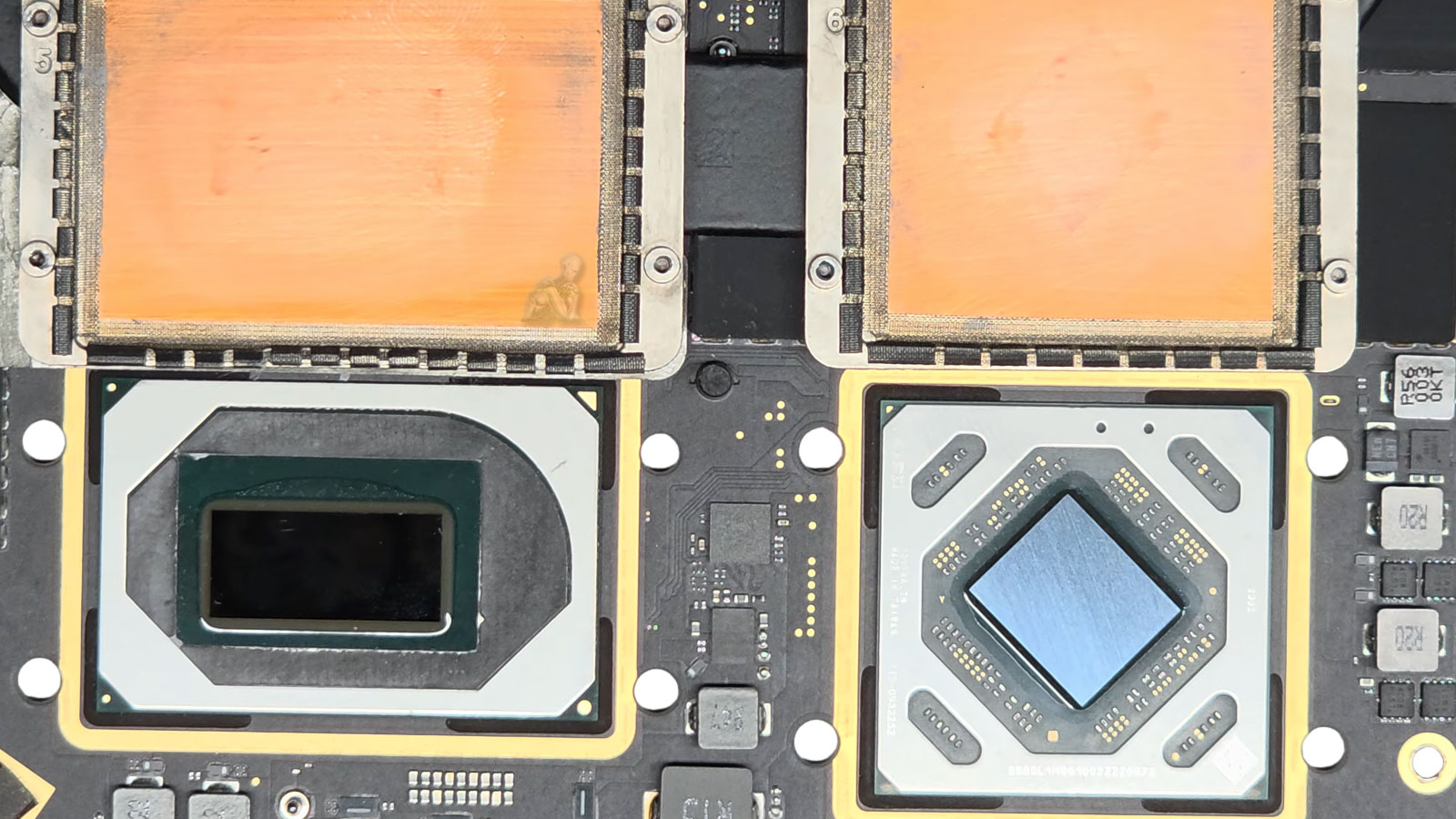
Graphics-related failures on a MacBook Pro require a diagnostic approach that goes beyond surface-level symptoms such as display artifacts, freezing, or loss of video output. These issues are often linked to instability within the GPU subsystem, including faults in the GPU core, VRAM, or the supporting power and signal pathways on the logic board. Accurate diagnosis involves analyzing how the graphics processor initializes, how it communicates with system memory, and whether its power rails and control signals remain stable under operation. This process helps determine whether the fault is localized to the GPU circuitry or influenced by broader system conditions affecting graphics performance.
Once the source of the failure is identified, board-level repair focuses on restoring proper electrical behavior within the affected circuits. This may involve addressing degraded solder connections, stabilizing power delivery to the GPU, or correcting faults within surrounding components that impact signal integrity. Each repair is performed with attention to maintaining the balance between thermal conditions, electrical load, and system communication pathways. The objective is to reestablish consistent graphical operation while ensuring that the repair supports long-term stability under normal usage conditions.
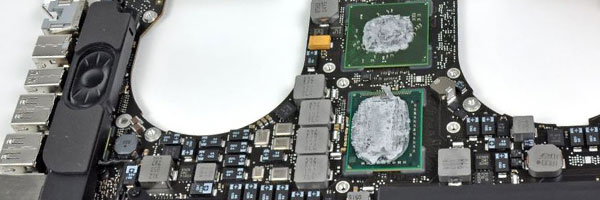
Common Video and GPU Failure Symptoms
System powers on but no image appears
Screen shows lines, blocks, or color distortion
System freezes during graphics-intensive tasks
Crashes when waking from sleep
External displays fail or behave erratically
Repeated kernel panics related to graphics processes
Performance drops when rendering or decoding video
These symptoms often worsen over time if left unresolved.
GPU and Video Repair Options
Graphics Chip Rework
For models affected by solder joint degradation, controlled reflow or reballing procedures may be used to restore reliable connections between the GPU and logic board.
Component-Level Circuit Repair
Faulty power controllers, capacitors, resistors, or signal components related to video output can be repaired or replaced directly on the board.
Thermal System Correction
Cooling inefficiencies contribute heavily to GPU failure. Fans, heatsinks, and thermal interfaces are addressed to reduce recurrence risk.
Display Output Verification
Internal and external video outputs are tested after repair to confirm stable image rendering and resolution handling.
GPU Power Delivery and Signal Integrity Analysis
Reliable GPU operation depends on stable power delivery and consistent signal communication across multiple interconnected circuits. Diagnostic analysis focuses on verifying the behavior of GPU power rails, voltage regulators, and supporting components that sustain the graphics processor under varying load conditions. Irregularities within these circuits, including voltage drops, ripple, or incomplete rail activation, can lead to graphical instability, system crashes, or complete loss of video output.
Video System Diagnostic Process
Before any repair is attempted, the entire video subsystem is evaluated, including:
Graphics processor behavior under load
Video memory stability
Power delivery to GPU circuits
Thermal response and heat distribution
Logic board signal integrity
This ensures the issue is correctly identified as a GPU, video circuit, or related board-level fault.
Supported MacBook Pro Systems
Intel-based MacBook Pro models with integrated or discrete graphics
Models affected by known GPU reliability issues
13-inch, 15-inch, and 16-inch configurations
Retina and non-Retina designs
Apple Silicon systems are evaluated individually due to integrated graphics architecture.
GPU Repair Constraints and Thermal Considerations
GPU-related repairs are influenced by the physical and thermal characteristics of the logic board. The graphics processor operates under high thermal load, and prolonged exposure to elevated temperatures can affect solder integrity, component stability, and surrounding circuitry. These conditions must be carefully evaluated when determining the feasibility of repair, as thermal stress can extend beyond the GPU itself and impact adjacent components.
Additionally, modern MacBook Pro designs integrate GPU functions tightly within the system architecture, limiting direct isolation of individual elements. Certain failure types, including internal GPU degradation or damage within multilayer board structures, may present constraints that cannot be fully reversed. Recognizing these limitations is essential for ensuring that repair efforts are based on realistic technical conditions rather than assumptions.
A video evaluation is appropriate when a MacBook Pro exhibits visual or performance-related symptoms that cannot be fully described through standard observation. This includes intermittent display output, graphical artifacts, system freezing during GPU-intensive tasks, or instances where the device powers on without consistent video response. In these cases, a focused evaluation helps determine whether the issue originates from the graphics subsystem, display circuitry, or related power and signal pathways on the logic board.
If your system is experiencing these conditions, you can submit a request with details about the behavior you are observing or call directly to discuss the issue in real time, which is often more convenient and efficient. This allows the evaluation to be aligned with the specific characteristics of the problem, ensuring that the next steps are defined clearly and based on the actual condition of the device.