
When Laptops Need Careful Internal Testing
Focused repair for laptops where space, heat, and component density require a more precise approach.
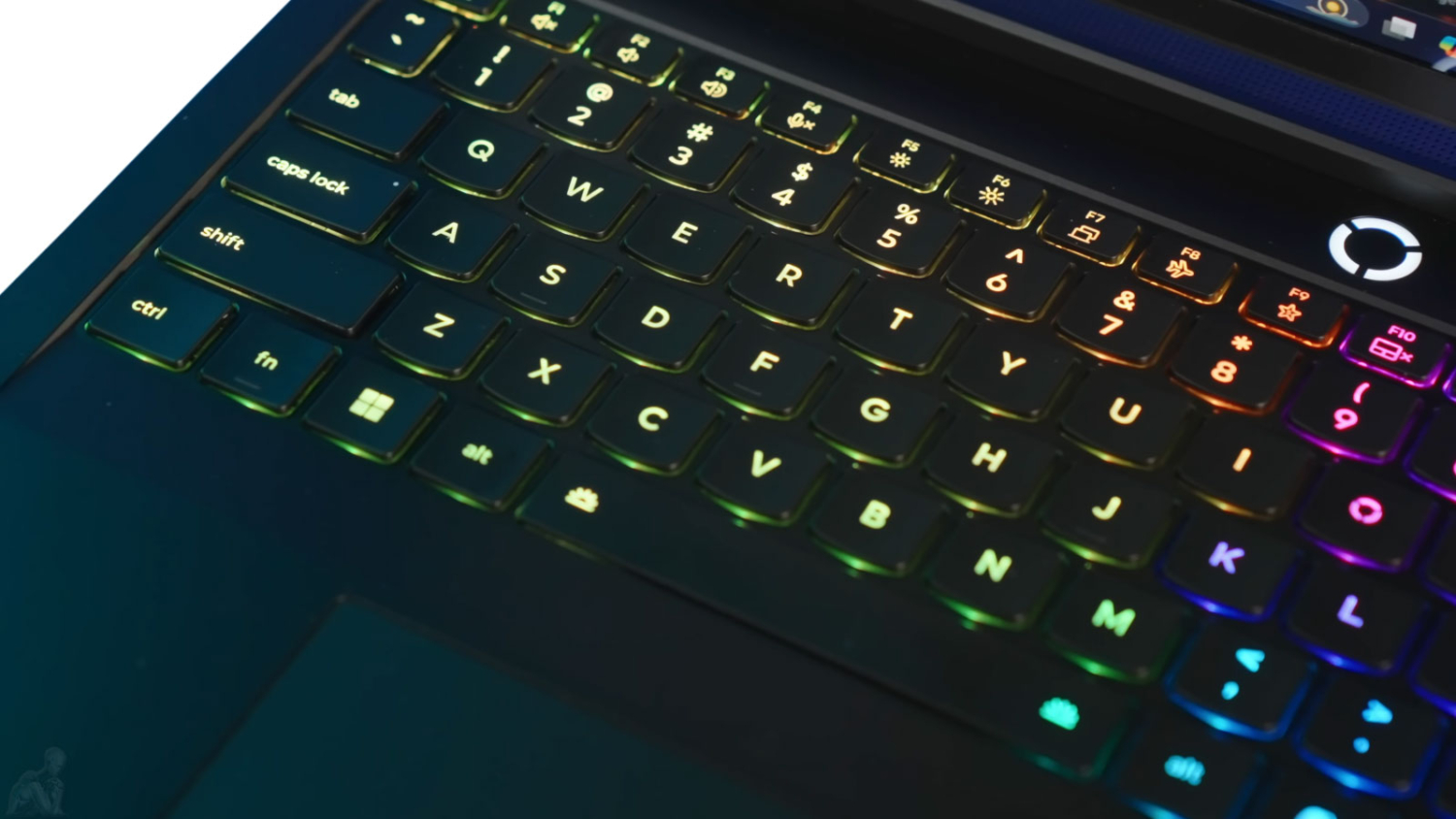
Laptops operate under tighter physical constraints than desktop systems. Heat buildup, compact layouts, and constant movement introduce a different category of failure, where small faults can affect multiple functions at once. A damaged charging circuit, a failing fan, or liquid exposure can quickly impact performance or prevent the system from powering on entirely.
Laptop repair in Miami is approached with attention to these constraints, working within the limitations of compact hardware while identifying faults at their source rather than relying on assumption or partial fixes.
Core Laptop Repair Capabilities
- DC jack and charging circuit repair
- Laptop motherboard diagnostics and repair
- LCD screen replacement and display issues
- Memory and storage upgrades (RAM and SSD)
- Liquid damage assessment and recovery
- Cooling system service and fan replacement
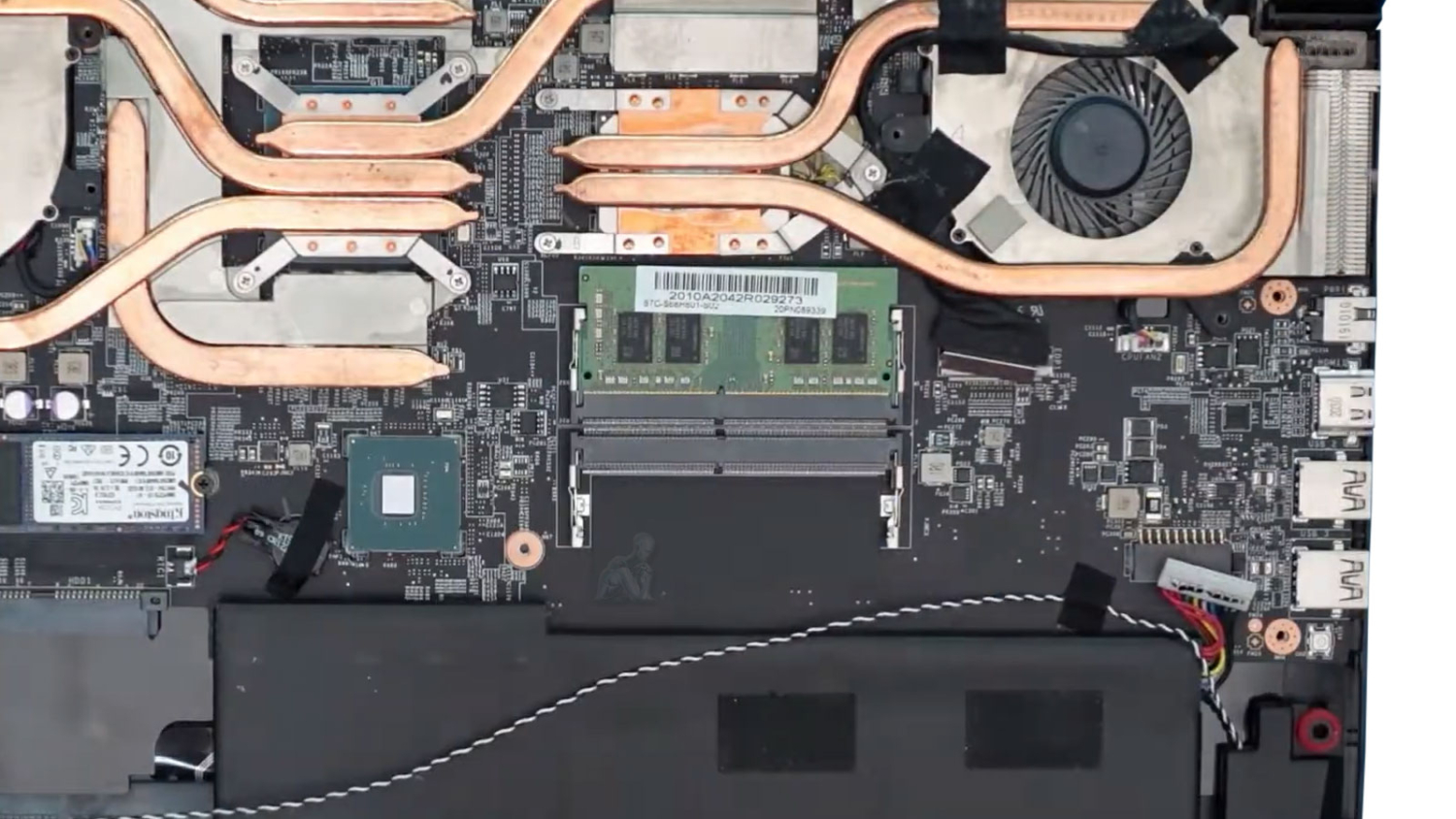
Repairing a laptop requires working within a confined and layered structure where components are closely integrated. Unlike desktop systems, access is limited and each part often depends on another to function correctly.
Charging ports, display connectors, cooling assemblies, and motherboard circuits must be evaluated with precision to avoid introducing additional stress or damage during the repair process. This level of care becomes especially important when dealing with systems that are still structurally intact but experiencing electrical or functional failure.
Laptop not charging
Often linked to DC jack damage, charging IC failure, or motherboard-level power issues.
Keyboard or trackpad not responding
May be caused by liquid exposure, connector issues, or internal board faults.
Laptop becomes extremely slow over time
Performance degradation can be linked to failing storage devices, insufficient memory, thermal throttling, or background system instability. Identifying the underlying cause allows performance to be restored without unnecessary changes.
Screen is cracked, flickering, or black
Display problems may involve the LCD panel, backlight circuitry, or internal display connections.
Laptop powers on but no image appears
The system may be running without displaying output due to internal display failure, backlight issues, or GPU-related faults. External display testing and internal signal tracing help determine whether the issue originates from the screen assembly or the motherboard.
Laptop turns on but freezes or crashes frequently
System instability can result from memory faults, storage errors, overheating, or motherboard-level issues affecting data flow. Testing helps isolate whether the problem is tied to a specific component or a broader system condition.
Laptop overheating or shutting down
Restricted airflow, failing fans, or degraded thermal materials can lead to instability and automatic shutdown.
Battery not charging or draining quickly
Battery-related problems may involve degraded cells, charging circuit faults, or incorrect power delivery from the motherboard. Proper testing helps determine whether the issue is isolated to the battery or tied to deeper electrical behavior.
Wi-Fi or Bluetooth not working properly
Wireless connectivity problems may be caused by failed internal cards, antenna issues, or motherboard communication faults. Diagnosis focuses on distinguishing between replaceable components and deeper hardware limitations.
Liquid damage
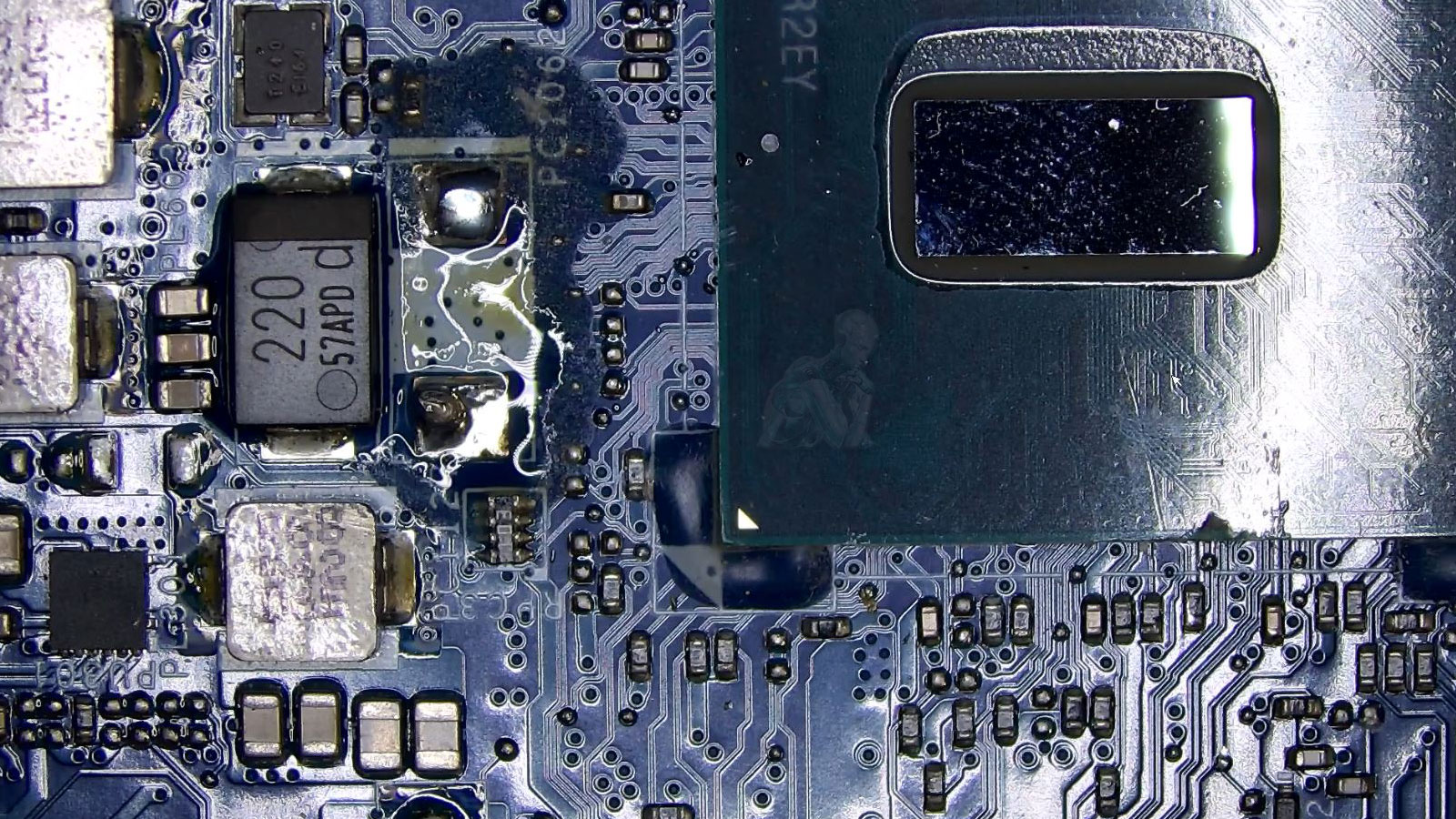
Spills can cause corrosion, short circuits, and unpredictable behavior if not properly cleaned and stabilized.
USB ports or external connections not working
Failure of USB ports or other I/O connections can result from physical damage, power delivery issues, or controller faults on the motherboard. These problems often require inspection beyond simple port replacement.
Laptop restarts randomly without warning
Unexpected restarts are often linked to power instability, overheating, or failing internal components. Controlled testing under different conditions helps identify the trigger and prevent recurring interruptions.
Working Within Compact Systems
Laptop hardware is designed for efficiency and portability, which often means tighter tolerances and reduced margins for error. Components are layered, soldered directly to the board, and integrated in ways that limit easy replacement.
This makes proper diagnosis essential. Identifying whether a fault is isolated or part of a broader issue determines whether repair is viable and how it should be approached. In many cases, addressing the exact failure point allows the system to be restored without unnecessary replacement of major components.
Repair Over Replacement
Many laptop issues are treated as non-repairable due to their compact design. However, faults such as damaged charging circuits, failed connectors, or localized board issues can often be corrected without replacing the entire motherboard.
This approach helps preserve the original system and reduces the need for expensive part replacement.
Maintenance and Longevity
Dust accumulation, restricted airflow, and worn cooling components gradually reduce performance over time. Regular internal cleaning and thermal servicing can significantly improve system stability and extend the usable life of the device.
Preventive maintenance becomes especially important for laptops that are used daily in work or study environments.
Laptop Repair in Miami for Daily Use Systems
Laptops are often central to daily routines across Miami, supporting work, communication, and personal use in a single portable system. When a failure occurs, the impact is immediate and often disruptive.
Laptop repair in Miami is handled with an understanding of how these systems are used in real conditions, focusing on restoring function in a way that supports consistent, everyday reliability rather than temporary fixes.
Every repair involves working within constraints. In laptops, those constraints are physical, electrical, and structural. Addressing faults within that environment requires controlled handling, accurate diagnosis, and attention to detail at every step.
The objective is to return the system to a stable, usable condition that holds up under regular use without recurring issues.