

Fast, Affordable & Local – With Free Pickup & Delivery
Hialeah is one of the largest and most active cities in Miami-Dade County, known for its strong cultural identity and places like the historic Hialeah Park Race Track, a landmark that has drawn visitors for decades with its distinctive architecture and long history. The city has grown into a dense, working community where daily life is closely tied to local businesses, commerce, and constant activity across neighborhoods. In many of these settings, digital systems sit quietly in the background until something changes. A checkout process takes longer than usual, files do not open the same way, or a workstation behaves differently than it did the day before. Computers are behind all of this, shaping how tasks move from one step to the next, which is why even small disruptions tend to stand out once they begin to affect routine use.
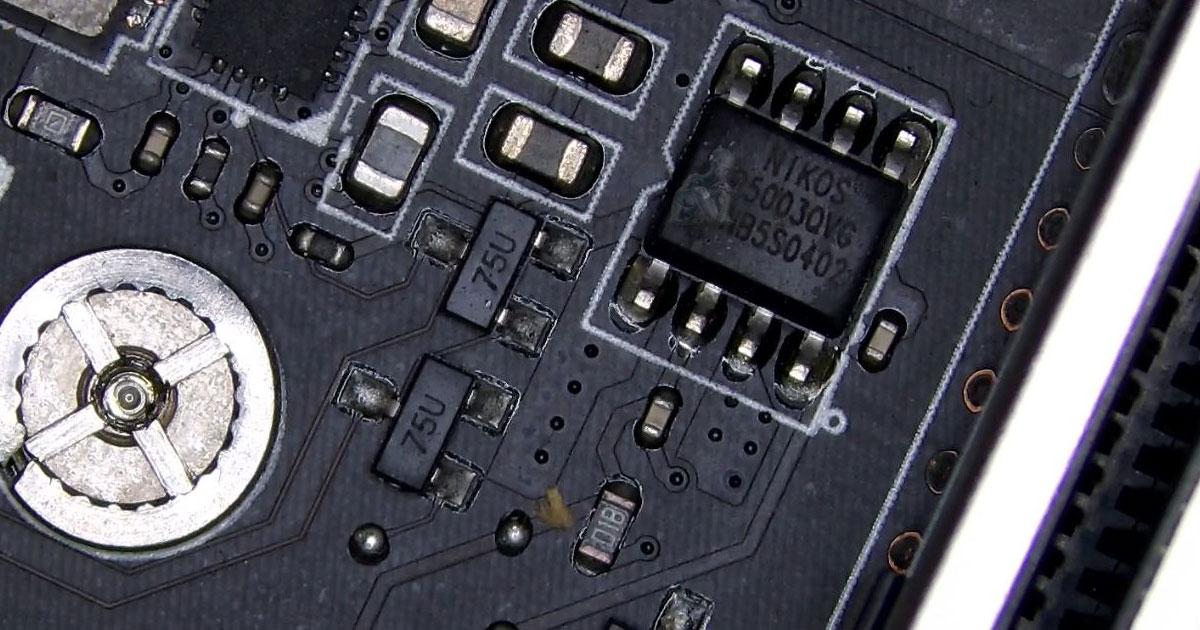
Comprehensive Computer Repair Services
All types of computers, laptops, and operating systems are supported with professional diagnostics and repair. Each system is assessed to understand how its hardware and software components interact, allowing issues to be traced back to their source rather than treated superficially. This includes identifying faults that may not be immediately visible, such as internal component wear or underlying system conflicts. By approaching each device with a detailed evaluation process, repairs can be carried out in a way that restores consistent operation and supports continued use over time.
Mac CPU Fan Replacement and Cooling System Work
Cooling issues in Mac systems often become noticeable through increased fan noise, higher internal temperatures, or reduced performance during normal use. The CPU fan plays a central role in moving heat away from internal components, and over time it can wear out, lose efficiency, or fail to operate consistently. In some cases, airflow may be restricted by internal buildup, adding strain to the cooling system.
- Removal of worn or non-functioning CPU fan units
- Installation of compatible replacement fans based on model
- Inspection of internal airflow paths and obstructions
- Cleaning of cooling areas during fan replacement
- Verification of fan response under system load
- Monitoring of temperature behavior after installation
- Adjustment of fan operation through system controls if needed
- Final system checks to confirm stable cooling performance
IT Support for Systems and Networked Workspaces
IT support deals with the way computers, networks, and connected devices function together as part of a working setup. Over time, changes such as software updates, added equipment, or shifting usage can introduce inconsistencies that affect how everything interacts. These issues do not always come from a single source and often relate to how the environment has evolved rather than how it was originally configured.
- System issue handling based on real world usage conditions
- Software setup and adjustment across different environments
- Network troubleshooting for connected devices
- Integration of printers and external hardware
- Account setup and access management
- Performance adjustments aligned with workload changes
- Configuration updates following system modifications
- Support across both individual and multi device setups
Virus Removal and System Security Cleanup
Unwanted software and unauthorized access can alter how a computer behaves, often without clear indication at first. Systems may begin to slow down, display unusual activity, redirect normal processes, or show signs that something is operating in the background without permission. These conditions can affect files, system settings, and overall control of the machine.
- Removal of malicious software affecting system behavior
- Detection of unauthorized access and suspicious activity
- Cleanup of altered system settings and background processes
- Inspection of startup programs and hidden tasks
- Restoration of normal system control and functionality
- Verification of file access and system integrity
- Security adjustments to reduce future exposure
Free Pickup & Delivery in Hialeah
Convenient service includes pickup and return for all supported devices.
- Safe pickup from residential or business locations
- Secure handling and professional repair process
- Free return delivery once service is complete
- Contactless service available throughout Hialeah
Laptop DC Jack Repair and Power Port Service
A worn or damaged DC jack can interrupt how a laptop receives power, leading to loosen charging connections, inconsistent battery behavior, or a system that no longer turns on. These issues often develop from repeated plug movement, internal stress on the port, or separation of the connector from its mounting points. The condition may change depending on cable position, making the problem intermittent and harder to ignore over time.
- Inspection of power port condition and internal alignment
- Repair or replacement of damaged DC jack components
- Reattachment of loose connectors to the board structure
- Verification of stable charging connection after repair
- Testing with compatible adapters for consistent power input
- Evaluation of surrounding components affected by power issues
- Reinforcement of connection points during reassembly
- Final check to confirm reliable power delivery
Data Recovery for Internal and External Drives
Data recovery focuses on retrieving files from computers and storage devices that are no longer accessible through normal use. This can involve systems that fail to start, drives that are detected but unreadable, or files that have been lost due to deletion or corruption. In many situations, the information remains on the device but requires controlled access methods to be reached.
- Recovery of files from non-booting desktops and laptops
- Data extraction from failing or damaged hard drives
- Solid state drive recovery based on storage condition
- Retrieval of files from external drives and USB devices
- Access to corrupted partitions and file structures
- Transfer of recovered data to new storage media
- Verification of file integrity after recovery
- Handling of different data loss scenarios across devices
Gaming PC Fault Analysis and Component Interaction
Not all problems in a gaming computer show up immediately. Some only appear after extended use, when heat builds up, power demand increases, and different components begin interacting under pressure. A system may run fine for basic tasks but behave differently once graphics rendering, background processes, and memory usage all increase at the same time.
- Observation of behavior after extended runtime rather than quick tests
- Review of how GPU, CPU, and memory interact during demanding tasks
- Inspection of irregular symptoms such as sudden freezes or visual glitches
- Checking for inconsistencies that appear only under specific conditions
- Evaluation of how the system handles sustained workload changes
- Identification of performance shifts over time instead of single failures
- Adjustment of internal configuration based on actual system behavior
- Confirmation that the system responds consistently after correction
We Proudly Serve All Areas of Hialeah
Service coverage includes:
- Hialeah Gardens
- West Hialeah
- East Hialeah
- Amelia District
- Palm Springs North
- Gratigny Parkway Corridor