
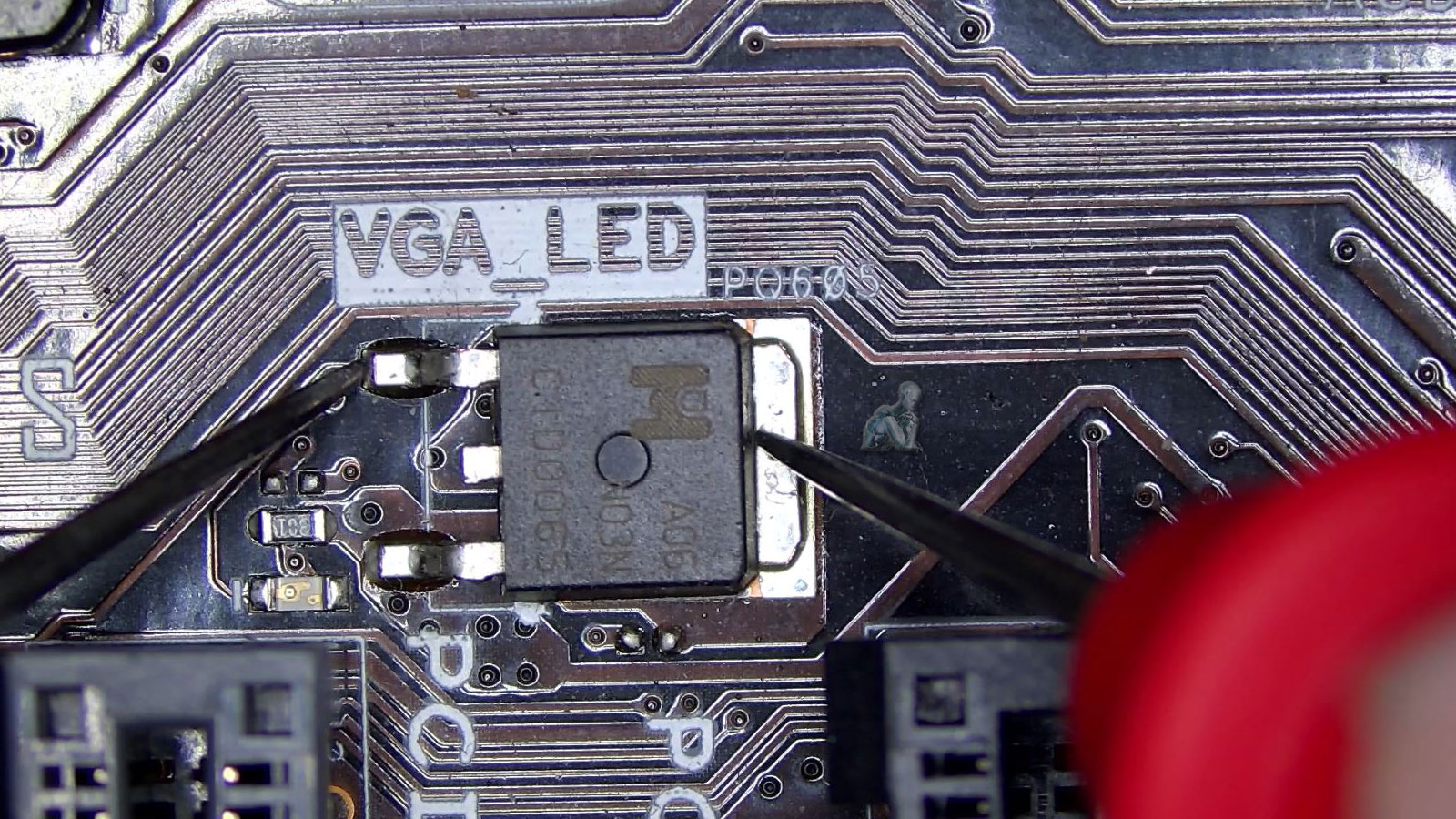
Identifying the Causes Behind Boot Failures
Boot failures often indicate that the system is unable to complete its startup sequence due to an interruption at a critical stage. This can stem from issues within the storage device, operating system corruption, firmware configuration problems, or faults in essential hardware components. Because multiple elements must work together during startup, even a single point of failure can prevent the system from initializing properly. Identifying the exact cause requires a structured evaluation of how the system behaves from power-on through each phase of the boot process.
We approach boot failure diagnostics by analyzing system responses, verifying hardware functionality, and assessing the integrity of startup-related configurations. This includes reviewing BIOS or UEFI settings, checking storage accessibility, and examining system files that are required for proper initialization. By isolating the source of the disruption with precision, we establish a clear path toward restoring normal startup behavior and ensuring the system can operate reliably once powered on.
Restoring System Startup Functionality
Once the cause of the boot failure has been identified, we move forward with targeted repair actions designed to restore proper system initialization. This may involve repairing or rebuilding startup files, correcting firmware configurations, or addressing hardware components that are preventing the system from completing its boot sequence. Each step is based on verified findings to ensure that the solution directly resolves the issue without introducing additional complications.
After the necessary corrections are applied, the system is carefully tested through multiple startup cycles to confirm consistent behavior. This validation process ensures that the system initializes properly under normal conditions and that the original fault has been effectively resolved. The goal is to return the system to a stable state where it powers on and operates without interruption.
Reasons Customers Rely on Our Repair Services
- Experienced Technicians – Certified experts in diagnosing and repairing PC startup issues.
- Same-Day Service – Get fast and reliable repairs to restore your computer.
- Advanced Diagnostics – We pinpoint the root cause of boot failures efficiently.
- Affordable & Transparent Pricing – No hidden fees, just honest pricing.
- Warranty on Repairs – We back our services with a repair guarantee.
- Convenient Miami Location – Quick and easy access to professional PC repair services.
Our PC Repair & Diagnostic Services
We offer comprehensive PC repair services to fix boot failures and improve performance:
Power supply replacement – Fix power-related issues preventing startup.
Motherboard & RAM troubleshooting – Diagnose and repair hardware failures.
Operating system repair & reinstallation – Fix corrupted files and restore Windows/macOS.
Hard drive/SSD upgrades & cloning – Replace failing drives and recover data.
Virus & malware removal – Remove infections causing boot issues.
BIOS & firmware updates – Optimize startup functions and fix compatibility issues.
Protecting Data During Boot Failure Repair
When a system fails to boot, the condition of the stored data becomes a primary concern. We take a controlled approach to safeguard files while working through the repair process, especially in cases where the storage device may be affected. By evaluating the state of the drive and handling it with care, we reduce the risk of further data complications during diagnostics and repair.
If needed, data can be accessed and secured before major repair steps are performed, ensuring that important information remains protected. This approach provides an added layer of assurance while addressing the underlying issue, allowing the system to be repaired without compromising the integrity of the data it contains.
Common PC Boot Issues We Fix
- PC won’t turn on or shows no power
- Stuck on BIOS or manufacturer’s logo
- Blue Screen of Death (BSOD) errors
- Operating system not found or boot failure messages
- Endless restart loop or system crashes
- Corrupted or missing system files
- Hardware failures (motherboard, RAM, power supply, hard drive issues)
How Our PC Repair Process Works
Our repair process begins with a detailed intake and diagnostic phase, where we assess the system’s condition and identify the exact cause of the issue. We evaluate both hardware and software components, review system behavior, and run targeted tests to isolate the problem accurately. This step ensures that the repair strategy is based on verified findings rather than assumptions, allowing for a more precise and effective solution.
After confirming the issue, we carry out the necessary repair using a structured and controlled approach. Once completed, the system is tested under normal operating conditions to verify stability, performance, and consistency. This final validation ensures that the problem has been fully resolved and that the system is ready to function reliably without recurring issues.
Don’t let a non-booting PC disrupt your day! If you need local PC repair services, we are your trusted repair experts. Fast. Reliable. Affordable. Get your computer up and running today!