
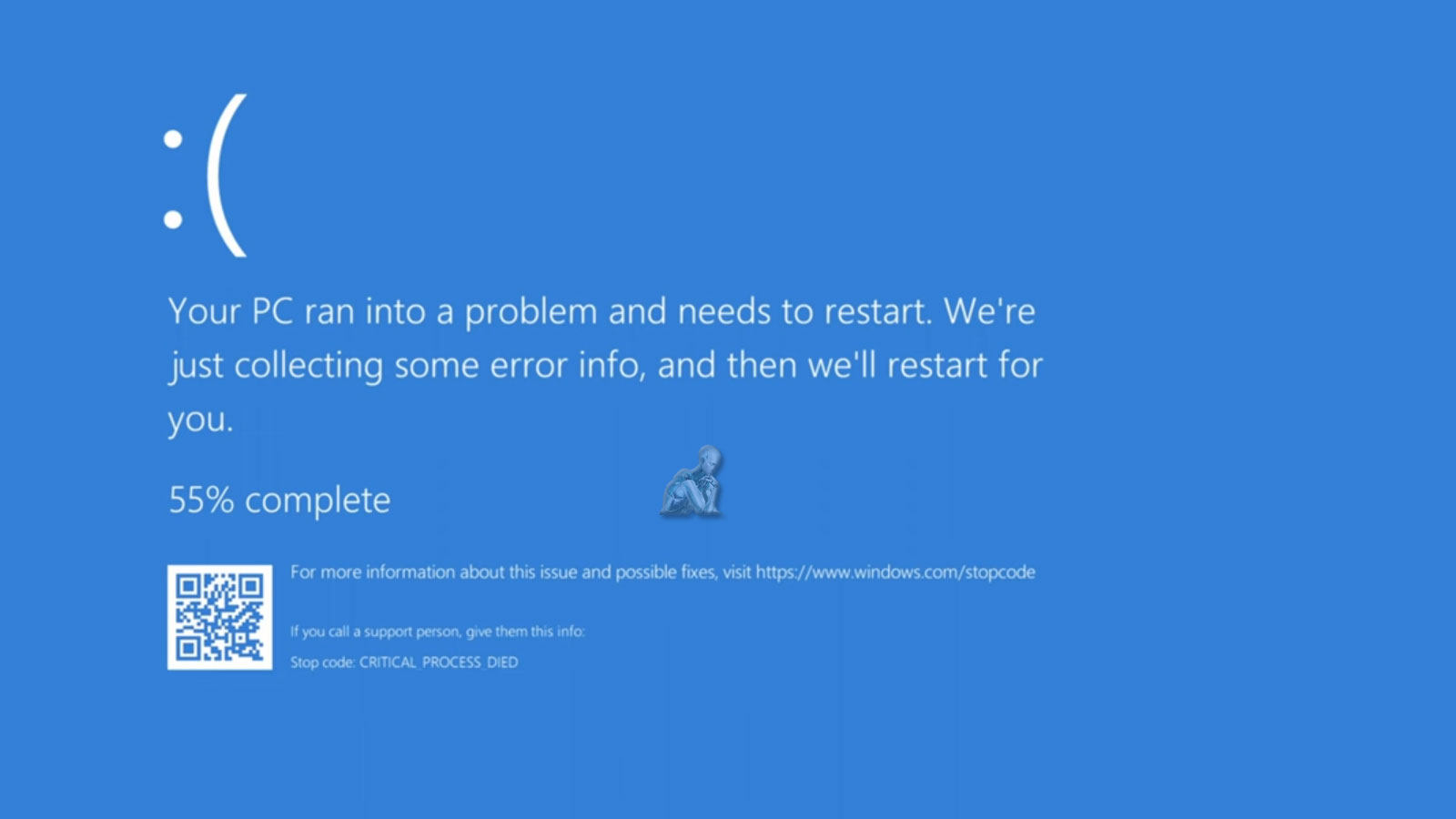
Fixing Blue Screen of Death (BSOD) Errors
Blue Screen of Death (BSOD) errors indicate that the system has encountered a critical fault that it cannot safely recover from during operation. These errors are often linked to driver conflicts, hardware instability, memory issues, or underlying system corruption. Because the cause is not always immediately visible, resolving BSOD problems requires a structured diagnostic process that identifies the exact trigger behind the failure rather than relying on temporary fixes.
We address BSOD errors by analyzing system logs, evaluating hardware performance, and reviewing driver and operating system behavior to isolate the root cause. Once identified, corrective actions are applied to restore system stability and prevent recurring crashes. This approach ensures that the system operates reliably under normal conditions without unexpected interruptions or repeated failure cycles.
Common Blue Screen of Death Errors We Fix
- Critical Process Died
- IRQL_NOT_LESS_OR_EQUAL
- Memory Management Error
- Page Fault in Nonpaged Area
- Driver Power State Failure
- Unexpected Kernel Mode Trap
- System Service Exception
- Bad System Config Info
Identifying the Root Cause Behind System Crashes
Blue screen errors rarely occur without a deeper underlying issue. While the visible crash may seem sudden, it is often the result of accumulated conflicts between drivers, failing hardware components, or system-level inconsistencies. We focus on tracing these errors back to their origin by reviewing system behavior patterns, analyzing crash reports, and isolating the exact condition that triggers the failure.
This process allows us to move beyond surface-level fixes and address the actual source of instability. By pinpointing the cause with accuracy, we can implement corrective measures that reduce the likelihood of recurring crashes and restore a stable operating environment that performs consistently under normal use.
Why Clients Trust Us for Blue Screen of Death Repairs
- Experienced Technicians – Certified experts in diagnosing and fixing BSOD errors.
- Same-Day Service – Quick turnaround time for urgent repairs.
- Advanced Diagnostics – We identify the root cause of crashes efficiently.
- Affordable & Transparent Pricing – No hidden fees, just honest rates.
- Warranty on Repairs – We back our work with a service guarantee.
- Convenient Miami Location – Easy access to professional PC repair services.
Windows Crash Diagnosis and System Repair
We offer comprehensive PC repair services to resolve BSOD errors and optimize system performance:
Hardware diagnostics & repair – Identify and replace faulty RAM, hard drives, and other components.
Driver updates & fixes – Resolve driver conflicts and compatibility issues.
Operating system repair & reinstallation – Fix corrupted Windows/macOS files.
Virus & malware removal – Eliminate harmful software causing system crashes.
Cooling system maintenance – Prevent overheating-related BSODs.
BIOS & firmware updates – Optimize system stability and performance.
Restoring System Stability and Preventing Future Errors
Once the source of a blue screen error has been identified, restoring stability requires a precise and controlled approach. We apply targeted solutions that may involve correcting driver conflicts, repairing system files, adjusting configurations, or addressing hardware-related concerns. Each step is based on verified findings to ensure that the system is not only repaired but also optimized for reliable operation.
Beyond resolving the immediate issue, attention is given to preventing future disruptions. This includes refining system settings, ensuring compatibility across components, and reinforcing areas that contributed to the original failure. The goal is to provide a system that operates smoothly without repeated interruptions or unexpected crashes.
How Our PC Repair Process Works
- Visit Our Miami Repair Shop – Walk in or book an appointment online.
- Free Diagnosis & Quote – We analyze the BSOD error and provide a repair estimate.
- Fast Repair & Optimization – Our technicians fix the issue and enhance performance.
- Final Inspection & Pickup – After testing, your PC is ready to go!
Don’t let a Blue Screen of Death slow you down! If you need Windows desktop or laptop, trust us to restore your computer’s functionality. Fast. Reliable. Affordable. Get your PC running smoothly today!