
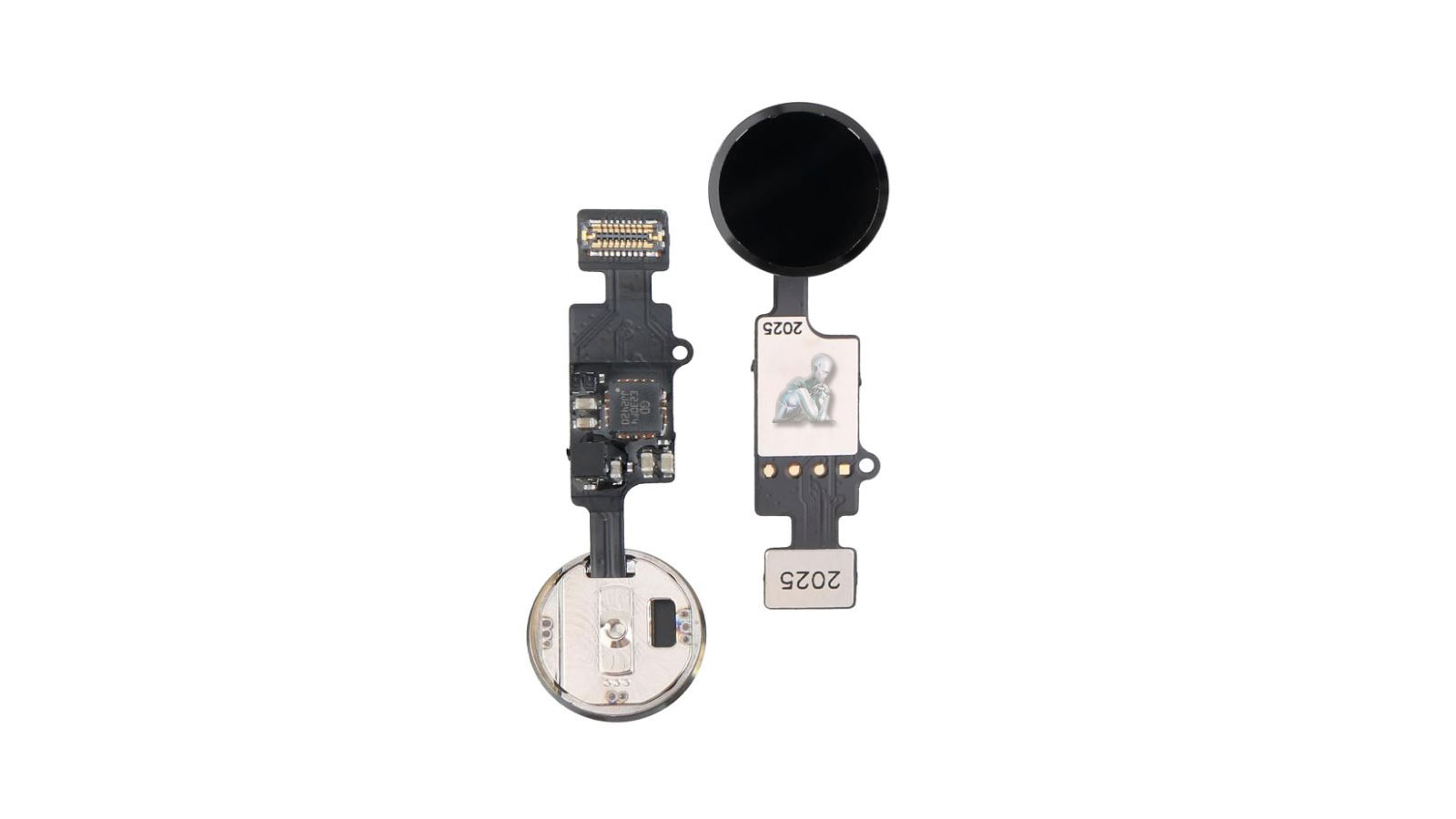
iPhone Home Button Diagnosis and Repair Services
The home button plays a central role in iPhone navigation, providing quick access to core functions such as unlocking the device, returning to the main screen, and activating system features. When the button becomes unresponsive, inconsistent, or physically damaged, it can significantly affect how the device is used. Identifying the cause of these issues requires a detailed evaluation of both the physical button mechanism and the underlying circuitry that supports its operation.
Repair and replacement procedures focus on restoring reliable input response while maintaining proper interaction with the system. This may involve addressing mechanical wear, connection faults, or component level issues that interfere with functionality. When performed with precision, the process ensures that the home button responds consistently, supporting smooth navigation and dependable everyday use.

Common Home Button Failure Conditions
Home button repair may be required when an iPhone exhibits one or more of the following behaviors:
- Home button does not respond to presses
- Intermittent or delayed button response
- Button physically stuck or unable to click
- Home button registers input inconsistently
- Touch ID functionality disabled due to button failure
- Button damaged after impact or liquid exposure
In some cases, software issues may mimic hardware failure, which is why proper diagnosis is required before repair.
Touch ID Integration and Functionality Considerations
On supported iPhone models, the home button is closely integrated with Touch ID, which manages fingerprint recognition and secure authentication. This integration adds an additional layer of complexity, as the button is not only a physical input component but also part of the device’s security system. Any repair or replacement must take into account how these elements interact to ensure that system access and authentication features continue to function as intended.
Maintaining compatibility with the device’s security architecture is essential when addressing home button issues. Careful evaluation determines whether the existing component can be preserved or if alternative solutions are required to restore usability. This approach helps ensure that both navigation and security related functions are considered during the repair process.
Repair Scope and Technical Considerations
Home button repair complexity varies by model. On certain devices, the home button is cryptographically paired to the logic board, meaning Touch ID restoration may not be possible even if button functionality is recovered. Each device is evaluated individually to determine repair feasibility and expected outcome.
Repairs are performed without altering unrelated components or stored user data.
Restoring Reliable Navigation and Daily Usability
Once the home button has been repaired or replaced, the device is expected to return to a stable and consistent state of operation. Reliable input response supports essential functions such as navigation, multitasking, and system access, all of which depend on predictable button behavior. Ensuring that these interactions perform as expected is key to restoring overall usability.
With proper functionality reestablished, the iPhone can continue to be used without interruptions related to input issues. Consistent performance during everyday tasks reflects a successful repair outcome, allowing the device to maintain its intended level of responsiveness and reliability over time.
Supported iPhone Models
Home button repair applies only to iPhone models equipped with a physical home button, including:
- iPhone SE (1st, 2nd, and 3rd generation)
- iPhone 8 and 8 Plus
- iPhone 7 and 7 Plus
- iPhone 6s, 6, 5s, and earlier supported models
Newer iPhone models without a physical home button are not applicable to this service.
Button Response Accuracy and User Interaction
Consistent response from the home button is critical for smooth user interaction. Delayed input, inconsistent feedback, or the need for repeated presses can disrupt normal operation and affect how efficiently the device can be used. Evaluating response accuracy involves testing how the button reacts under different conditions and identifying any irregularities in performance.
Restoring proper response behavior ensures that the button registers input reliably and provides a predictable interaction experience. Attention to tactile feedback, pressure sensitivity, and internal contact stability helps return the device to a state where navigation feels natural and uninterrupted during everyday use.
Internal Connection and Signal Path Evaluation
The functionality of the home button depends on secure internal connections between the button assembly and the logic board. Flex cables, connectors, and contact points must maintain consistent signal transmission for the button to operate correctly. Any disruption in these pathways can lead to partial or complete loss of functionality.
Evaluating these internal connections involves verifying continuity, checking for wear or damage, and ensuring that all contact points are properly aligned. Addressing issues at this level helps restore stable communication between the button and the system, supporting reliable operation after repair or replacement.
Post-Repair Verification
Post-repair verification is an essential step to confirm that the home button operates consistently and integrates correctly with the system. This process involves testing responsiveness, input accuracy, and overall behavior under normal usage conditions. Each interaction is evaluated to ensure that the button registers commands reliably and performs its intended functions without delay or inconsistency.
Additional checks focus on confirming proper communication between the button assembly and the device’s internal circuitry. This includes verifying that navigation functions, system responses, and any associated features operate as expected. Completing this verification stage ensures that the repair has restored stable functionality and that the device is ready for regular, uninterrupted use.