
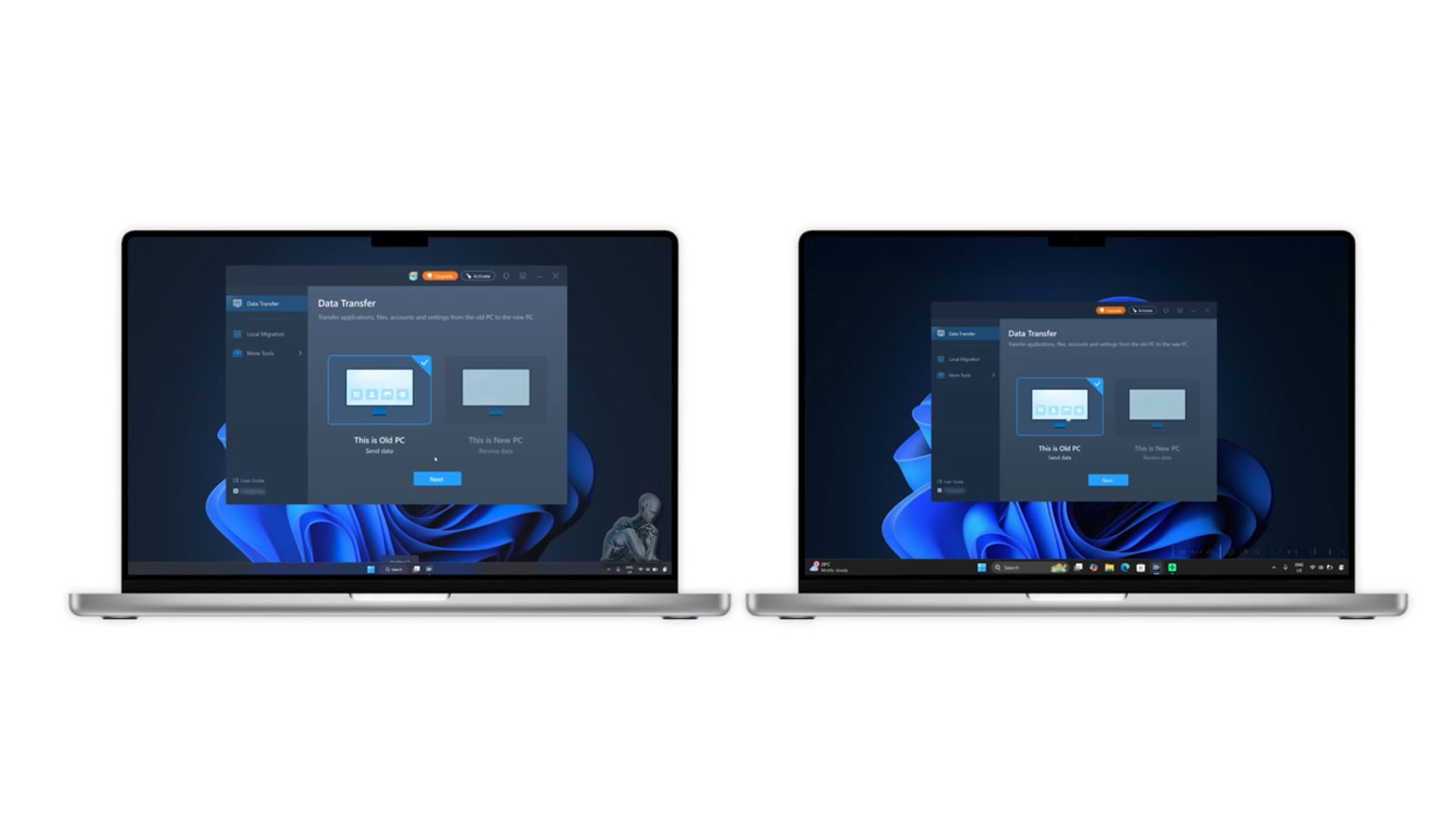
Move Your Files Safely to a New or Upgraded Laptop
Transferring data to a new or upgraded laptop requires a structured approach to ensure that files, applications, and system configurations are moved without loss or corruption. Differences in operating systems, storage formats, and hardware architecture can introduce compatibility challenges if not handled correctly. A controlled migration process focuses on preserving file organization, maintaining data integrity, and ensuring that critical information remains accessible in the new environment.
Careful planning and execution also help maintain continuity between devices, allowing users to transition without disruption. This includes verifying transferred data, aligning system settings where applicable, and ensuring that essential files are fully functional after migration. By prioritizing accuracy and stability throughout the process, the result is a reliable transfer that supports ongoing productivity on the new or upgraded laptop.
What We Can Transfer
We handle a wide range of personal and professional data, including:
- Documents and folders such as Desktop, Documents, and Downloads
- Photos, videos, music libraries, and email archives
- Installed software and user preferences
- Internet bookmarks and saved passwords, when supported by the browser
- Cloud sync configurations such as iCloud, OneDrive, or Google Drive
- Microsoft Office, Adobe, and creative software profiles
- Data from older or partially non-functional systems, when recoverable
Whether you are switching devices, replacing storage, or moving between platforms, we focus on accuracy and data integrity.
Supported Laptops and Operating Systems
- Apple MacBook, MacBook Air, and MacBook Pro, including Intel and Apple Silicon models
- Windows laptops from Dell, HP, Lenovo, ASUS, Acer, MSI, Microsoft Surface, and others
- Operating systems including macOS and Windows 10 and Windows 11
Cross-platform transfers, such as Mac to Windows or Windows to Mac, are also supported.
Data Integrity Verification After Transfer
Ensuring that transferred data remains complete and unaltered is a critical part of any migration process. After files, applications, and system data are moved to the new device, verification procedures are performed to confirm that all content has been accurately transferred. This includes checking file structures, validating accessibility, and confirming that no data has been lost or corrupted during the process.
Attention to verification helps prevent inconsistencies that may not be immediately visible. By reviewing both the source and destination environments, it becomes possible to identify discrepancies early and address them before the transition is considered complete. This approach supports reliability and ensures that all essential data is fully functional on the new system.
Free Pickup and Delivery Available
To make the process simple and stress-free:
- We collect your laptop or storage device
- Perform the data transfer and any requested setup
- Return your system ready to use
Pickup and delivery is available throughout Miami-Dade County at no additional charge.
Service Area
We serve all of Miami-Dade County, including Coral Gables, Downtown Miami, Brickell, Doral, Kendall, Pinecrest, Hialeah, Aventura, Homestead, Cutler Bay, North Miami, and nearby areas.
Our Laptop Data Transfer Process
Device and Compatibility Review
We evaluate both the source and destination systems to confirm compatibility across operating systems, storage formats, and file structures.
Secure File Migration
Professional tools are used to copy data safely while preserving folder structure, file integrity, and timestamps.
Application Setup Assistance
If needed, we assist with reinstalling applications and configuring your working environment so your software is ready to use.
System Personalization
Desktop layouts, display preferences, and user settings can be matched to your previous system for a familiar experience.
Optional Backup Creation
A backup copy of your data can be created on an external drive or cloud platform for added security.
Who This Service Is For
- Home users upgrading to a new laptop
- Professionals setting up a replacement or secondary work system
- Students transitioning between school-issued and personal devices
- Small businesses replacing laptops or onboarding new users
Each transfer is handled with care, privacy, and attention to detail.
Compatibility and System Alignment
Data migration often involves transferring information between devices with different operating systems, configurations, or software environments. Ensuring compatibility is essential to maintain usability after the transfer. This includes evaluating file formats, application dependencies, and system settings to align the data with the destination device’s structure and capabilities.
Proper system alignment allows files and applications to function as expected without requiring extensive adjustments after migration. By addressing compatibility considerations during the transfer process, the transition becomes more seamless and efficient. This level of preparation helps maintain continuity and ensures that the new system is ready for immediate and stable use.
Why Clients Choose Us
- Over a decade of experience supporting laptop users in Miami
- Technicians familiar with both Windows and macOS environments
- Careful, verified data transfer with no shortcuts
- Respect for privacy and data confidentiality
- Same-day service available for many transfers
- Open seven days a week
Our focus is reliability, clarity, and protecting what matters most.
Move to your new laptop with confidence, knowing your files, settings, and data are handled with precision from start to finish. Each stage of the transfer process is carefully managed to preserve structure, maintain compatibility, and ensure that all information remains complete, accurate, and fully functional in the new environment.