
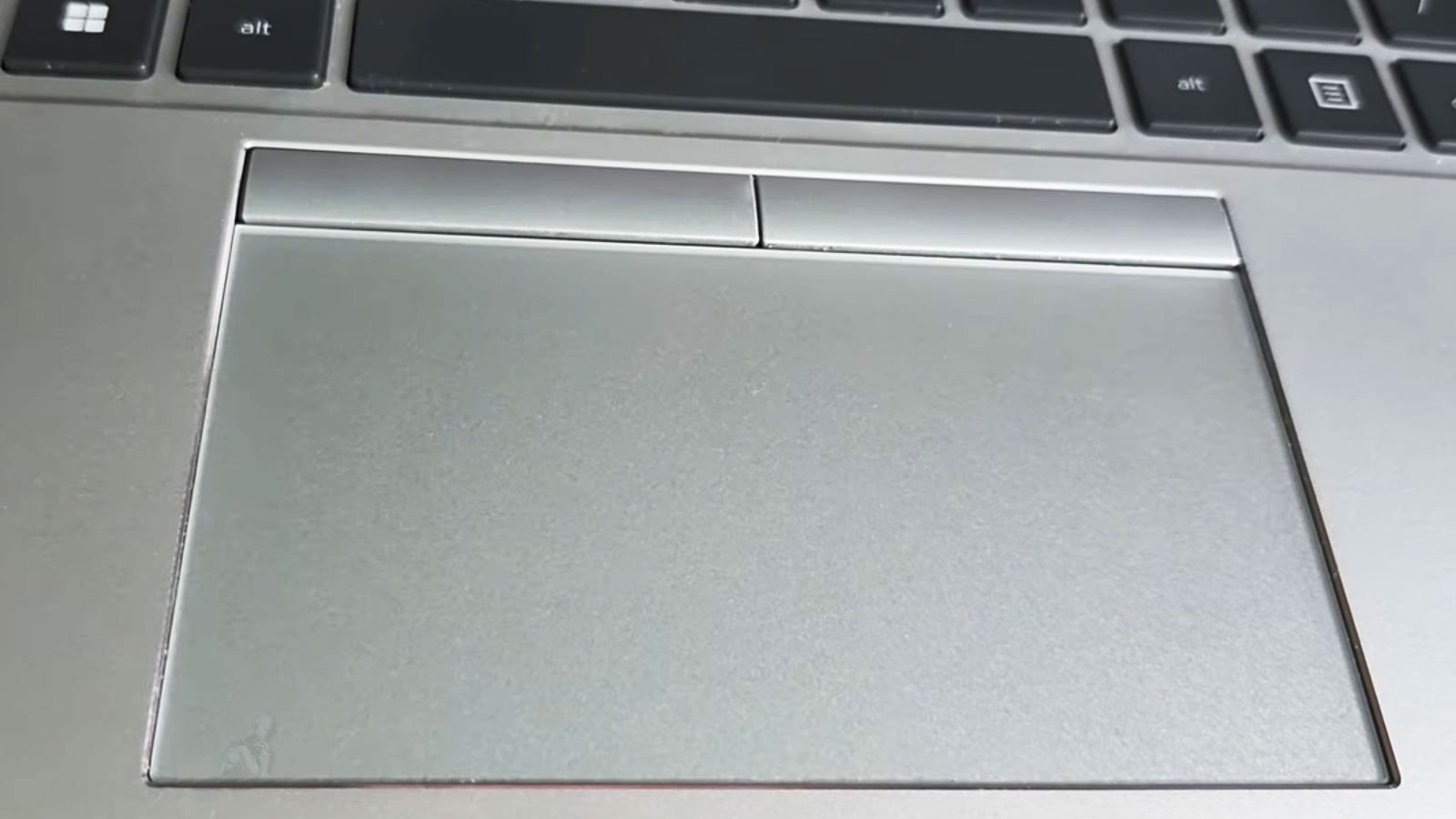
Laptop Trackpad Repair for Smooth and Accurate Control
Accurate cursor control is essential for efficient navigation and overall usability in a laptop. When a trackpad becomes unresponsive, inconsistent, or fails to recognize gestures properly, it can significantly affect the user experience. These issues may stem from surface wear, internal connection problems, or faults within the input circuitry, requiring a careful evaluation to determine the exact cause.
Restoring smooth and reliable trackpad functionality involves precise inspection of both the physical component and its integration with the system. This includes verifying connections, ensuring proper alignment, and confirming that input signals are correctly interpreted by the operating system. By addressing these factors with attention to detail, it becomes possible to achieve consistent and accurate control across all touch interactions.
Trackpad Surface and Sensor Condition Assessment
The condition of the trackpad surface and its underlying sensors plays a key role in input accuracy and responsiveness. Over time, surface wear, contamination, or minor physical damage can interfere with touch detection and gesture recognition. Evaluating the external layer along with the sensor array helps determine whether the issue is related to physical degradation or internal signal interpretation.
Careful assessment ensures that all contributing factors are identified before proceeding with repair. By understanding how the surface and sensors interact, it becomes possible to restore consistent tracking performance and maintain precise cursor control across different usage conditions.
Common Laptop Trackpad Issues We Repair
Trackpad problems come in many forms, including:
- Trackpad completely unresponsive
- Cursor jumping, lagging, or erratic movement
- Clicking or tapping not registering properly
- Trackpad buttons stuck or failing to click
- Phantom cursor movement or unintended input
- Trackpad lifted or warped due to battery swelling
- Multi-touch gestures not functioning correctly
If the trackpad is interfering with normal use, the issue can usually be repaired without replacing the entire laptop.
Supported Laptop Brands and Trackpad Types
Trackpad repairs are available for a wide range of laptops, including:
- Apple MacBook, MacBook Air, and MacBook Pro, including Force Touch trackpads
- Dell, HP, Lenovo, ASUS, Acer, MSI, Microsoft Surface, and other major brands
- Gaming laptops, ultrabooks, and touchscreen hybrid systems
Both mechanical and pressure-sensitive trackpads are serviced with precision.
Why Clients Choose Us for Trackpad Repairs
- Over 17 years of experience repairing laptop input devices
- Technicians familiar with both Windows and macOS hardware designs
- High-quality replacement parts for long-term reliability
- Clear pricing and honest recommendations
- Same-day or next-day turnaround available in many cases
- Open seven days a week
The goal is smooth, predictable control without guesswork.
Driver Integration and Input Calibration
Trackpad performance is influenced not only by hardware condition but also by proper driver integration within the operating system. Inconsistent or outdated drivers can lead to irregular behavior, reduced sensitivity, or incomplete gesture support. Ensuring correct software communication is an important part of achieving reliable input functionality.
Input calibration and configuration adjustments help align the trackpad’s behavior with expected performance standards. By refining sensitivity settings and confirming accurate gesture response, the system can deliver smooth and predictable control, supporting both basic navigation and advanced multi-touch interactions.
Our Laptop Trackpad Repair Process
Detailed Diagnosis
The trackpad hardware, internal flex cables, firmware behavior, and system settings are tested to pinpoint the exact cause of failure. This prevents unnecessary part replacement.
Precision Trackpad Replacement
When replacement is required, a compatible, model-specific trackpad is installed to ensure proper fit, sensitivity, and gesture support.
Internal Cable and Connection Repair
Loose, damaged, or misaligned internal cables are repaired or reconnected when possible, restoring full functionality without excess cost.
Battery and Swelling Inspection
Swollen batteries are a common cause of trackpad issues. Battery health is checked, and replacement is recommended if pressure from below is affecting trackpad movement.
Comprehensive Function Testing
Before return, the trackpad is tested for click accuracy, tap response, scrolling, multi-finger gestures, and cursor stability.
Free Pickup and Delivery Included
To make the process simple:
- A pickup is scheduled at your home, office, or school
- Repairs are completed in a controlled environment
- Your laptop is returned with the trackpad fully restored
Pickup and delivery is always included throughout Miami-Dade County.
Service Area
Laptop trackpad repair services are available across Miami-Dade County, including Brickell, Coral Gables, Downtown Miami, Doral, Hialeah, Aventura, Pinecrest, Homestead, Cutler Bay, Miami Beach, and surrounding areas.
Regain precise control of your laptop and return to a smooth, comfortable workflow. With responsive input and consistent tracking restored, everyday navigation becomes more accurate and reliable, supporting a more efficient and frustration-free experience.