
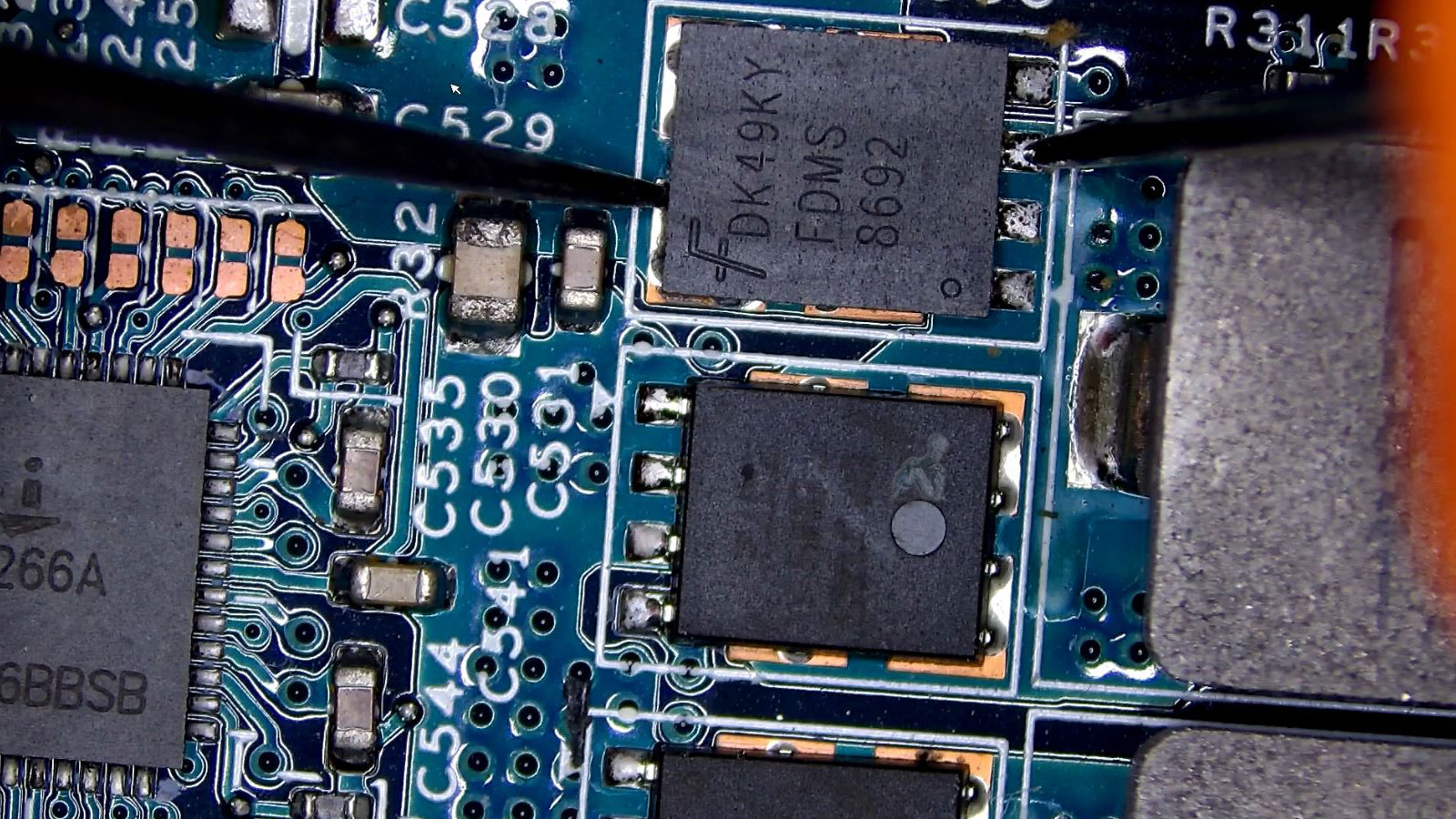
Identify the Issue Before You Repair
Accurate identification of the underlying issue is a critical first step in any laptop repair process. Problems may present with similar symptoms, yet originate from entirely different causes, ranging from hardware faults to software instability. A structured diagnostic approach focuses on isolating the root cause through systematic evaluation of key components, power pathways, and system behavior, ensuring that the issue is clearly understood before any corrective action is taken.
Establishing a precise diagnosis allows for targeted repair strategies that reduce unnecessary intervention and preserve component integrity. By analyzing system responses, verifying electrical conditions, and reviewing operational patterns, it becomes possible to determine the most effective course of action. This level of assessment supports accurate repairs, minimizes uncertainty, and helps maintain consistent performance once the system is restored.
What a Laptop Diagnostic Covers
A complete diagnostic combines hands-on inspection with advanced testing tools to evaluate your system thoroughly.
Hardware Diagnostics
Power delivery and charging circuits are tested along with memory, storage, motherboard components, and thermal performance. Input devices and display functionality are also checked to rule out related failures.
Software Troubleshooting
Operating system errors, startup issues, driver conflicts, crashes, and performance slowdowns are analyzed on both Windows and macOS systems.
Thermal and Battery Evaluation
Battery health, charging behavior, fan operation, and heat management are reviewed to identify overheating risks or power-related instability.
Once the diagnostic is complete, you receive a clear explanation of the findings along with practical repair recommendations, without pressure or unnecessary add-ons.
Advanced Testing Tools and Methods
Comprehensive diagnostics rely on specialized tools designed to evaluate system performance and component integrity at multiple levels. Equipment such as multimeters, diagnostic software, and firmware analysis utilities are used to assess electrical conditions, data communication, and operational consistency.
These methods provide measurable data that supports precise fault identification. By combining technical tools with structured testing procedures, the diagnostic process remains controlled, repeatable, and aligned with accurate repair outcomes.
Service Area
Laptop diagnostics are available throughout Miami-Dade County, including Miami, Brickell, Coral Gables, Doral, Kendall, Aventura, Hialeah, Pinecrest, Cutler Bay, Homestead, North Miami, and surrounding areas.
Pickup and return delivery is available within Miami-Dade County when needed.
Laptop Brands and Systems Diagnosed
Diagnostics are performed on all major laptop brands and configurations, including:
Apple MacBook, MacBook Air, MacBook Pro
Dell XPS, Inspiron, Latitude
HP Pavilion, Spectre, Envy
Lenovo ThinkPad, IdeaPad, Yoga
ASUS, Acer, Microsoft Surface, Samsung, and others
This includes business laptops, gaming systems, student devices, and ultrabooks.
Pre-Repair Assessment and Planning
Before any repair work begins, a detailed assessment helps determine the scope and complexity of the issue. This includes evaluating component condition, identifying potential risks, and outlining the steps required to restore functionality. Establishing a clear plan ensures that the repair process is efficient and aligned with the system’s needs.
Careful planning also reduces the likelihood of unnecessary interventions. By understanding the full context of the issue in advance, it becomes possible to approach the repair with precision and maintain the integrity of unaffected components.
Why a Proper Diagnostic Matters
Prevents unnecessary part replacements
Identifies root causes instead of symptoms
Saves time and repair costs
Helps prioritize critical repairs
Provides transparency before committing to service
A diagnostic ensures repairs are targeted and justified, not guesswork.
Post-Diagnostic Recommendations
Once the diagnostic process is complete, the findings provide a clear direction for next steps. Recommendations may include targeted repairs, component replacement, or system adjustments based on the condition of the laptop.