
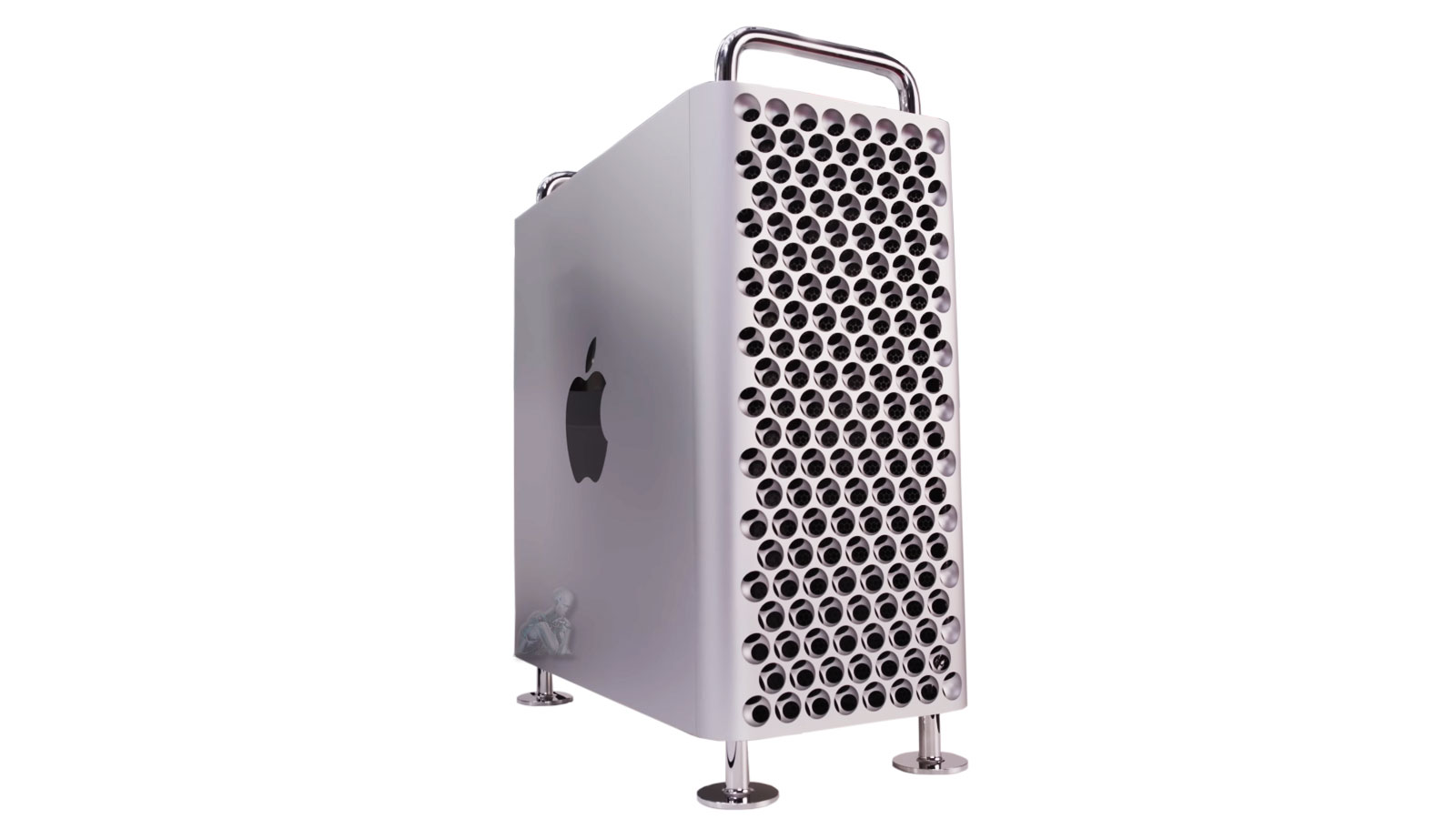
Prevent Overheating, Reduce Noise, and Maintain Peak Performance
Maintaining controlled operating temperatures is essential for preserving the performance and stability of a Mac Pro system. Over time, dust accumulation and restricted airflow can interfere with the efficiency of internal cooling components, leading to increased temperatures and unnecessary strain on critical hardware. These conditions may also contribute to elevated fan activity, resulting in noticeable noise and reduced overall system efficiency.
Regular cleaning and maintenance help restore proper airflow and support consistent thermal management across the system. By ensuring that cooling pathways remain unobstructed and internal components are kept in optimal condition, the Mac Pro can operate more efficiently and reliably. This approach supports sustained performance, minimizes thermal stress, and helps extend the functional lifespan of the system.

What Mac Pro Cleaning & Maintenance Includes
Each maintenance session combines physical cleaning with system health evaluation and thermal optimization.
Internal Cleaning
- Dust removal from fans, heatsinks, vents, and internal components
- Inspection for corrosion, debris, or physical wear
- Thermal paste replacement when degradation is detected
- Fan diagnostics and replacement when required
External Detailing
- Careful cleaning of casing, grills, and airflow paths
- Port cleaning for USB-C, Thunderbolt, Ethernet, and HDMI
- Safe cleaning of handles, wheels, or stand when applicable
System Health Maintenance
- CPU and GPU temperature analysis
- Fan RPM and thermal sensor verification
- Storage usage review with cleanup recommendations
- macOS health check including update status and background process review
Even high-end systems benefit from routine care to remain cool, quiet, and efficient.
Why This Maintenance Matters
Consistent maintenance plays a critical role in preserving the performance and reliability of a Mac Pro system. As internal components operate under sustained workloads, heat and environmental factors can gradually impact efficiency and stability. Without proper care, these conditions may lead to reduced performance, increased fan activity, and unnecessary strain on key hardware elements.
Addressing these factors through routine maintenance helps maintain balanced operating conditions and supports long term system functionality. By ensuring that cooling systems remain effective and internal components are kept in optimal condition, the Mac Pro can continue to perform as intended with greater consistency and reduced risk of performance degradation over time.
When Mac Pro Maintenance Is Recommended
Fans run constantly or sound louder than usual
Performance drops during normal workloads
The system feels warm even when idle
Dust is visible around vents or inside the enclosure
It has been 6 to 12 months since the last internal cleaning
The Mac Pro is used daily for intensive workloads
Regular maintenance helps prevent unexpected failures and keeps performance consistent in demanding environments.
Airflow Optimization and Internal Component Care
Efficient airflow within a Mac Pro is essential for maintaining stable operating conditions across all internal components. Over time, even minor obstructions can disrupt the intended cooling path, causing uneven heat distribution and increased reliance on active cooling systems. Evaluating airflow channels, fan operation, and internal layout helps ensure that heat is properly directed and expelled from the system.
Mac Pro Models Supported
Cleaning and maintenance are available for:
- Mac Pro (2013 cylindrical model)
- Mac Pro (2019 Intel tower)
- Apple Silicon Mac Pro systems, including M2 Ultra
- Custom Mac Pro builds with PCIe expansion, GPUs, or external RAID setups
Whether the system powers a production studio, development lab, or enterprise workflow, maintenance is performed with professional care.
Professional Mac Pro Maintenance Available Locally
Mac Pro cleaning and maintenance services are available for professionals and teams throughout the Miami area, with options for walk-in service, pickup and delivery, or on-site care for studios and production environments.
Routine maintenance keeps your Mac Pro fast, quiet, and reliable. If your system hasn’t been serviced recently or is showing signs of heat or performance stress, a professional cleaning can restore balance before problems escalate.