
Professional Data Migration for MacBook Air Systems
Data migration on a MacBook Air involves more than copying files from one system to another. It requires preserving the structure of user environments, application dependencies, system settings, and permission hierarchies so that the destination device reflects a consistent and fully functional state. Variations in macOS versions, storage configurations, and system architecture must be accounted for to prevent compatibility issues, incomplete transfers, or data fragmentation. A structured migration approach ensures that all relevant data layers are identified and transferred in a controlled sequence, maintaining coherence across the operating system and user workspace.
Precision during migration is essential to avoid conflicts and maintain system integrity. This includes verifying data consistency before transfer, managing active processes that could interfere with file access, and ensuring that applications and user profiles are correctly reconstructed on the target system. Post-migration validation confirms that files are accessible, applications behave as expected, and system settings remain intact. When executed with attention to these details, the MacBook Air transitions seamlessly between environments, retaining operational continuity without introducing instability or data loss.
What Our MacBook Air Data Transfer Service Includes
Each transfer is handled carefully and tailored to how you use your computer:
- Full transfer of documents, photos, videos, music libraries, and personal folders
- Migration of compatible applications and related data
- Recreation of your user environment, including desktop layout, Dock, and system preferences
- Email account setup and synchronization for iCloud, Google, Outlook, or custom servers
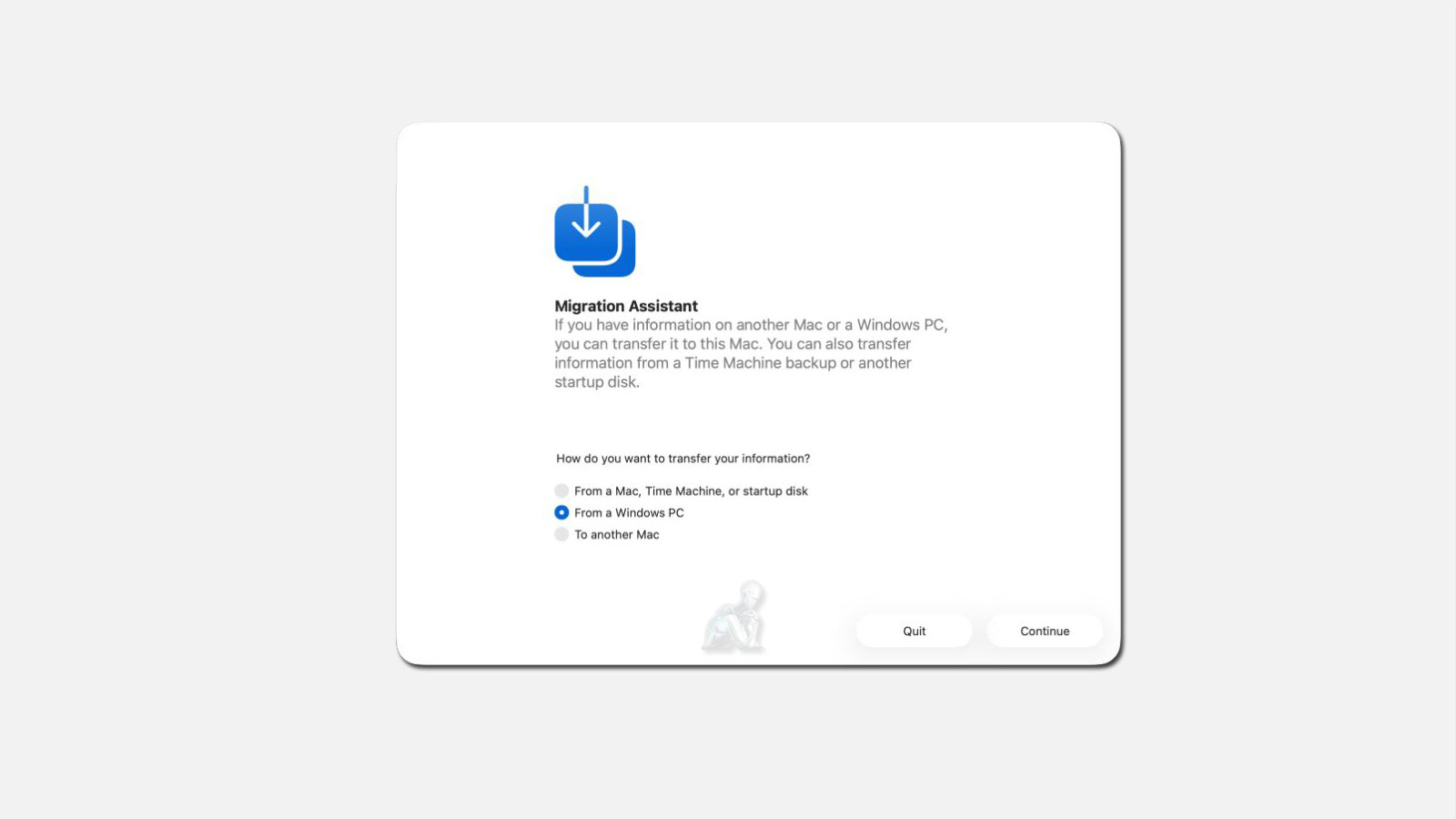
- Cross-platform transfers from Windows systems to macOS
- Integration of Time Machine backups, external drives, and mobile devices when needed
Your files remain private at all times. Data is handled securely and never accessed beyond the scope of the transfer.
Common Situations We Handle
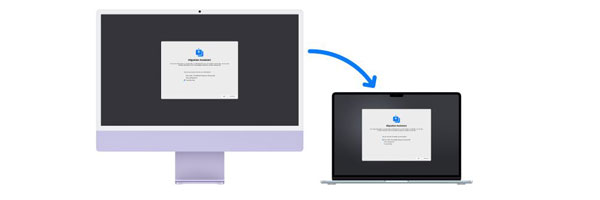
- Upgrading from an older MacBook or iMac
- Moving from a Windows PC to a MacBook Air
- Preparing a MacBook Air for a student or professional user
- Transferring data from a system that no longer boots
- Creating a clean but familiar setup for work or personal use
Transfer Method Selection and Data Path Optimization
The effectiveness of a MacBook Air data migration depends heavily on the method used to move information between systems. Different scenarios require different transfer paths, whether direct system-to-system communication, network-based migration, or staged transfers through external storage. Each method carries its own considerations related to speed, data integrity, and compatibility with the source and destination environments. Selecting the appropriate transfer path ensures that large datasets, application structures, and user profiles are moved without interruption or fragmentation.
Schedule Your MacBook Air Data Transfer
If you want your new MacBook Air set up correctly without the frustration of manual transfers, professional data migration is the safest way to move forward. A clean, complete transfer lets you start using your system immediately, with everything exactly where it should be.
Our Data Transfer Process
Assessment and Planning
We begin by reviewing the source device and the new MacBook Air. This allows us to confirm compatibility, identify essential data, and exclude anything you no longer need.
Secure Data Migration
Using professional tools and direct connections, we transfer your data while monitoring file integrity to prevent corruption or loss.
Setup and Verification
After the transfer, we confirm that applications launch correctly, accounts are synced, and your system behaves exactly as expected.
Why Professional Data Transfer Matters
A proper transfer saves time and prevents common issues such as missing files, broken applications, or misconfigured settings.
- Minimal downtime with a faster setup process
- Local, secure data handling without unnecessary cloud exposure
- Accurate migration that preserves your workflow
- Personalized configuration based on how you actually use your MacBook Air
Post-Migration Validation and System Environment Alignment
Completing a data transfer is only one part of a successful migration. Ensuring that the destination MacBook Air operates correctly with the transferred data requires structured validation. This includes confirming that user accounts load properly, applications retain their expected behavior, and file permissions remain consistent across directories. Any deviation in these elements can lead to access issues, application errors, or system instability if left unaddressed.
Environment alignment focuses on integrating the transferred data into the destination system without conflict. Differences in macOS versions, system configurations, and security settings can affect how data is interpreted and executed. By verifying compatibility and resolving discrepancies after the transfer, the system reaches a stable operational state where all data, applications, and settings function cohesively within the new environment.
Why Clients Choose Our Data Transfer Service
- Apple-focused technicians with real-world macOS experience
- Careful handling of personal and professional data
- Clear communication throughout the process
- Flexible service options, including in-store and remote assistance
- Proven experience with both simple and complex migrations