
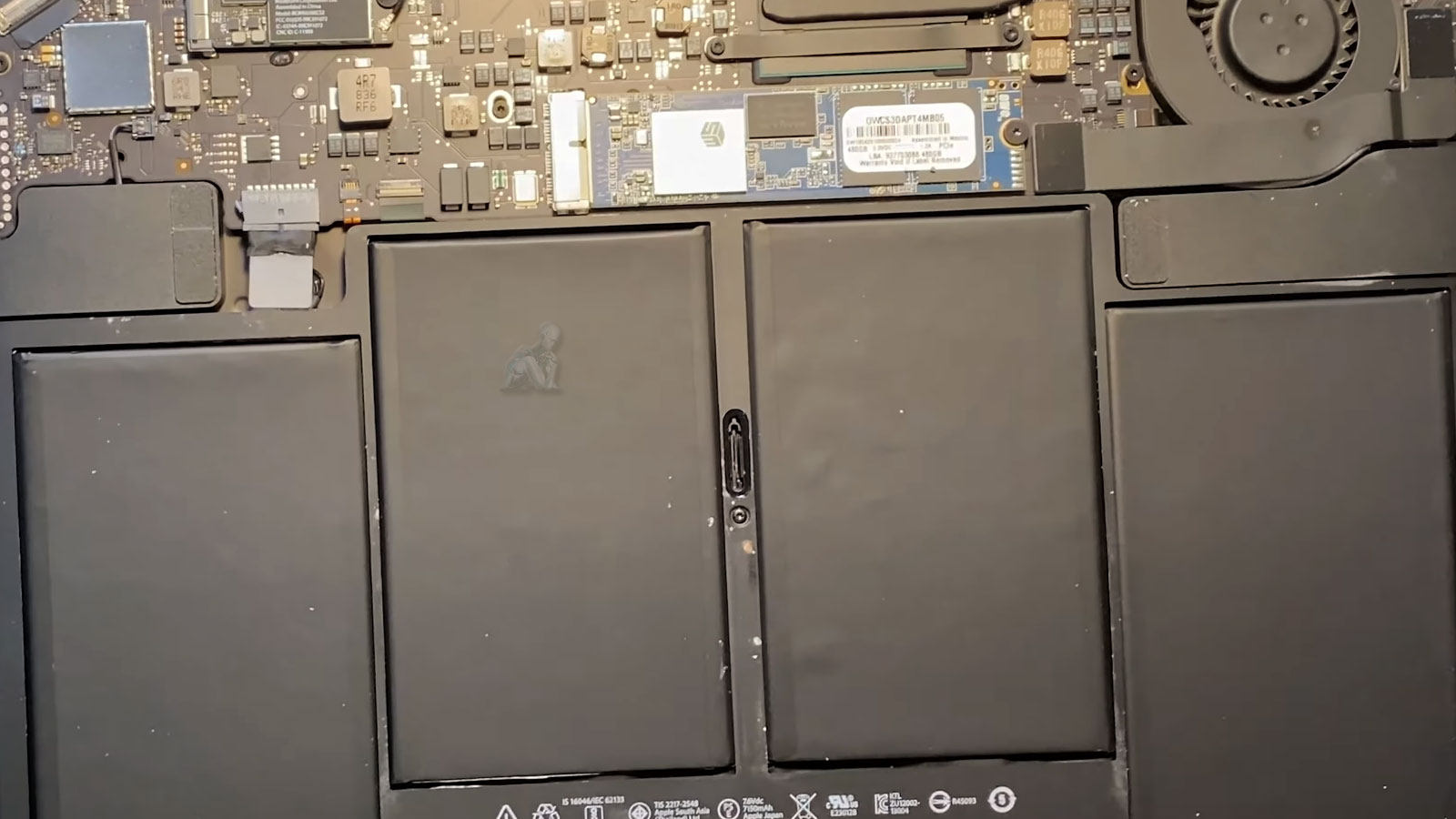
Restoring Battery Health, Safety, and Daily Reliability
Battery degradation in a MacBook Air is not limited to shorter runtime. As lithium-ion cells age, internal resistance increases, voltage delivery becomes inconsistent, and the system may exhibit unexpected shutdowns, inaccurate charge reporting, or reduced performance under load. Restoring proper battery health involves more than replacing a worn component. It requires careful inspection of the battery connector, surrounding circuitry, and power management behavior to ensure stable communication between the battery and the logic board. When these elements are addressed correctly, the device regains consistent power delivery and predictable operation.
Safety is a central consideration throughout the process. Lithium-ion batteries demand controlled handling to avoid stress, puncture, or thermal risk during removal and installation. Proper isolation of power, clean separation of adhesive materials, and verification of connector integrity all contribute to a secure outcome. Once completed, the system benefits from reliable charge cycles, accurate battery metrics, and dependable day-to-day use. The result is not only extended usability, but a return to stable performance that aligns with the original design expectations of the MacBook Air.
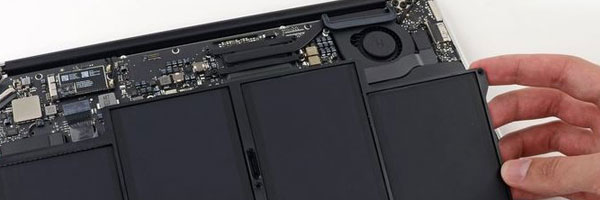
Signs the Battery May Need Replacement
Battery issues often appear gradually, but become disruptive quickly. Common indicators include:
- Rapid battery drain or unexpected shutdowns
- macOS warnings such as “Service Recommended” or “Replace Soon”
- The system only operating while connected to a charger
- Battery percentage jumping or behaving inconsistently
- Trackpad stiffness or chassis bulging caused by swelling
- Excessive heat during light or idle use
Ignoring these symptoms can reduce performance and may create safety risks over time.
Supported MacBook Air Models
Battery replacement is available for:
- MacBook Air with Apple Silicon (M1 and M2 generations)
- Retina MacBook Air models
- Intel-based MacBook Air systems with internal battery assemblies
Each replacement is matched to the exact model and hardware revision.
Battery Replacement Process
Battery Health Evaluation
Charge cycles, voltage behavior, wear level, and physical condition are evaluated to confirm replacement is necessary.
Safe Battery Removal
The existing battery is removed using controlled, anti-static procedures designed to prevent puncture, shorting, or internal damage, especially in cases involving swelling.
New Battery Installation
A compatible replacement battery is installed and calibrated to ensure proper macOS reporting, charge behavior, and power management.
Power and Thermal Testing
After installation, the system is tested for startup stability, charging consistency, temperature behavior, and battery life estimation.
Responsible DisposalRemoved batteries are recycled in compliance with environmental and safety regulations.
Pickup and Delivery Availability
Pickup and return delivery can be arranged within Miami-Dade County when needed.
If your MacBook Air is no longer holding a charge reliably or is showing signs of battery wear, a proper evaluation can determine whether replacement is the correct step. Restoring battery health improves performance, safety, and everyday usability while extending the life of the system.