
Fast, Local, and Hassle-Free with Free Pickup & Delivery
Life in Cutler Bay is closely tied to the southern edge of Biscayne Bay, and one of the places people know well is nearby Black Point Park and Marina, a local access point for boating, fishing, and time on the water. That connection to the bay gives the area a practical, lived in character, where daily routines often balance residential life with movement, work, and the kind of reliability people expect from the tools they use every day. When a computer starts acting up in that kind of setting, the problem usually feels immediate because it interrupts something specific, work, communication, access to files, or normal day to day use. Computer related issues can take many forms, from slow systems and failing hardware to software problems that gradually affect performance, which is why the work has to be approached with attention to how the machine is actually being used.
Professional Computer Repairs in Cutler Bay
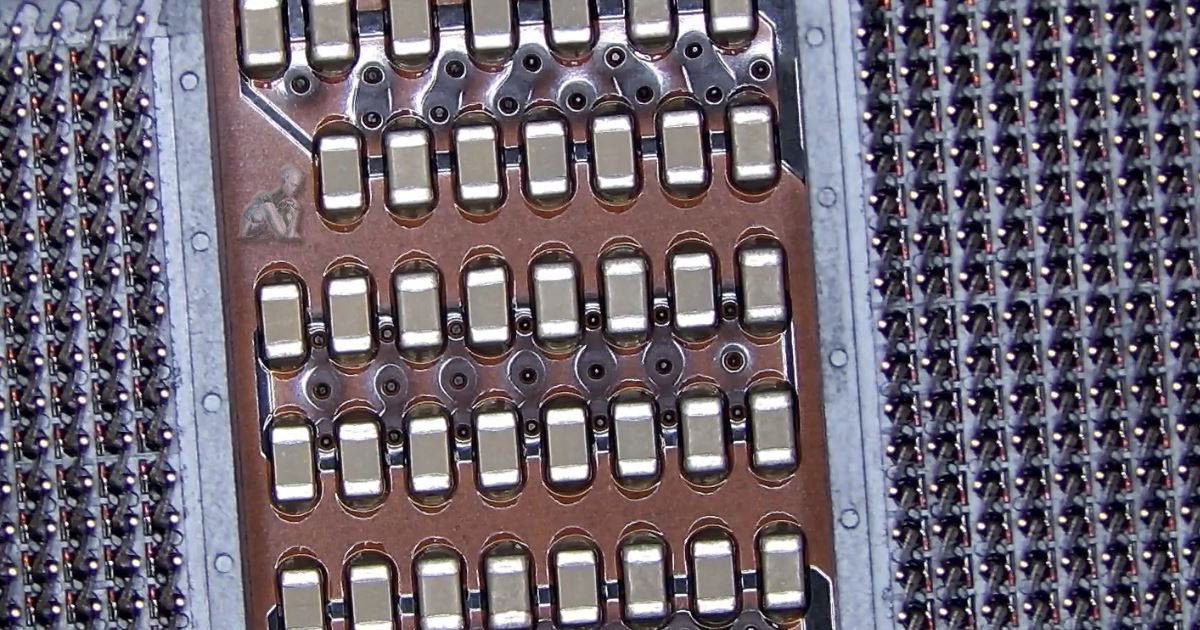
Certified technicians work on all major brands and devices. Whether it’s a hardware issue or a software problem, systems are repaired efficiently and professionally. Work is carried out across a wide range of computer systems, including major brands and varied configurations, with attention given to how each device is built and used. Issues may involve physical components such as storage devices, input hardware, or internal circuitry, as well as software related conditions that affect performance and system behavior.
Apple Mac Systems and Platform Specific Work
Apple Mac computers are designed with a close integration between hardware and macOS, which affects how issues appear and how they are addressed. Systems such as MacBook laptops and iMac desktops can show changes in behavior through slower response, startup irregularities, or reduced storage performance, often influenced by how the operating system interacts with the underlying hardware.
- macOS environment review for performance and system behavior
- Storage condition checks and data access handling
- Startup and login issue handling
- Keyboard, trackpad, and input component evaluation
- Display and graphics behavior observation
- Thermal condition review during normal operation
- System setting adjustments based on usage patterns
- General handling aligned with Apple system design
Data Recovery Across Internal and External Storage
Data loss can occur in different ways, from accidental deletion to hardware failure or file system corruption. Computers, external hard drives, solid state drives, and removable storage devices may become partially accessible or completely unresponsive, depending on the condition of the media. In many cases, files are still present but cannot be reached through normal system access.
- File recovery from internal drives in desktops and laptops
- External hard drive data retrieval for damaged or unreadable units
- Solid state drive recovery based on storage condition
- USB flash drive and memory card file extraction
- Partition and file system access restoration
- Data extraction from systems that do not boot properly
- Transfer of recovered data to new storage devices
- Verification of file integrity after recovery
Cutler Bay IT Support Services
Support is available for local residents, students, remote workers, and business owners with reliable and scalable IT solutions.
Free Pickup & Delivery in Cutler Bay
Convenience is included with free pickup and delivery for all services:
- Pickup from your home or business
- Secure handling of your device
- Quick turnaround and timely updates
- No additional charge for transport
Why Cutler Bay Residents Choose Us
Serving South Florida for over 17 years
Certified in Apple, Microsoft & custom PC systems
Free pickup and delivery across Cutler Bay
Same-day and emergency repairs available
Transparent pricing with no hidden fees
Open 7 days a week
From Old Cutler Road to Southland Mall, dependable technical support is available throughout Cutler Bay.
Laptop Overheating Control and Internal Maintenance
Overheating in laptops develops gradually as airflow becomes restricted and internal components operate under sustained heat. Dust accumulation, worn thermal materials, and reduced fan efficiency can lead to higher operating temperatures, affecting performance and causing the system to slow down or shut off under load. These conditions often become noticeable during extended use, multitasking, or resource intensive activity.
- Internal cleaning to remove dust and airflow blockages
- Fan inspection and operation check for proper cooling function
- Thermal paste replacement to improve heat transfer
- Heat sink inspection for proper contact and alignment
- Temperature monitoring under normal and load conditions
- Airflow path evaluation within compact system layouts
- System behavior observation during extended use
- General maintenance to support controlled operating temperatures
CPU Replacement and Upgrade for Custom Gaming Systems
Upgrading or replacing a processor in a custom gaming system involves more than selecting a faster unit, as compatibility and system balance play a central role. The processor must align with the motherboard chipset, cooling capacity, and power delivery design to operate correctly under load. In gaming environments, changes to the CPU can influence frame consistency, background processing, and overall system responsiveness.
- Processor compatibility checks with motherboard and chipset
- Socket inspection and preparation for safe installation
- Thermal solution adjustment to match upgraded CPU requirements
- Power delivery evaluation for stable operation under load
- BIOS configuration to support new processor architecture
- Performance observation after installation
- System balance review with GPU and memory configuration
- General handling of component level upgrades in custom builds
Camera Installation and System Setup
Camera systems require proper placement, stable connections, and clear configuration to function as intended across different environments. Coverage areas, viewing angles, and lighting conditions all influence how effectively cameras capture usable footage. Planning the layout of each unit ensures that key spaces are visible while avoiding blind spots or unnecessary overlap.
- Camera positioning based on coverage and field of view
- Cable routing and connection setup for reliable signal transmission
- Network configuration for IP based camera systems
- Storage setup for local or network video recording
- Remote access configuration for viewing across devices
- Image quality adjustments based on lighting conditions
- Integration with existing network infrastructure
- System testing to confirm consistent recording and access
Local Service Areas in Cutler Bay
Service coverage includes:
- Saga Bay
- Whispering Pines
- Lakes by the Bay
- Old Cutler Road Corridor
- Nearby areas including Palmetto Bay and Goulds