
Top-Rated Computer Repairs & IT Support in Downtown Miami
Downtown Miami stands at the center of the city’s activity, with places like Bayside Marketplace and Bayfront Park drawing people toward the waterfront, while nearby landmarks such as the Pérez Art Museum and Frost Science Museum reflect its strong cultural presence. The area combines business districts, entertainment venues, and public spaces, creating a setting where work, movement, and daily life are constantly connected. In a place where so much depends on digital access, computers play a direct role in how tasks are handled, whether for work, communication, or personal use. When a system begins to lag, fail to respond, or show signs of internal issues, it quickly becomes noticeable in how everything else is affected.
Computer Repair Services in Downtown Miami
Technical work spans a broad range of computer platforms, including Apple systems, Windows based desktops, and laptops built by major manufacturers with very different internal layouts and service requirements. Some machines call for straightforward component replacement, while others demand closer attention to board design, cooling structure, storage condition, or operating system behavior. That range of experience matters because a MacBook, a business laptop, and a custom PC rarely present problems in the same way, even when the symptoms appear similar at first.
MacBook Air Liquid Damage Assessment and Internal Repair
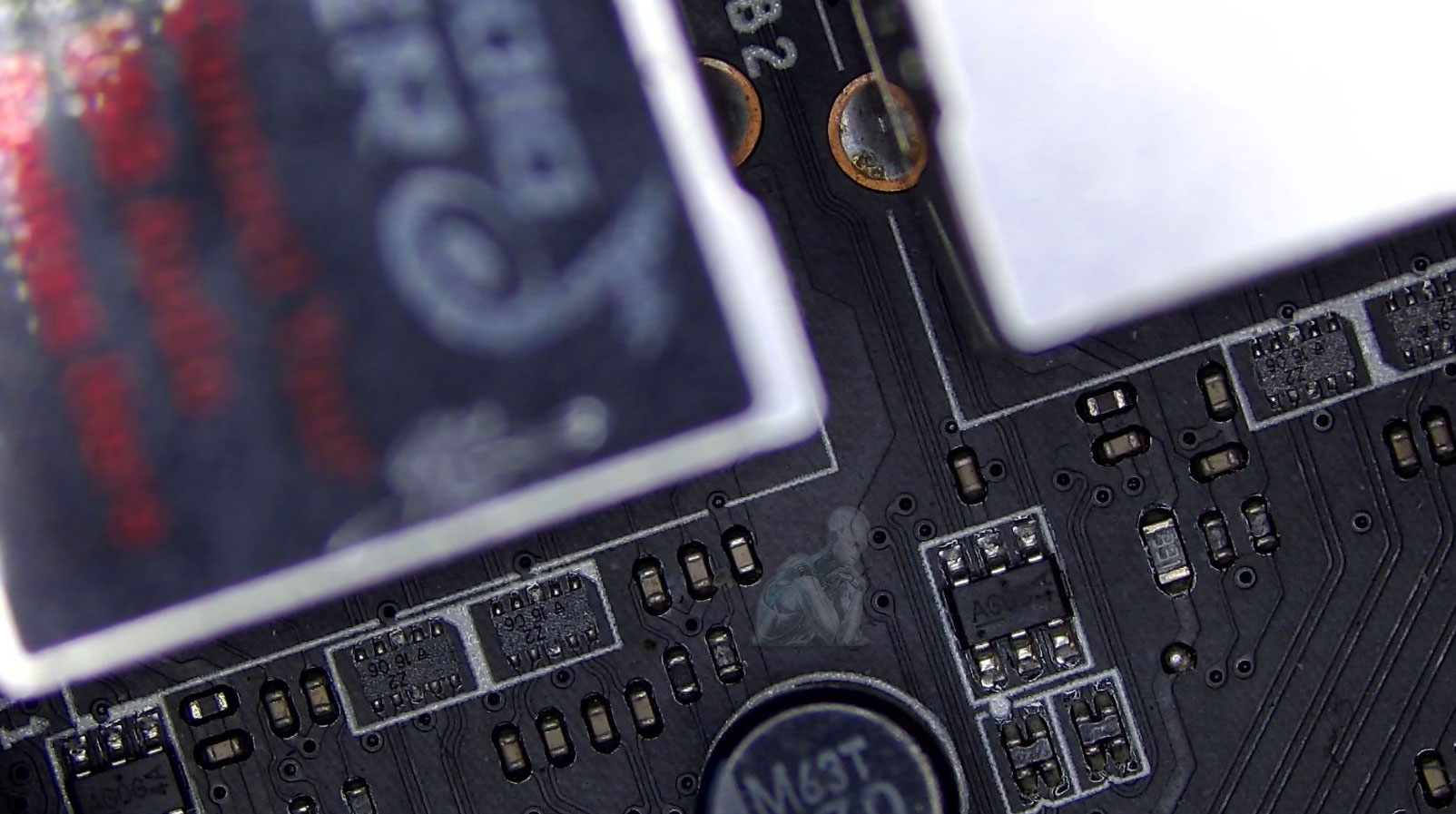
Liquid exposure in a MacBook Air can affect multiple areas at once, including the keyboard, trackpad, battery circuits, and board level components. In some cases, the system may continue to turn on while developing delayed issues such as random shutdowns, charging irregularities, or corrosion that spreads over time. Careful internal inspection helps determine the extent of the damage, identify affected components, and define what can be cleaned, repaired, or replaced based on the actual condition of the machine.
General Computer Maintenance and System Care
Over time, computers tend to accumulate small issues that gradually affect how they perform, from slower response times to increased heat and irregular behavior. These changes often develop through everyday use, background processes, and the natural wear of internal components. Maintenance focuses on addressing these conditions before they lead to more noticeable problems or interruptions.
Attention is given to both the physical condition of the system and how it operates at a software level, including storage organization, process activity, and overall system behavior. Keeping these elements in check helps maintain a consistent level of performance as usage patterns evolve.
Gaming PC Repair and System Performance Correction
Gaming PCs operate under higher and more sustained loads than standard systems, which can expose weaknesses in cooling, power delivery, or component stability. Problems may appear as sudden frame drops, system crashes during gameplay, overheating, or failure to start. These issues often develop from a combination of factors rather than a single fault, requiring attention to how the system behaves under real usage conditions.
- Diagnosis of crashes and instability during gaming sessions
- Graphics card evaluation for performance and output issues
- Power supply testing under load conditions
- Cooling system inspection to address heat related problems
- Memory testing for errors affecting game performance
- Storage checks for slow loading or data access issues
- Driver and system configuration review
- Performance validation after repair
Why Choose Computer Repair Miamis?
- 17+ Years of Local Experience
- Certified Apple & Microsoft Technicians
- Same-Day Repairs & Emergency Services
- Located Near You in Downtown Miami
- Transparent Pricing with No Hidden Fees
Support is trusted by professionals, families, students, and businesses throughout Downtown Miami, Brickell, Omni District, and Bayfront areas.
MacBook Pro Display Panel Replacement
Display damage in a MacBook Pro often appears as cracked glass, vertical lines, dark areas, or a completely blank screen while the system remains powered. In many models, the panel, backlight, and supporting components are integrated into a single assembly, which requires careful handling during removal and installation. Evaluation of the display condition helps determine whether the issue is limited to the panel itself or related to internal connections that affect image output.
- Removal of damaged display assemblies
- Installation of compatible replacement panels
- Inspection of display cables and connection points
- Verification of backlight and image output
- Alignment of display housing during reassembly
- Testing for color consistency and brightness response
- Confirmation of proper operation across different use conditions
- Final inspection to ensure display stability
iMac Hard Drive Replacement and Storage Upgrade
Storage issues in an iMac can appear as slow startup times, delayed application response, or frequent system interruptions during normal use. Many models were originally configured with mechanical hard drives that tend to lose performance over time. Replacing the internal drive requires careful access through the display assembly, as components are tightly integrated within the enclosure.
- Removal of display panel to access internal storage components
- Replacement of failing hard drives with compatible units
- Upgrade from HDD to solid state storage for improved speed
- Data transfer from existing drive when accessible
- Inspection of internal connectors and mounting points
- Reassembly with proper display alignment and sealing
- System setup after storage installation
- Performance check following replacement or upgrade
Local Computer Repair in Downtown Miami
Service is available in the following areas:
- Brickell Financial District
- Bayside Marketplace Area
- Miami Worldcenter & Omni
- Government Center
- Residences and offices along Biscayne Blvd