
Recovering Critical Files from Advanced Apple Workstations
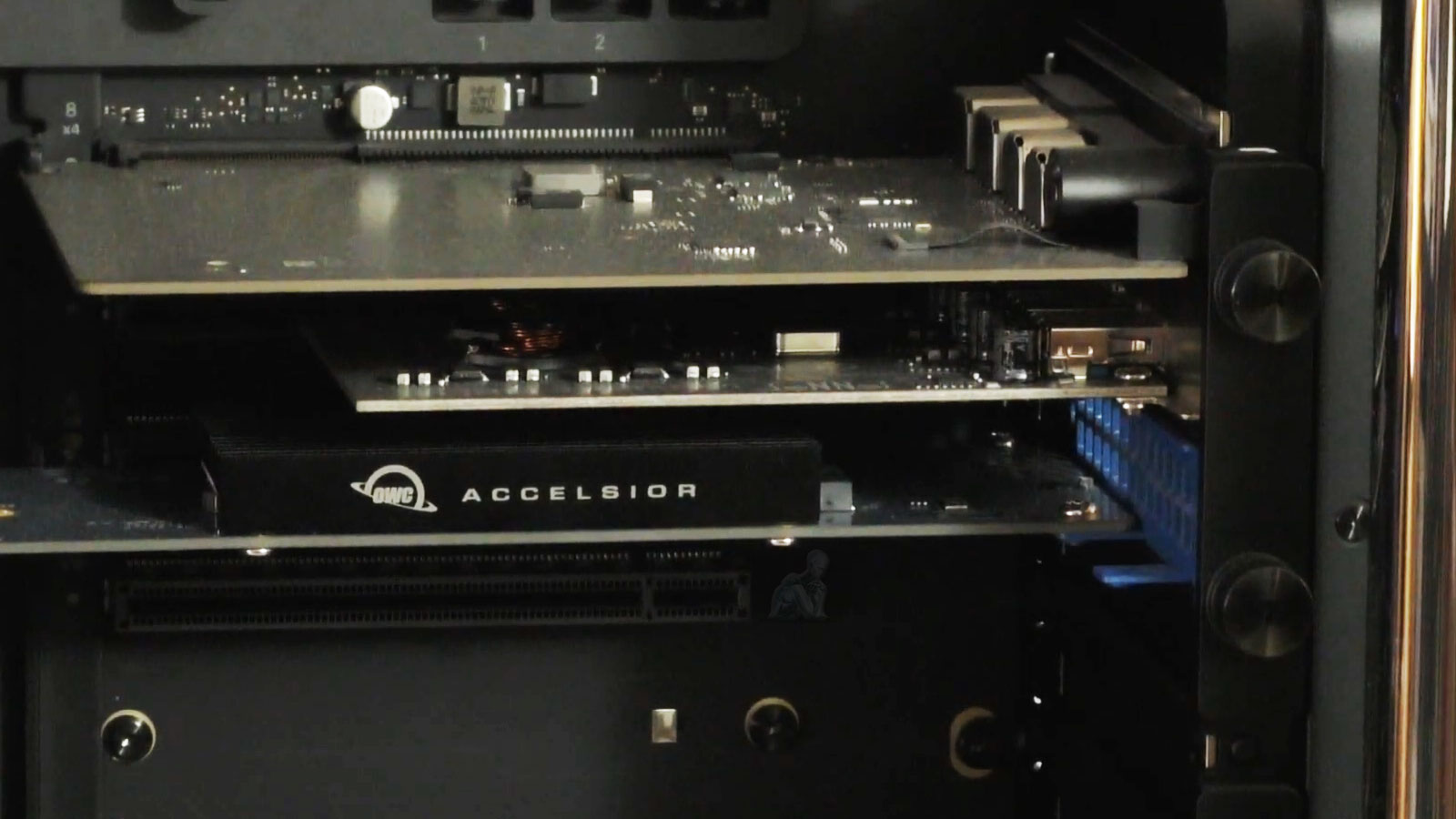
Recovering data from a Mac Pro requires an understanding that goes beyond standard file retrieval methods. These systems are designed with high-performance storage architectures, often relying on PCIe-based SSDs and tightly integrated components that do not behave like traditional drives. When access is lost due to system failure, corruption, or hardware instability, the process shifts toward controlled, low-level interaction with the storage media, where precision and stability become essential to preserving the integrity of the data.
In environments where critical files are stored on advanced Apple workstations, each recovery scenario presents its own technical conditions. Whether the issue originates from firmware irregularities, logical corruption, or physical access limitations, the approach must adapt to the specific configuration of the Mac Pro. By working directly with the internal storage through specialized interfaces and maintaining a careful, non-intrusive methodology, it becomes possible to extract valuable data while minimizing additional risk to the system.
What Can Be Recovered
Recovery services support both internal and external Mac Pro storage configurations, including advanced and customized setups.
File Types
- Creative project files from Final Cut Pro, Logic Pro, Adobe applications
- Documents, spreadsheets, and presentation files
- Photos, videos, and raw media formats
- Email data, user libraries, and account archives
- Databases, system images, and work archives
Recovery Scenarios
- Failing or corrupted SSDs and NVMe storage
- Accidental deletion or formatting
- macOS installation or update failures
- Power loss, kernel panic, or system crashes
- Liquid exposure or heat-related damage
- Systems stuck in boot loops or not powering on
Even if the Mac Pro itself is unresponsive, the data on the storage device may still be recoverable.
How the Recovery Process Works
Evaluation and Diagnostics
The storage device or system is examined to determine failure type and recovery potential. You receive a clear explanation and quote before any work begins.
Recovery Attempt
Professional-grade tools are used to retrieve data while minimizing risk to the original media.
Verification and Delivery
Recovered files are reviewed and securely transferred to a new drive, system, or approved destination.
Recover Your Mac Pro Data Before It’s Too Late
The earlier recovery is attempted, the higher the chance of success. If important files are inaccessible or your Mac Pro is no longer functioning properly, professional evaluation can make the difference between permanent loss and full recovery.
Supported Mac Pro Configurations
Data recovery is available for a wide range of Mac Pro systems and storage environments:
- 2019 Intel-based Mac Pro towers
- 2013 cylindrical Mac Pro systems
- Apple Silicon Mac Pro platforms, including M2 Ultra models
- Systems with expanded internal storage or custom configurations
- RAID arrays, PCIe SSDs, and MPX module-based storage
- External SSDs, Time Machine backups, and encrypted FileVault volumes
Each recovery approach is tailored to the hardware and file system involved.
Secure and Confidential Recovery Practices
Data privacy and integrity are treated as critical requirements, not options.
- All recovery work is performed in-house
- Non-destructive recovery methods are used whenever possible
- No data is transferred to third parties or cloud services without approval
- Secure handling for encrypted and sensitive data
- Recovered files delivered on external storage or a destination of your choice
When eligible, no-recovery, no-charge options are available.
Understanding Data Loss in Mac Pro Systems
Data loss in a Mac Pro environment rarely follows the patterns seen in conventional systems. These workstations rely on high-speed PCIe-based storage and tightly integrated hardware, where the failure of a single component can disrupt access to the entire data structure. Issues such as controller faults, firmware inconsistencies, sudden power interruptions, or corrupted system volumes can prevent the operating system from recognizing the internal storage, even when the data itself remains intact.
Why This Service Is Trusted
- Experience with Mac Pro–specific storage architectures
- Familiarity with professional creative and technical workflows
- Advanced tools for APFS, SSD, and NVMe recovery
- Support for urgent and time-sensitive recovery needs
- Trusted by professionals and studios throughout the Miami area
Data recovery is handled with care, precision, and respect for how critical your work truly is.