
Reliable Storage Solutions to Restore Speed, Stability, and Capacity
Restoring a Mac Pro’s storage subsystem requires a precise understanding of how speed, stability, and capacity interact within a professional workstation environment. Over time, storage devices can introduce latency, inconsistent read and write behavior, or reduced reliability, all of which can impact system responsiveness and overall performance. Addressing these issues involves more than simply replacing a drive, it requires selecting a compatible storage solution that aligns with the system’s architecture while ensuring consistent data access and operational stability.
A properly implemented storage replacement enhances not only performance but also long-term reliability and scalability. By integrating higher-efficiency SSD solutions and ensuring correct configuration at both the hardware and system levels, it becomes possible to achieve faster data throughput and improved system responsiveness. Careful installation and validation help maintain data integrity while allowing the Mac Pro to operate under demanding workloads with greater consistency and reduced risk of storage-related interruptions.
Signs a Mac Pro Drive May Need Replacement
- Boot loops or failure to start
- Slow application launches or system freezes
- Unexpected shutdowns or file access errors
- Corrupted or missing system files
- Clicking, buzzing, or unusual drive noises
- SMART status warnings reported by macOS
Storage degradation often worsens quickly. Early evaluation helps avoid total data loss.
Performance Upgrade Options
For users seeking more than just replacement, upgrade paths are available.
- SSD and NVMe upgrades for dramatically faster boot and load times
- Reduced mechanical failure risk compared to traditional drives
- Improved energy efficiency and quieter operation
- Ideal for media production, rendering, and high-I/O workloads
Upgrade recommendations are based on actual usage, not generic specs.
Why This Approach Matters
- Prevents unexpected drive failure and downtime
- Preserves existing workflows and software environments
- Improves system responsiveness and stability
- Extends the useful lifespan of a high-end workstation
Storage upgrades are one of the most impactful improvements a Mac Pro can receive when done correctly.
Supported Mac Pro Configurations
Drive replacement and upgrades are available for:
- Mac Pro (2013 cylindrical model)
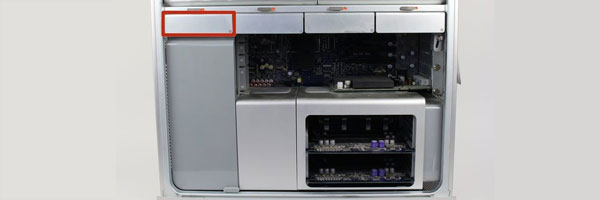
- Mac Pro (2019 Intel tower)
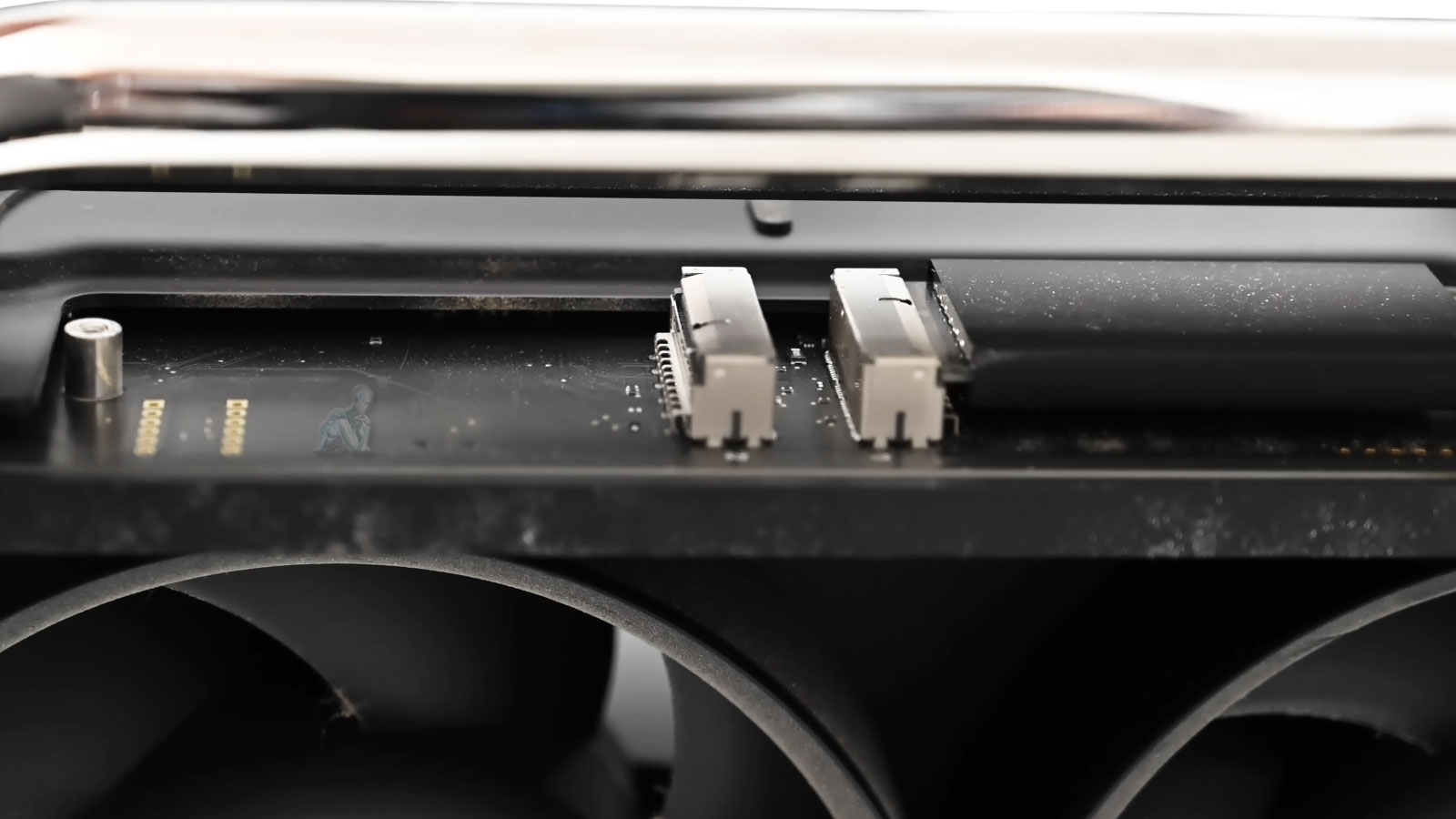
- Apple Silicon Mac Pro systems (including M2 Ultra)
- Systems with RAID arrays or multi-drive configurations
- PCIe SSD and expansion bay setups
Each configuration is evaluated to ensure full macOS compatibility and long-term reliability.
Mac Pro Drive Replacement Available Locally
Hard drive replacement and storage upgrades are available for professionals and businesses throughout the Miami area, with options for in-store service, pickup and delivery, or on-site support depending on system configuration.
Understanding Storage Failures in Mac Pro Systems
Storage failures in Mac Pro systems can develop gradually or occur without warning, depending on the underlying cause. Factors such as NAND wear in solid-state drives, controller instability, firmware inconsistencies, or power-related irregularities can compromise data access and system reliability. In high-performance environments, continuous read and write operations place sustained demand on storage components, increasing the likelihood of degradation over time.
In addition to hardware wear, logical conditions such as file system corruption, interrupted updates, or improper shutdowns can affect how data is structured and accessed. These issues may present as slow performance, missing files, or complete drive inaccessibility. Identifying the origin of the failure is essential to determining whether a full replacement is required and to ensuring that the transition to a new storage solution is performed without introducing further risk to the system.
Mac Pro Hard Drive Replacement Process
Each replacement is handled carefully to protect data, system stability, and performance.
Step 1: Diagnostic and Compatibility Review
The existing drive is evaluated for health and performance, and suitable replacement options are selected based on capacity, speed, and reliability needs.
Step 2: Drive Replacement or Upgrade
The failing drive is removed and replaced with a compatible HDD, SSD, or multi-drive configuration. Formatting, partitioning, and system integration are handled properly.
Step 3: macOS Installation and Optimization
A clean macOS installation is performed, followed by system configuration and performance testing.
Step 4: Data Transfer (When Possible)
If the original drive remains readable, files, applications, and user data can be migrated to the new storage.
Pre-Replacement Data Handling and System Preparation
Before initiating a storage replacement, it is critical to evaluate the condition of the existing drive and determine the accessibility of its data. When possible, data is secured through controlled extraction or backup procedures to preserve important files prior to any hardware changes. This step reduces the risk of data loss and provides a stable reference point for transferring information to the new storage device.
System preparation also involves verifying compatibility between the Mac Pro and the selected replacement storage solution. This includes confirming interface requirements, available capacity, and operating system support. By establishing a controlled environment and ensuring that all variables are accounted for, the replacement process can proceed efficiently while maintaining data integrity and system stability.
If your Mac Pro is slowing down, reporting drive errors, or running out of space, a professional evaluation can determine whether replacement or upgrade is the best path forward before data loss becomes a risk.