
Secure File Migration and System Transition
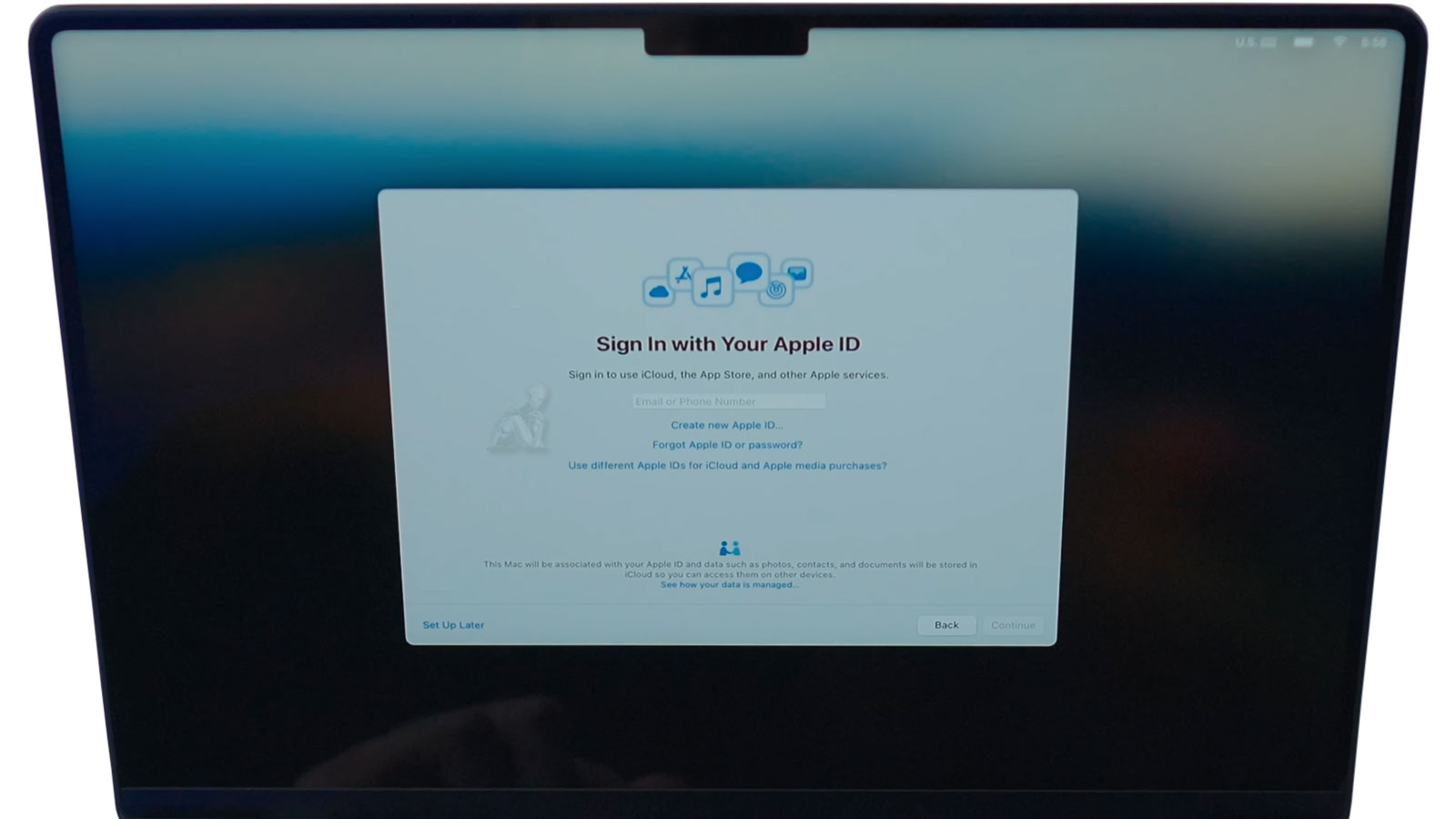
Transferring data between MacBook Pro systems involves more than copying files from one device to another. A proper migration must account for the structure of user environments, application dependencies, and system-level configurations that define how data is accessed and used. This includes preserving user profiles, maintaining file permissions, and ensuring that applications continue to function within the new system without requiring reconfiguration. Whether the transition is performed through Apple ID synchronization, direct transfer methods, or local backups, the objective is to replicate the working environment with accuracy rather than create a fragmented copy of isolated files.
System transitions also require attention to differences between hardware generations and macOS versions, particularly when moving between devices with varying storage architectures or security implementations. Data integrity must be maintained throughout the process, avoiding conflicts such as corrupted user libraries, incomplete transfers, or mismatched system settings. A controlled migration approach ensures that documents, media, application data, and system preferences are transferred in a way that remains consistent, accessible, and aligned with the original structure of the source system.

When Data Transfer Is Needed
Upgrading to a new MacBook Pro
Replacing or upgrading an internal SSD
Moving data from an older Mac or desktop system
Restoring files after system repair
Setting up a clean macOS environment without losing data
Preparing a MacBook Pro for work, school, or professional use
Each transfer is planned to avoid incomplete migrations and missing dependencies.
How the Transfer Process Works
Assessment and Planning
Both the source and destination systems are reviewed to confirm compatibility, storage layout, and macOS requirements. This determines whether a file based transfer or full user migration is appropriate.
Secure Data Migration
Data is transferred using native macOS tools and verified methods to ensure accuracy, integrity, and correct permissions.
System Configuration After Transfer
Once data is moved, the system is checked to confirm that applications open correctly, files are accessible, and user environments behave as expected.
Verification and Cleanup
The final system is reviewed for missing files, duplicated data, or leftover temporary content so the MacBook Pro is ready for normal use.
Post-Migration Verification and System Consistency
Completing a data transfer does not conclude the process. Verification is required to ensure that all data has been accurately migrated and remains accessible within the new system environment. This includes confirming the integrity of user files, validating application functionality, and checking that system preferences and permissions have carried over without conflict. Even when transfers complete without visible errors, inconsistencies can exist beneath the surface if not properly reviewed.
System consistency also extends to how the migrated data interacts with the new hardware and operating system. Differences in architecture or macOS versions can affect application behavior, file indexing, and background processes. A structured validation phase ensures that the system operates as expected, with data fully integrated and aligned with the intended configuration of the destination device.
What Is Transferred
Personal files such as documents, photos, videos, and project folders
User accounts, desktop layout, and system preferences
Email accounts, archives, and local mail data
Application data and compatible software settings
Browser profiles, bookmarks, and saved credentials
External drive, Time Machine, or backup based data
Transfers can be selective or complete depending on how the system will be used.
Supported MacBook Pro Systems
Intel based MacBook Pro models
Apple Silicon MacBook Pro models
macOS versions supported by the target system
Internal SSD and external storage migrations
Transfers are adjusted based on architecture differences and software compatibility.
Pre-Transfer Preparation and System Readiness
Before initiating any data transfer, both the source and destination systems must be evaluated to ensure compatibility and stability. This includes verifying macOS versions, confirming available storage capacity, and identifying any inconsistencies within user accounts or file structures that could interfere with the migration. Systems that contain underlying errors, fragmented data, or incomplete backups can introduce complications during transfer, making preparation a critical step rather than an optional one.
Proper readiness also involves organizing the data environment to reduce redundancy and avoid conflicts. This may include isolating active user profiles, confirming application states, and ensuring that essential data is clearly defined prior to migration.
Data Security and Controlled Transfer Environment
Data transfer processes often involve access to personal, professional, or sensitive information, making controlled handling a fundamental requirement. Throughout the migration, data must remain contained within a defined environment, preventing unauthorized access, duplication, or unintended exposure. This applies to both local transfers and those involving cloud-based synchronization, where account integrity and access control play a critical role.
If you are ready to proceed, you can submit a request with the relevant details of your MacBook Pro systems or call to discuss the situation directly. This allows the migration to be reviewed and aligned with the condition of the devices and the scope of data involved. The focus at this stage is to establish a clear direction, ensuring the transfer is handled in a controlled manner with attention to data integrity, system continuity, and overall consistency.