
Precision Key Restoration and Full Input Reliability
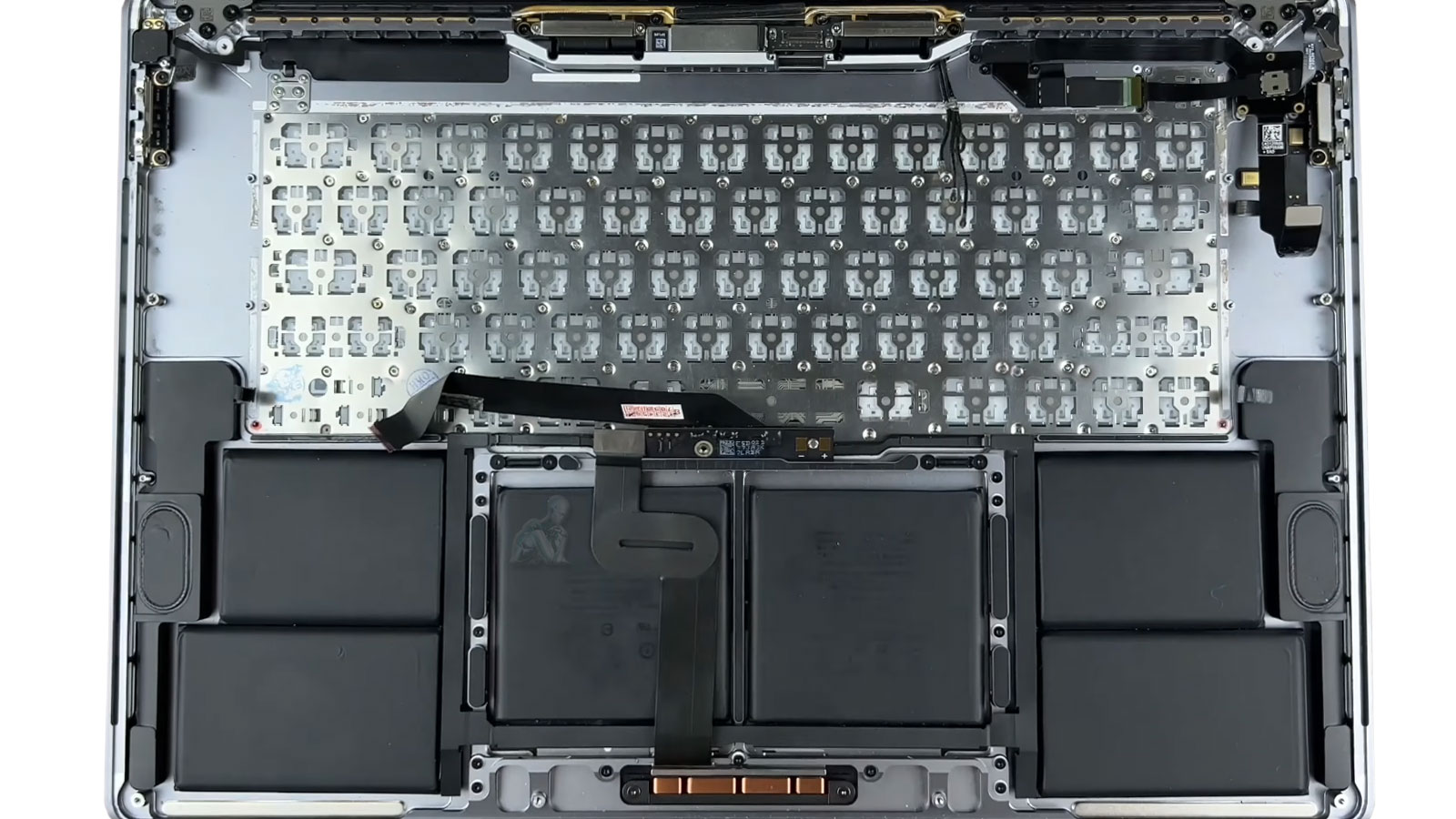
Keyboard failures on a MacBook Pro extend beyond individual keys becoming unresponsive. Input issues often reflect underlying mechanical wear, contamination beneath the key mechanism, or degradation within the keyboard matrix that affects signal transmission across multiple rows and columns. Accurate restoration requires identifying whether the fault is localized to specific key switches or part of a broader issue involving the internal keyboard assembly, flex connections, or integrated top case structure. This distinction is critical to ensure that the repair addresses the true source of the problem rather than providing a temporary or incomplete solution.
Restoring full input reliability involves reestablishing consistent key response, uniform actuation, and stable communication between the keyboard and the logic board. This may require targeted component-level intervention or complete keyboard assembly replacement depending on the condition of the internal structure. Attention is given to maintaining alignment, preserving tactile consistency, and ensuring that all input signals are transmitted without interruption. The objective is to return the keyboard to a state where every key functions predictably and integrates seamlessly with the system’s input framework.
Common Keyboard Problems
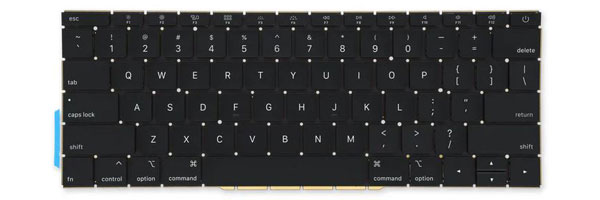
Keyboard replacement is typically required when a MacBook Pro experiences:
- Sticky, jammed, or slow-returning keys
- Keys that do not register input
- Repeating characters or erratic typing behavior
- Broken or missing keycaps
- Non-functional keyboard backlight
- Keyboard failure following liquid exposure
- Trackpad issues caused by battery swelling beneath the keyboard
- Complete loss of keyboard response
These symptoms usually indicate hardware failure rather than software or macOS configuration issues.
Why Timely Keyboard Replacement Matters
Continuing to use a failing keyboard can lead to secondary issues, especially when battery swelling is involved. Pressure from beneath the keyboard can damage the trackpad, speakers, or internal cabling. Replacing the keyboard early helps preserve internal alignment, restore typing accuracy, and prevent further internal damage.
For convenience, pickup and return delivery can be arranged within Miami-Dade County when needed.
Pre-Replacement Evaluation and Input Path Verification
Before proceeding with keyboard replacement, the input pathway must be evaluated to confirm that the issue originates within the keyboard assembly itself. This includes verifying communication between the keyboard and the logic board, assessing the condition of the keyboard flex cable, and ruling out faults within the input controller or related circuitry. Symptoms such as inconsistent response, multiple key failure patterns, or complete loss of input can stem from different layers of the input system, making accurate identification essential prior to replacement.
This evaluation also considers external factors that may have contributed to the failure, including liquid exposure, debris accumulation, or mechanical stress within the top case. Establishing the source of the issue ensures that replacement is both necessary and sufficient, preventing unnecessary component changes and reducing the likelihood of persistent input problems after the repair is completed.
Replacement Scope and Process
Keyboard replacement begins with confirming that the issue is isolated to the keyboard and not related to the logic board or input controller. The affected keyboard assembly is then removed and replaced with a model-specific component designed for the exact MacBook Pro generation. All flex cables, backlight connections, and grounding points are carefully reinstalled, followed by full functional testing.
After replacement, key response, backlight behavior, modifier keys, and power button functionality are verified to ensure consistent performance across the entire keyboard.
Supported MacBook Pro Models
Keyboard replacement applies to all major MacBook Pro configurations, including:
- 13-inch, 14-inch, 15-inch, and 16-inch models
- Intel-based systems (2012–2020)
- Apple Silicon systems (M1, M2, and later)
- Retina display models
- Touch Bar and Magic Keyboard designs
Each generation uses a different keyboard construction, which is taken into account during service.
Post-Replacement Input Calibration and Functional Validation
After installation, the keyboard must be validated to ensure consistent input behavior across all keys and system functions. This involves confirming uniform actuation, verifying accurate key registration, and testing modifier combinations to ensure that the input matrix is functioning without interruption. Any inconsistencies at this stage can indicate alignment issues, connection irregularities, or underlying conditions that require further attention.
Functional validation also ensures that the keyboard integrates correctly with the operating system, maintaining expected response timing and input recognition across different applications. The objective is to confirm that the replacement has restored full usability, with stable and predictable performance under normal typing conditions. This step ensures that the repair is complete, not only at the component level but in real-world operation.