
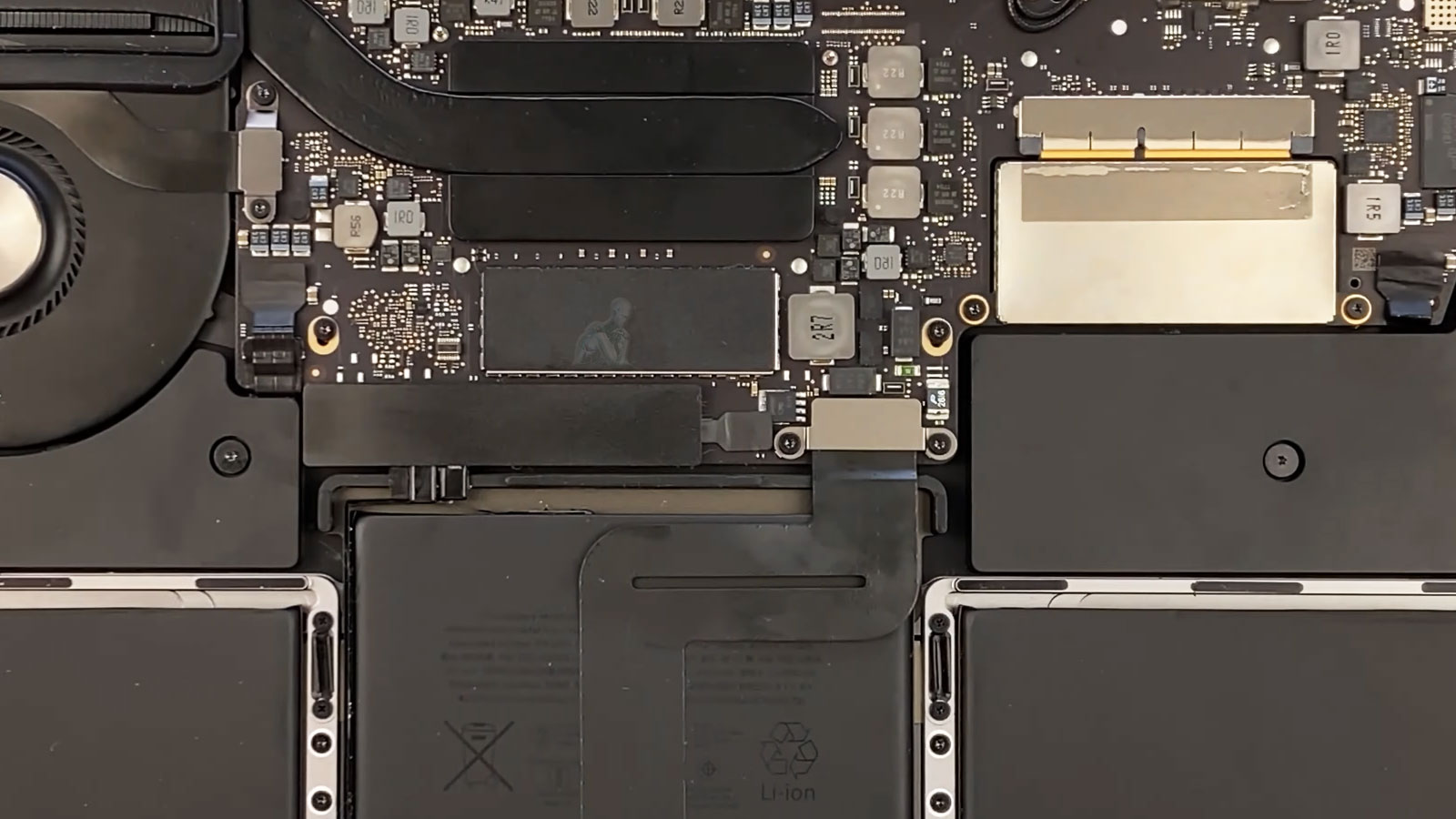
Storage Failure Resolution and Performance Upgrades
Storage-related issues in a MacBook Pro often originate from underlying conditions within the SSD rather than surface-level symptoms. Slow system response, unexpected file inaccessibility, or irregular boot behavior can indicate degradation at the storage layer, including instability within memory cells, controller-related faults, or inconsistencies in data access pathways. Addressing these conditions requires identifying whether the limitation is due to reduced storage health, capacity constraints, or architectural differences between existing and replacement storage configurations.
Performance upgrades focus on establishing a storage environment that supports consistent data access and sustained system responsiveness. This involves selecting appropriate storage solutions based on compatibility, capacity requirements, and system architecture, while ensuring that data transitions are handled without disruption to file integrity. The objective is to move beyond resolving immediate storage limitations and establish a configuration that maintains reliable performance as system demands evolve over time.
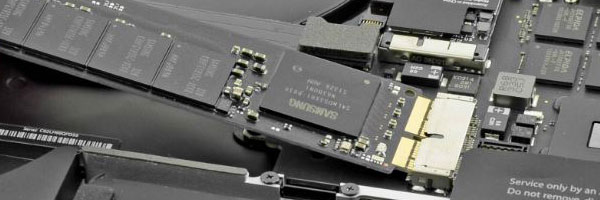
Common Indicators of Storage Failure
MacBook Pro takes an unusually long time to start
System freezes during normal tasks
Startup shows a folder with a question mark
Repeated boot loops or stalled loading screens
Persistent spinning cursor during file access
macOS updates failing or rolling back
Internal storage not detected by the system
These symptoms often worsen over time and should be addressed before complete data loss occurs.
Drive Replacement and Upgrade Options
Solid-State Drive Installation
Older mechanical drives can be replaced with modern solid-state storage to significantly improve speed, boot time, and system responsiveness.
SSD Replacement for Degraded Storage
For systems already using solid-state drives, worn or failed storage modules can be replaced where model design allows.
macOS Installation and Configuration
After replacement, the operating system is installed and configured to ensure proper performance, stability, and compatibility with the new storage.
Optional Data Migration or Recovery
When possible, user data can be transferred from the original drive or recovered from partially failing storage prior to replacement.
Installation Precision and Hardware Integration
Replacing or upgrading storage in a MacBook Pro requires precise integration with the system’s internal architecture. This includes proper seating of the storage module, secure connection within the designated interface, and alignment with the device’s thermal and structural design. Even minor inconsistencies at this stage can affect performance or lead to intermittent detection issues.
Attention is also given to how the new storage interacts with system firmware and macOS. Compatibility at both the hardware and software levels ensures that the system recognizes the storage correctly and operates within expected parameters. A precise installation process supports stable performance and avoids complications that can arise from improper integration.
Storage Diagnostic and Evaluation
Before any replacement is performed, the existing storage is evaluated to determine:
Drive health and read/write stability
File system integrity
Remaining data accessibility
Upgrade compatibility based on model architecture
This ensures the correct replacement path is chosen and unnecessary work is avoided.
Supported MacBook Pro Models
Intel-based MacBook Pro systems
Non-Retina and Retina models
Removable and soldered storage designs
13-inch, 15-inch, and 16-inch configurations
Apple Silicon models are evaluated individually due to integrated storage architecture.
Data Preservation and Transfer Planning
Any storage-related work on a MacBook Pro must account for the condition and accessibility of the existing data. Whether the drive is still operational or showing signs of failure, the approach to handling stored information requires careful planning. This includes determining what data remains accessible, how it can be transferred without corruption, and whether the file system structure can be preserved during the transition.
In cases where the storage device is unstable, the priority shifts toward securing available data before further degradation occurs. This may involve controlled access methods to avoid triggering additional read errors or data loss. Establishing a clear plan for data handling ensures that important files are not compromised during the upgrade or replacement process and that continuity is maintained once the system is restored.
Sustained Performance and Storage Longevity
Storage performance is not defined solely by initial speed improvements, but by how consistently the system maintains that performance over time. Factors such as available capacity, workload intensity, and background system activity all influence how the storage device behaves under continued use. A well-configured storage setup accounts for these variables to ensure that performance remains stable rather than degrading under normal operation.
Storage limitations and performance issues tend to become more noticeable as system demands increase, especially when the device is relied on for consistent daily use. Identifying whether the problem is related to capacity, speed, or underlying storage condition requires a focused look at how the system behaves under real workloads. Providing a clear picture of these conditions helps define whether an upgrade, replacement, or reconfiguration is the appropriate path forward.
If your MacBook Pro is reaching those limits or showing signs of storage-related issues, this is the point to take action. You can call to speak directly and get immediate clarity on the situation, or submit a request with the system details so it can be reviewed and addressed accordingly. The goal is to move from uncertainty to a defined solution that restores both performance and reliability.