
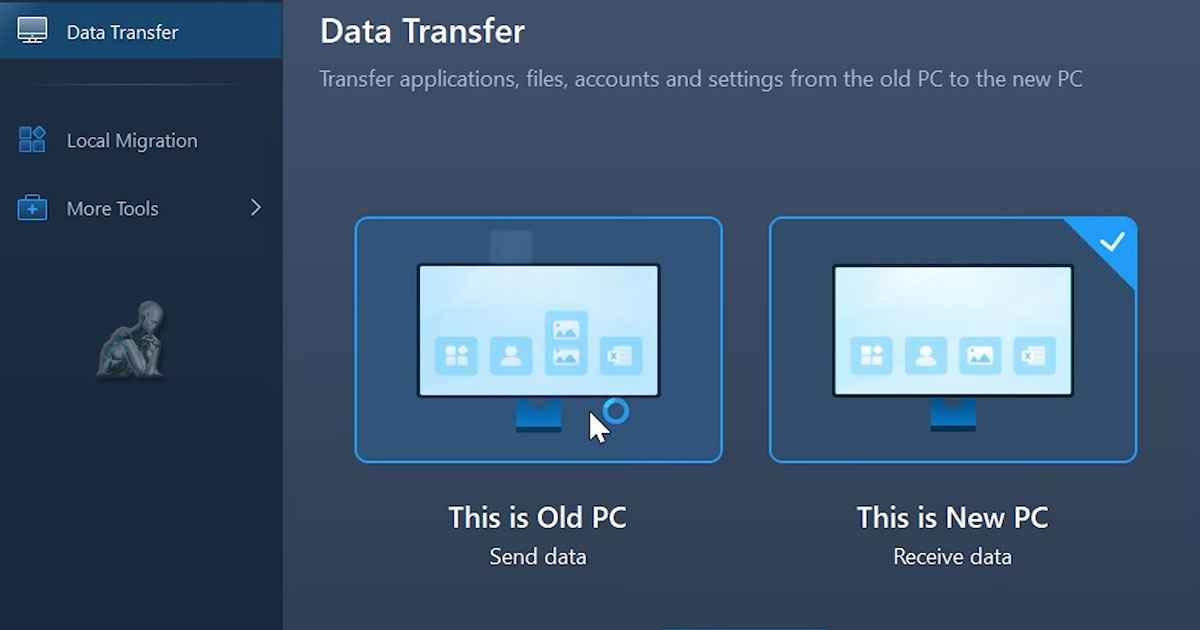
Move Your Files, Settings, and Data Without the Risk
Seamless File Migration. Safe. Secure. Stress-Free.
Upgrading or Replacing Your All-in-One? Don’t Risk Losing Important Files.
Replacing or upgrading an all-in-one desktop introduces a unique challenge, since the system combines storage, display, and core components into a single unit. When transitioning to a new device or updating internal hardware, the risk is not only in the physical change itself, but in how existing data is handled during the process. Files, user profiles, and application data can be affected if the transfer is not planned carefully, especially when moving between different storage types or system configurations. Switching to a new system can be exciting, but transferring your files, photos, applications, and settings can quickly become overwhelming or risky without expert help.
We specialize in fast, secure, and hassle-free data transfer for All-in-One desktops. Whether you’re migrating from another PC, recovering data from a failing system, or consolidating content from multiple devices, our experienced team ensures a smooth transition, with zero data loss.
What We Transfer (And Set Up for You)
Our comprehensive data transfer service covers more than just files. We provide complete system continuity:
- Documents, images, and videos
- User profiles and settings
- Emails, calendars, and contacts
- App data and configurations
- Bookmarks, browser settings, and saved passwords
- Cloud storage integration (OneDrive, iCloud, Google Drive, etc.)
- From Windows to macOS or vice versa, cross-platform support included!
Need help organizing messy folders or cleaning out duplicate files? We’ll assist with that too.
Ideal For:
- New All-in-One computer setups (business or personal)
- Recovering data from older systems or failing drives
- Migrating from a traditional desktop or laptop to an AIO
- Cross-platform transfers (PC ↔ Mac)
- Businesses onboarding or offboarding team members
- Creative professionals needing application continuity
Supported All-in-One Brands
We support all major All-in-One computers, including:
- Apple iMac (Intel & M-Series)
- HP Pavilion, Envy & EliteOne AIO
- Dell Inspiron & XPS All-in-One
- Lenovo IdeaCentre & Yoga AIO
- Acer Aspire Z Series
- ASUS Vivo AIO
Our Data Transfer Process
Step 1: Device Review & Transfer Planning
We evaluate both your source and destination systems to ensure compatibility and recommend the best transfer method for speed and accuracy.
Step 2: Secure Data Migration
Using encrypted, professional-grade tools, we perform the transfer, carefully verifying every file and folder along the way.
Step 3: Post-Transfer Testing & Optimization
Once complete, we ensure your programs run properly, cloud services are reconnected, and you can access everything exactly as expected.
Your privacy is our priority. No files are uploaded to third-party servers. Everything stays secure and local.
Local, Reliable & Fully Backed by Experts
Handling data transfer and migration on an all-in-one desktop requires a level of precision that comes from both technical experience and consistent local reliability. With components tightly integrated and storage often not easily accessible, each step must be approached with care to ensure that files, applications, and system settings are moved accurately without disruption. A process backed by experienced professionals focuses on maintaining data structure, compatibility, and integrity, allowing the transition from one system or storage environment to another to be completed in a controlled and dependable manner.
Start Your Transfer Today
Make the move to your new All-in-One computer easy and worry-free. Let us take care of your files so you can get back to what matters most, without skipping a beat.