Desktop Computer Hard Drive Replacement Services
Is Your Desktop Slowing Down, Freezing, or Failing to Boot?
A desktop computer that begins to slow down, freeze during normal use, or struggle to complete the startup process often points to underlying issues within its storage system. The hard drive plays a central role in how the operating system loads, how applications respond, and how data is accessed. When its performance becomes inconsistent or begins to degrade, the entire system can feel unstable, with delays, interruptions, and failures becoming more frequent over time.
We evaluate these conditions with a focus on determining whether the storage device is limiting system performance or preventing proper operation. If replacement is required, we handle the transition with care to ensure the system is properly reestablished and ready for use. This approach allows the desktop to return to a stable state with improved responsiveness and dependable startup behavior.
Common Signs You Need a New Hard Drive
- Your desktop takes forever to start up
- Files disappear or become corrupted
- Clicking, grinding, or buzzing sounds from the tower
- Frequent system crashes or blue screen errors
- Windows or macOS fails to load
- Constant freezing or unresponsive behavior
These symptoms often indicate hard drive degradation and the longer you wait, the greater the risk of data loss.
Drive Replacement or Upgrade
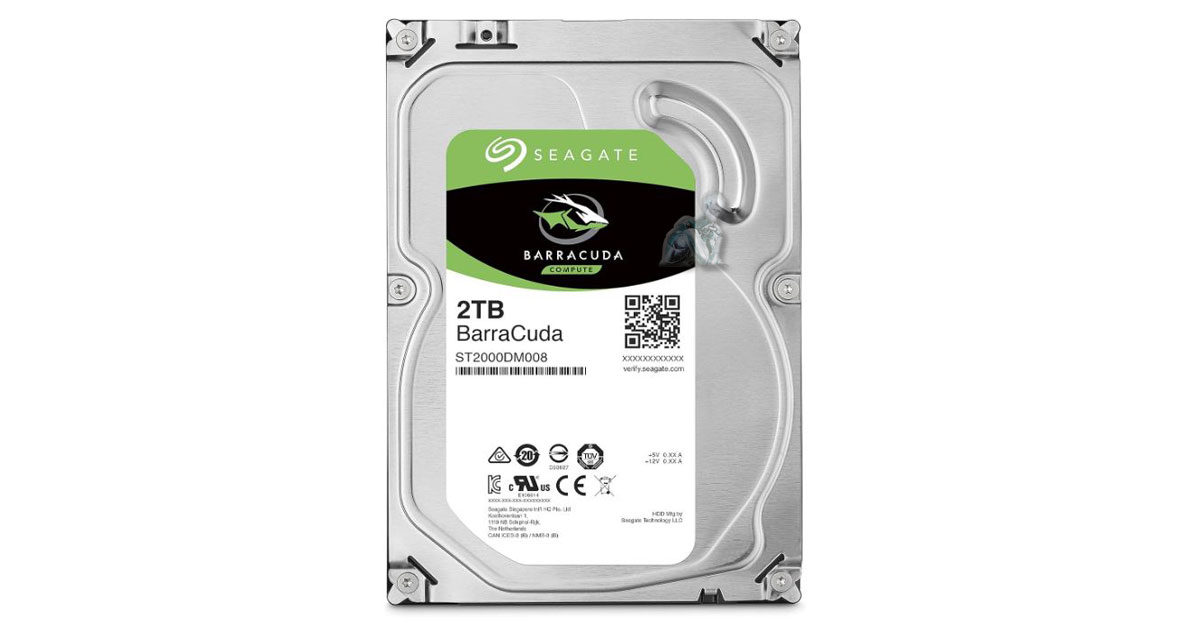
We install a brand-new HDD or SSD based on your usage, budget, and performance goals. SSDs offer significantly faster speeds and greater reliability for most users.
Optional Data Transfer
If your old drive is still accessible, we’ll migrate files, programs, and user settings to the new drive so you can pick up right where you left off.
Supported Desktop Types
We replace hard drives in nearly every type of desktop system:
- Home and office PCs (HP, Dell, Lenovo, etc.)
- Custom-built desktops
- Gaming towers
- Workstation systems
- Mini PCs and SFF models
- Windows, macOS, and Linux-based desktops
Ready to Replace Your Desktop’s Hard Drive?
Don’t wait for your system to crash completely. Let us replace your desktop’s hard drive before it fails and upgrade your computer’s speed and reliability in the process.
What Our Hard Drive Replacement Service Includes
We do more than just swap hardware, we provide a complete, start-to-finish service to get you back up and running:
Diagnostic Assessment
We check your current drive’s health and confirm whether replacement is necessary. If data recovery is still possible, we’ll help you save what matters.
OS Installation & Setup
We reinstall your operating system (Windows, macOS, or Linux), configure settings, and apply all available updates for a clean, secure start.
HDD vs SSD — Which One Is Right for You?
Hard Disk Drive (HDD)
- Higher capacity for a lower cost
- Great for bulk storage and backups
- Mechanical components, slower performance
Solid State Drive (SSD)
- Lightning-fast boot times and file access
- No moving parts = more durability
- Ideal for speed, gaming, and daily multitasking
We’ll help you decide based on how you use your computer.
Why Choose Us?
- Years of hands-on desktop hardware expertise
- High-quality, name-brand drives and SSDs
- No hidden fees, clear pricing and options
- Data protection and recovery services available
- Fast turnaround with same-day service options
- Local Miami service you can trust
We’re here to extend the life of your desktop, not push you into a new machine you don’t need.