
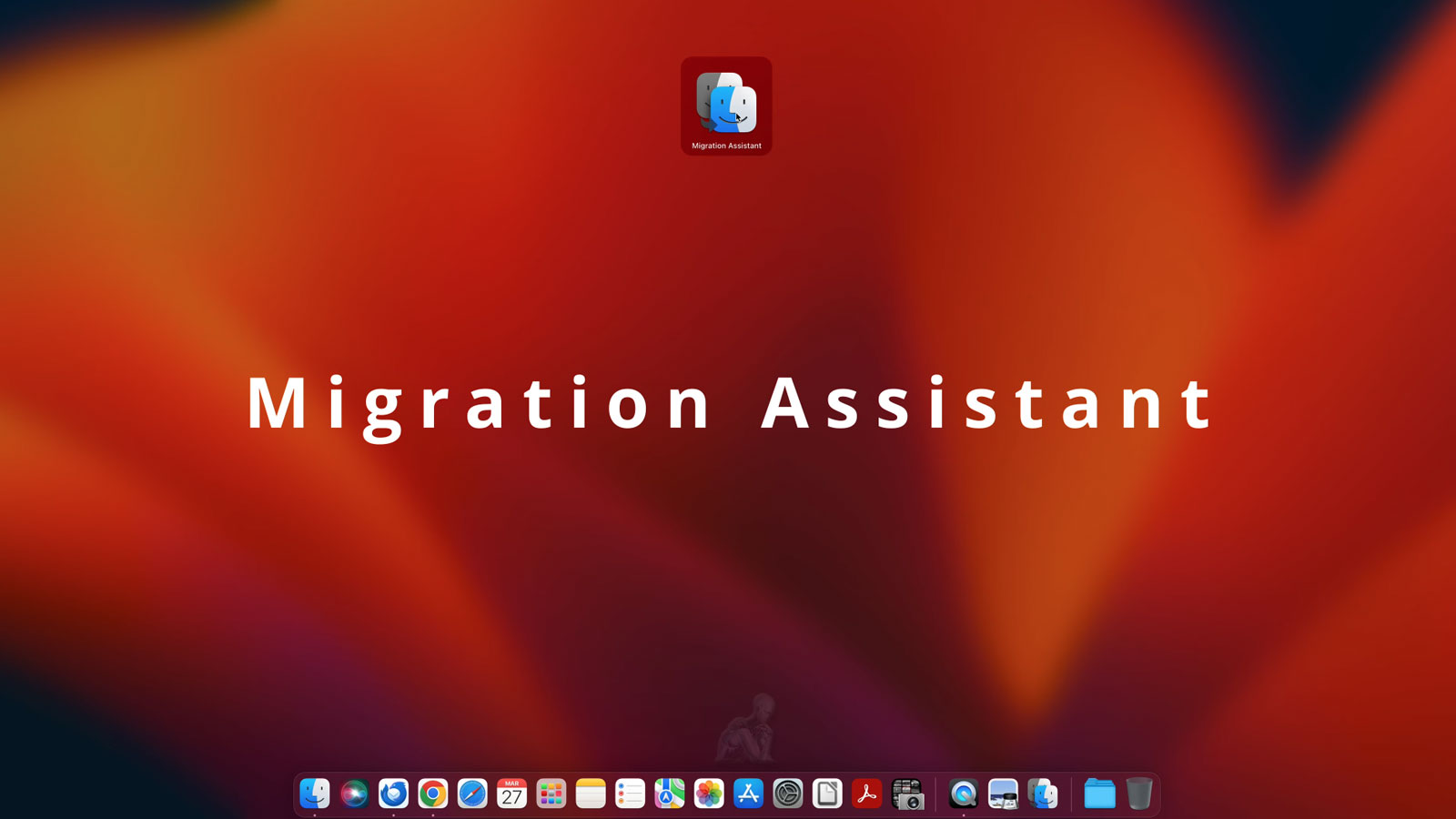
Secure Migration With Everything Set Up the Right Way
Transferring data between iMac systems involves more than simply copying files from one location to another. A properly managed migration ensures that user accounts, applications, system settings, and file structures are carried over in a consistent and functional state. When performed with attention to system compatibility and data organization, the result is a transition that preserves the working environment without introducing conflicts or instability.
Each migration scenario presents its own variables, including differences in macOS versions, storage configurations, and hardware architecture. Addressing these factors in advance allows the transfer process to proceed in a controlled manner, reducing the risk of incomplete data movement or configuration issues. The objective is to recreate a stable and familiar system environment on the destination iMac, allowing immediate usability without the need for extensive post-transfer adjustments.
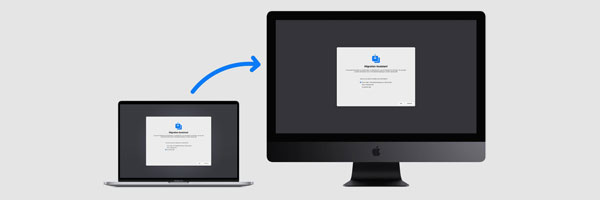
What We Transfer
Your data is handled as a complete system, not a loose collection of files.
- Documents, photos, videos, and project folders
- User accounts and desktop environments
- Email accounts, contacts, and calendars
- Safari data including bookmarks and saved passwords
- Music libraries, playlists, and media collections
- Compatible applications and application data
- iCloud, Time Machine, and external backup content
- System preferences and display configurations
The goal is continuity. When you sit down at your iMac again, everything is where you expect it to be.
Supported Systems and Transfer Scenarios
- Intel based iMac models including 21.5 inch, 27 inch, and iMac Pro
- Apple Silicon iMac 24 inch systems
- macOS High Sierra through macOS Sonoma
- APFS and HFS+ storage formats
- Transfers from Time Machine or external drives
- Data extraction from non-booting systems when accessible
Each transfer is adapted to the specific hardware and software involved.
Service Area
Support is available throughout Miami-Dade County. Pickup and return arrangements can be coordinated when needed, and all transfer work is completed in a controlled local environment.
How the Transfer Is Performed
Compatibility Review
We evaluate macOS versions, storage formats, and system architecture to avoid conflicts before the transfer begins.
Controlled Data Migration
Files and user environments are transferred using Apple supported tools combined with manual verification to prevent overwrites, corruption, or partial copies.
Application Assessment
We identify which applications can move directly, which require reinstallation, and which may need updated alternatives due to macOS changes.
Environment Setup
Dock layout, wallpapers, display scaling, and user preferences are adjusted so the new system mirrors the old one as closely as possible.
Optional Cleanup
If requested, unnecessary files or outdated data can be removed before migration, or a full backup can be created for safekeeping.
Data Privacy and Handling
All transfers are completed locally and handled with strict confidentiality.
- No third party access
- No cloud uploads without approval
- No retained copies after completion
- Clear confirmation before any data is removed from the original device
Your files remain yours at every stage.