
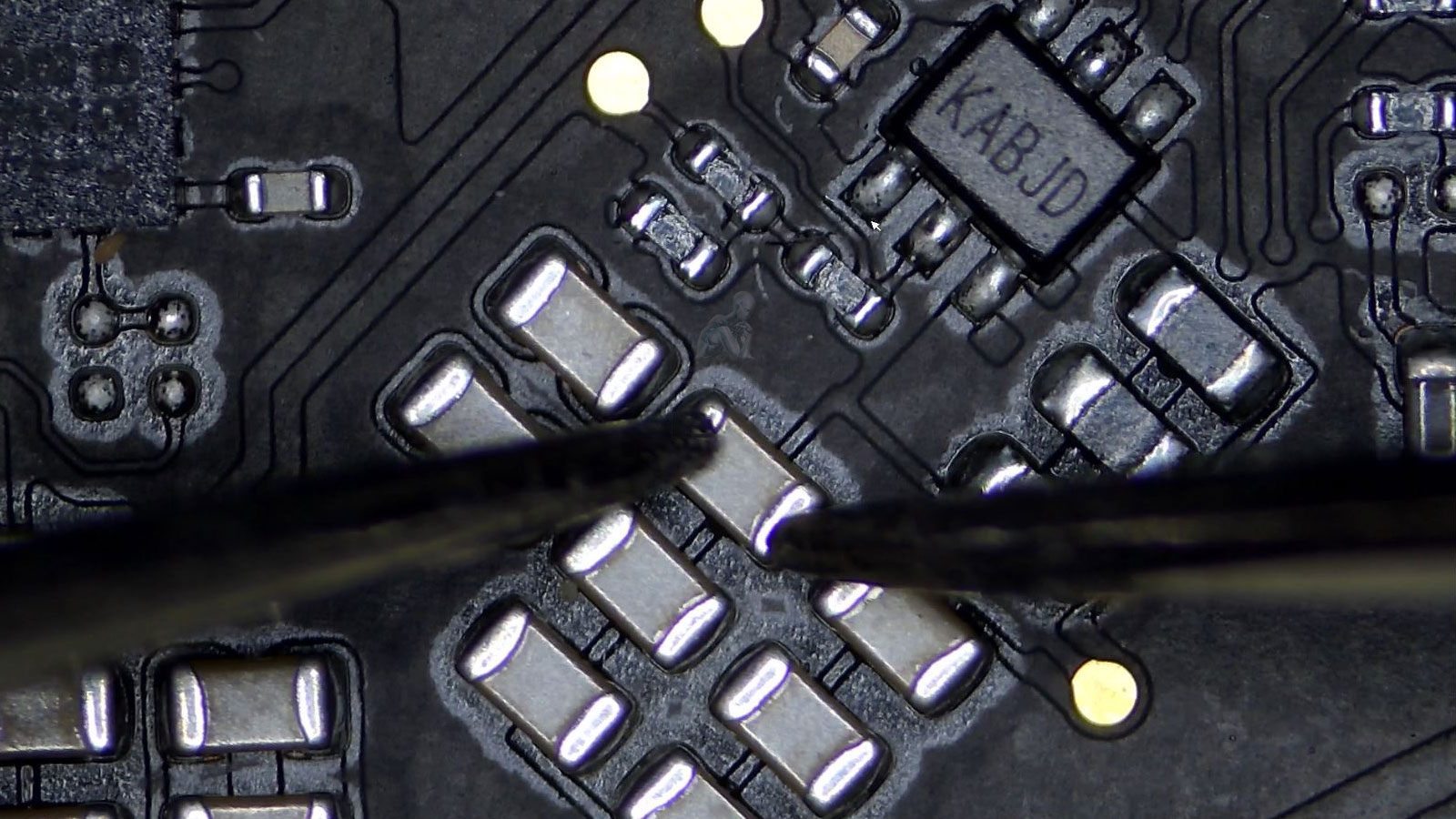
Identify the Problem Before Any Repair
Accurate diagnosis is the foundation of any effective iMac repair process. Before any component is replaced or corrective action is taken, the system must be carefully evaluated to determine the exact source of the issue. Symptoms such as startup failures, display irregularities, or inconsistent performance can originate from multiple underlying causes, making it essential to isolate the problem through structured testing rather than assumption.
This approach involves examining both hardware and software interactions, including power behavior, logic board activity, storage response, and system-level processes. By identifying the root cause with precision, unnecessary replacements are avoided and the repair process remains focused and efficient. Establishing a clear understanding of the issue ensures that any corrective steps taken are directly aligned with the actual condition of the iMac.
Situations That Benefit From a Diagnostic
iMac does not power on or fails during startup
System freezes, crashes, or becomes unresponsive
Unusual fan behavior or excessive heat
Display issues that are not clearly screen related
Intermittent shutdowns or restarts
Connectivity problems involving Wi-Fi, Bluetooth, or USB
Repeated error messages or kernel panics
A diagnostic helps separate symptoms from root causes.
Diagnostic Tools and Testing Methods
Modern iMac diagnostics rely on a combination of specialized tools and controlled testing procedures to accurately evaluate system behavior. This includes voltage measurement, component level testing, thermal observation, and firmware level checks. Each method is applied based on the symptoms observed, allowing different parts of the system to be assessed without introducing additional variables or risk.
Using structured testing techniques helps distinguish between similar symptoms that may originate from entirely different causes. For example, a system that fails to power on could relate to power delivery, logic board conditions, or peripheral interference. Applying the correct diagnostic method ensures that findings are based on measurable data rather than assumption, supporting a more precise and reliable evaluation process.
Supported iMac Systems
21.5 inch, 24 inch, and 27 inch iMac models
Retina 4K and 5K displays
Intel based iMac systems
Apple Silicon iMac models
Fusion Drive, SSD, and HDD configurations
iMac Pro and custom workstation setups
Each system is evaluated according to its internal architecture.
What the Diagnostic Evaluation Includes
Hardware Assessment
Internal components are tested to evaluate the condition of storage, memory, processor, graphics hardware, power delivery, and cooling behavior.
Software and System Review
macOS integrity, startup behavior, background processes, and error logs are reviewed to identify software conflicts or system level instability.
Display and Connectivity Testing
Video output, internal display behavior, ports, audio, networking, and peripheral communication are verified for consistency and reliability.
Findings Summary
Results are documented in clear terms, outlining what is functioning normally, what is failing, and what options are available moving forward.
Preventing Recurring Issues After Repair
Once a fault has been identified and addressed, attention shifts toward minimizing the chances of the issue returning. Many iMac problems develop gradually due to heat buildup, aging components, or environmental factors that place ongoing stress on internal hardware. Understanding these contributing conditions allows corrective steps to extend beyond the immediate repair.
Post diagnostic considerations may include reviewing thermal behavior, internal cleanliness, and system usage patterns that influence long term stability. By addressing both the root cause and the conditions that led to it, the system is better positioned to operate consistently over time. This approach supports not only resolution of the current issue but also improved reliability moving forward.
Diagnostic Service Area
iMac diagnostic services are available throughout Miami-Dade County. System transport, scheduling, and next steps can be arranged using the contact form below.
If your iMac is behaving unpredictably or no longer functioning as expected, you can request a diagnostic evaluation through the contact us page or by calling directly for a faster and more efficient response. Including the model year and observed symptoms helps streamline the assessment.