
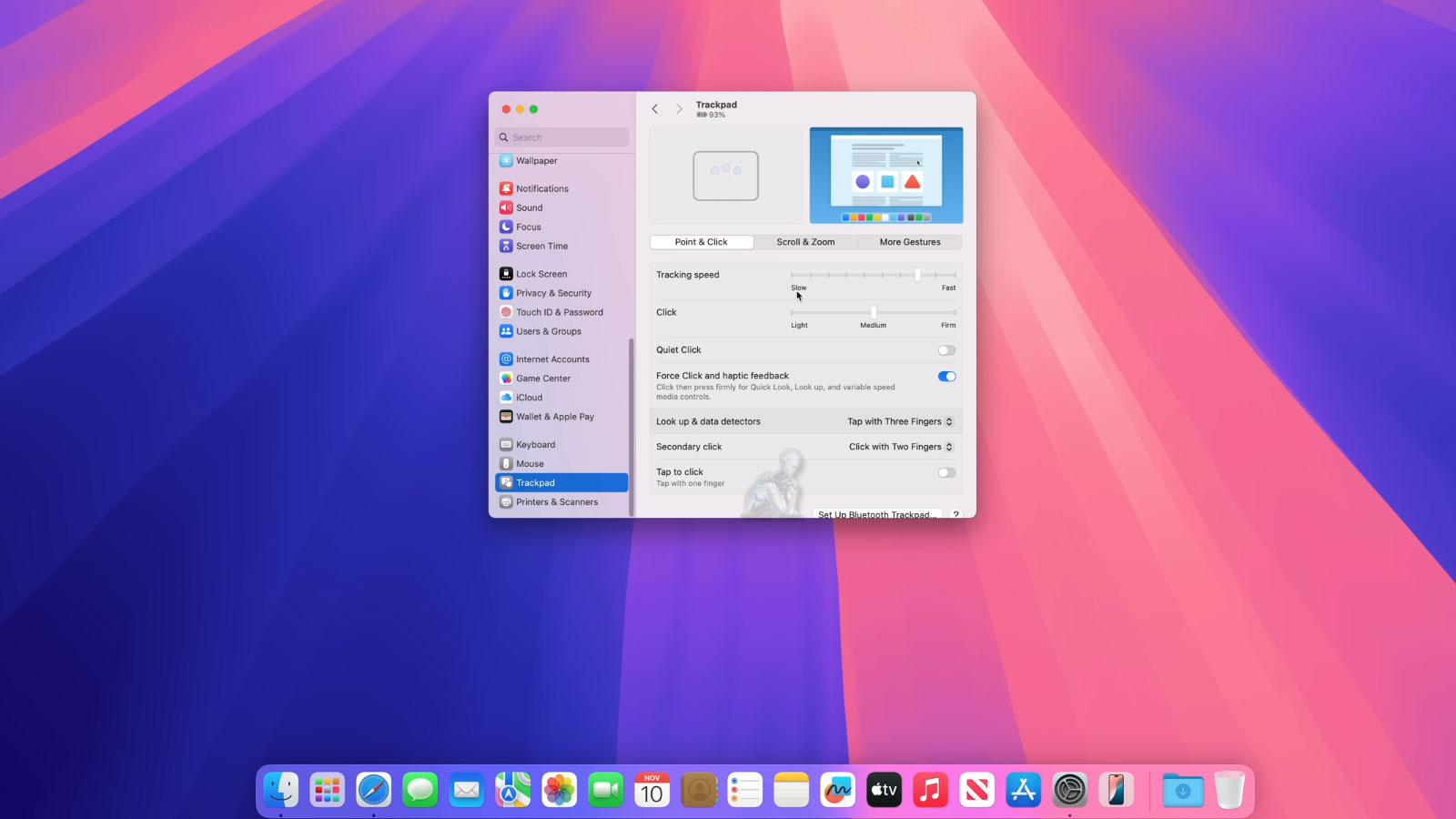
Thoughtful Setup for a Faster, Cleaner System
A properly configured iMac begins with a structured setup process that establishes how the system will perform from the first use. Initial configuration affects system responsiveness, background activity, and how efficiently resources are allocated across applications and services. Taking the time to set up macOS with attention to system behavior, user preferences, and essential functions helps create a clean and stable operating environment from the start.
This process involves more than basic installation, focusing on refining system settings, managing startup items, and aligning features with the intended use of the iMac. By organizing the system early and reducing unnecessary processes, the result is a more responsive and streamlined experience. A thoughtful setup ensures that the system operates efficiently, remains organized, and is prepared for consistent use without avoidable slowdowns or configuration issues.
System Personalization and User Environment Setup
Beyond basic configuration, tailoring the iMac to match individual usage patterns plays a key role in overall efficiency. This includes organizing user accounts, adjusting accessibility features, configuring input preferences, and aligning system behavior with daily workflows. Proper personalization ensures that the system responds predictably and supports the way it is actually used rather than relying on default settings.
Establishing a structured user environment also helps reduce unnecessary adjustments later. Preferences such as trackpad behavior, display settings, notifications, and application defaults can be configured early to create a consistent experience. This level of setup contributes to a more intuitive system, allowing tasks to be performed without interruption or repeated configuration changes.
What This Service Covers
macOS Installation and System Setup
We install or reinstall the most appropriate macOS version for your iMac, ensuring compatibility and long-term stability. System updates, firmware checks, language settings, and accessibility options are configured cleanly from the start.
Application Installation and Configuration
Essential software is installed and adjusted for everyday use or professional workflows. This includes productivity tools, creative applications, communication software, and browsers. User preferences, permissions, and account integration are handled carefully so nothing feels out of place.
Performance and Responsiveness Tuning
Startup items and background processes are reviewed and adjusted. Unnecessary clutter is removed, system resources are balanced, and overall responsiveness is improved without risky shortcuts.
iCloud and Network Integration
We configure iCloud services, email syncing, backups, Wi-Fi, Bluetooth devices, printers, and file sharing so everything connects smoothly and securely.
Privacy and Security Controls
Account protection, encryption, firewall settings, and application permissions are set up properly. If requested, two-factor authentication and tracking limitations are also configured for additional peace of mind.
Software Compatibility and Update Management
Ensuring that the iMac operates with compatible software is an essential part of the setup and configuration process. Differences between macOS versions, application requirements, and system architecture can affect how software performs after installation. Verifying compatibility before deployment helps prevent conflicts, instability, or performance issues that may arise from unsupported configurations.
Update management is also addressed to maintain system reliability over time. This includes configuring how and when updates are applied, ensuring that critical patches are installed while avoiding disruptions during active use. A controlled approach to software updates supports long term stability and helps keep the system secure and operating as expected.
Compatible iMac Models
This service supports all modern and legacy iMac systems, including:
- 21.5-inch and 27-inch Intel iMacs
- Retina 4K and 5K displays
- 24-inch Apple Silicon iMacs
- iMac Pro systems
Each configuration is adjusted based on the specific hardware and how the system will be used.
How the Process Works
Your iMac is configured in a controlled environment, tested for stability, and returned ready for daily use. Pickup and return arrangements are available within Miami-Dade County when needed, keeping the process simple and hands-off.
Why This Service Makes a Difference
A properly configured iMac feels faster, lasts longer, and avoids many issues that lead to unnecessary repairs later. Instead of guessing or stacking fixes on top of old problems, the system is built cleanly and logically from the ground up.