
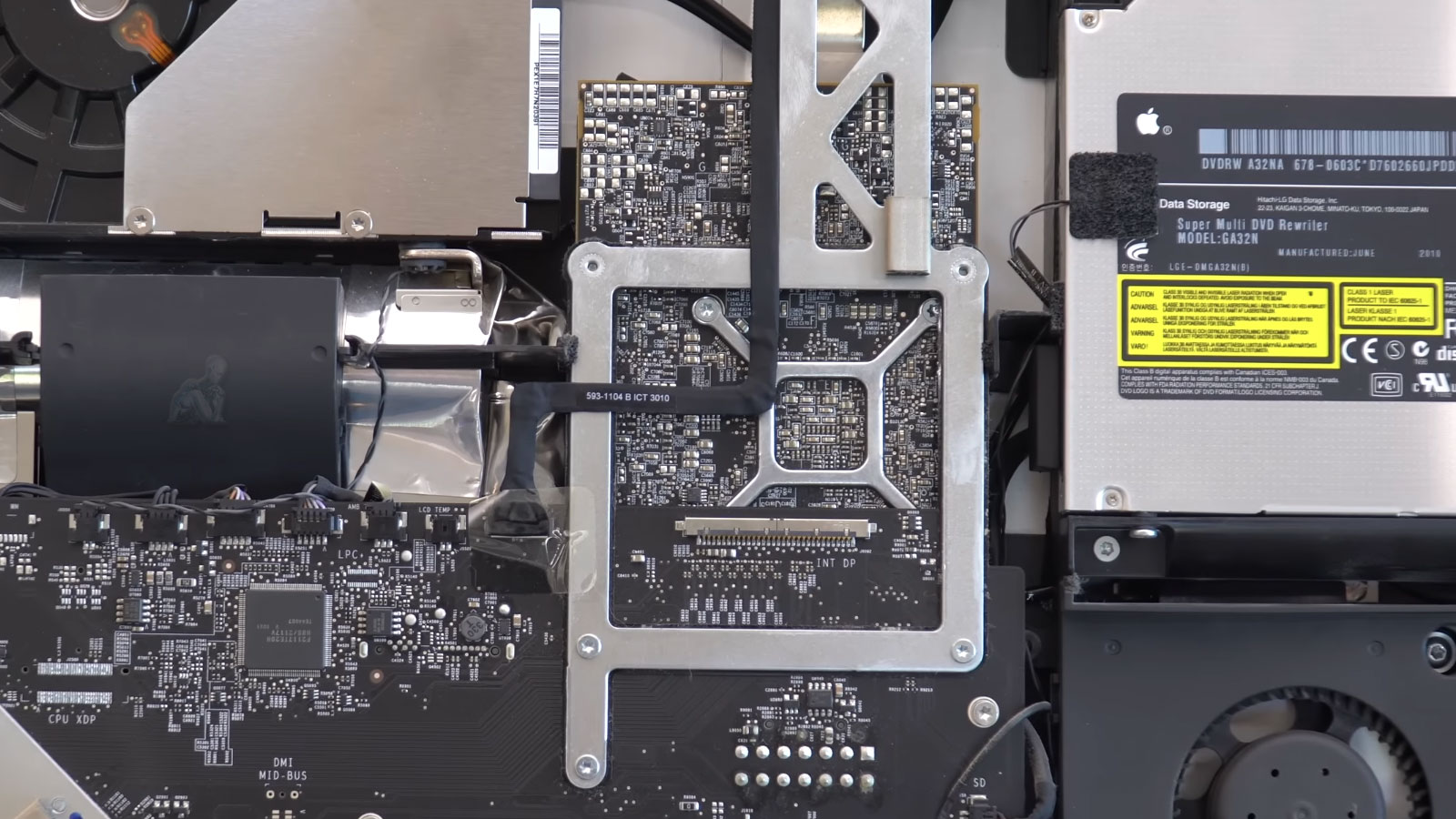
GPU and Display Issue Resolution for Unstable or Failing Systems
Graphics related issues in iMac systems can present in a range of ways, from intermittent display glitches to complete loss of video output. These symptoms are often linked to the GPU section of the logic board, where thermal stress, component wear, or electrical irregularities can affect signal processing and display stability. Because visual artifacts and system instability may share similar outward signs, a structured evaluation is necessary to determine whether the source lies within the graphics subsystem or in related components such as display connections or power delivery circuits.
Addressing these conditions requires careful inspection of the GPU area and its surrounding circuitry to identify inconsistencies in performance and behavior. Diagnostic procedures focus on isolating faults without introducing additional stress to the system, ensuring that any corrective steps are based on verified findings. By approaching GPU and display issues with precision, the process supports stable visual output and consistent system operation under normal use conditions.
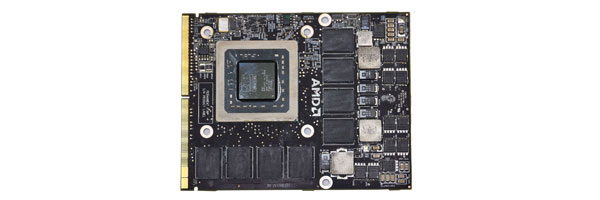
Video and Graphics Problems Commonly Seen on iMacs
Graphics failures do not always start with a black screen. Many develop gradually and worsen if left unaddressed. Typical symptoms include:
- Screen remaining dark while the system powers on
- Lines, blocks, or color distortion across the display
- Flickering image or intermittent signal loss
- Visual artifacts during normal use or under load
- System freezes or crashes triggered by video tasks
- Sudden shutdowns caused by excessive GPU heat
These behaviors often indicate failing graphics hardware, weakened solder joints, or damaged video memory paths.
Display Signal Path and Component Interaction
Visual output on an iMac depends on a sequence of components working together, including the GPU section, display data channels, power delivery circuits, and the display panel itself. A disruption at any point along this signal path can produce similar symptoms, such as flickering, distortion, or complete loss of image. Because of this interdependence, accurate evaluation requires examining how each part contributes to the final output rather than isolating a single component too early in the process.
Testing focuses on verifying signal continuity, power stability, and communication between the logic board and display assembly. By analyzing how these elements interact under different conditions, it becomes possible to identify whether the issue originates from the GPU, supporting circuitry, or the display interface. This broader perspective ensures that corrective actions address the actual source of the problem rather than only its visible effects.
iMac Models Commonly Serviced for Video Issues
This service applies to:
- iMac 21.5-inch and 27-inch systems from 2011 through 2020
- Retina 4K and 5K iMac configurations
- iMac Pro models using discrete AMD graphics
- Intel-based iMacs with dedicated GPU hardware
Apple Silicon iMacs use integrated graphics and have more limited repair paths, which require evaluation before proceeding.
How iMac Video Repairs Are Performed
Focused GPU Diagnostics
The graphics subsystem is tested independently from the rest of the system to confirm whether the fault is GPU-related, circuit-level, or firmware driven.
Chip and Circuit Repair
Depending on the model and failure type, repairs may involve restoring solder integrity on the graphics chip, correcting power delivery to the GPU, or replacing damaged supporting components on the logic board.
Thermal Correction
Overheating is a frequent contributor to GPU failure. Internal cooling paths are cleaned, heat transfer surfaces are refreshed, and airflow is evaluated to reduce future stress on the graphics hardware.
System Validation
After repair, the iMac is tested with sustained graphics workloads to verify stability, temperature control, and proper display output.
Thermal Behavior and GPU Stability
Heat management plays a critical role in the long term stability of the GPU within an iMac. Over time, reduced thermal efficiency can lead to higher operating temperatures, which may contribute to graphical inconsistencies, system instability, or intermittent display failures. These conditions often develop gradually, making them difficult to associate directly with thermal performance without proper evaluation.
Assessing thermal behavior involves observing temperature patterns, fan response, and the effectiveness of heat dissipation across the GPU area. Identifying irregularities in this behavior helps determine whether thermal factors are influencing performance or contributing to hardware stress. Addressing these conditions supports more consistent graphical output and reduces the likelihood of recurring instability under normal system use.
Service Logistics
For desktop systems, transport assistance can be arranged within Miami-Dade County when needed. All handling and repairs are performed using static-safe procedures in a controlled workspace.
When Video Repair Is the Right Call
If the iMac still powers on but displays instability, distortion, or crashes tied to graphics activity, early intervention can prevent permanent board damage and extend the usable life of the system.