
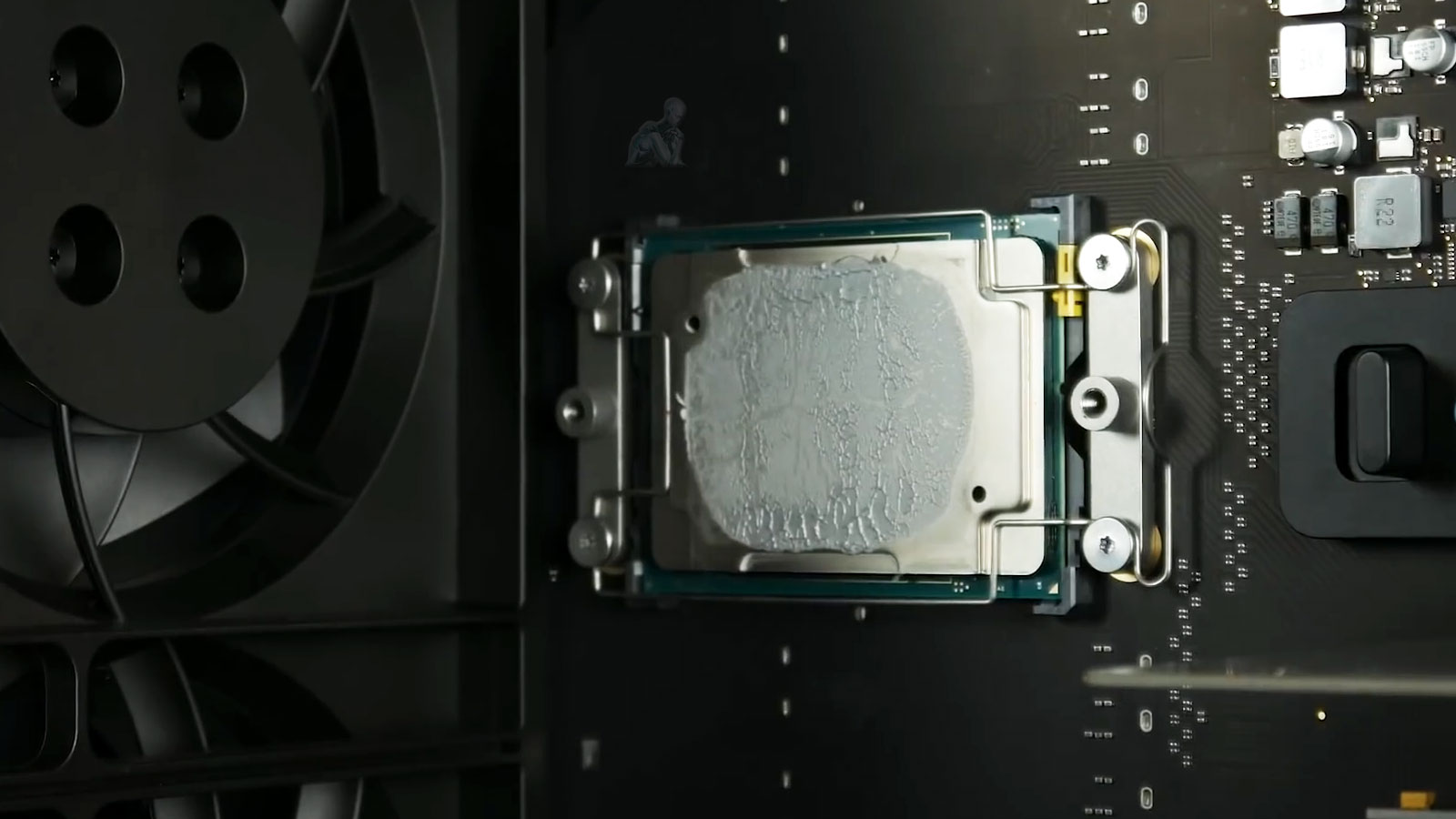
Precision Board-Level Diagnostics and Component Repair for Mac Pro Systems
Evaluating a Mac Pro logic board requires a focused approach that considers the interaction between the processor, power delivery circuits, and supporting components across the board. These systems rely on tightly coordinated electrical pathways, where even a minor disruption can affect startup behavior, processing stability, or overall system responsiveness. A detailed diagnostic process involves examining these pathways under controlled conditions to identify irregular signals, degraded components, or inconsistencies that may not be immediately visible during standard operation.
Component-level repair is carried out with attention to preserving the original architecture of the logic board while addressing the specific fault identified during analysis. This may involve restoring power regulation stability, resolving signal interruptions, or correcting localized component failures that impact system functionality. Each step is performed with precision to ensure that the board maintains consistent communication between its core elements, allowing the Mac Pro to return to reliable operation without introducing new variables that could affect long-term performance.

Common Signs of Logic Board Failure
No power, no startup chime, or no response when powering on
Sudden shutdowns or kernel panics during normal use
Random freezing, crashing, or reboot loops
Overheating unrelated to workload
Non-responsive USB, Thunderbolt, PCIe, or memory slots
Power delivery faults or diagnostic LEDs indicating failure
Logic board problems often resemble issues caused by power supplies, GPUs, or memory, which is why accurate diagnostics are essential before any repair decision is made.
Supported Mac Pro Logic Board Configurations
Repairs are available for all major Mac Pro generations and configurations, including:
- Mac Pro (2019 Intel tower)
- Mac Pro (2013 cylindrical model)
- Apple Silicon Mac Pro systems (including M2 Ultra)
- Systems with MPX modules, PCIe expansion, or custom GPU setups
- High-performance creative and enterprise configurations
Whether the system is used for video production, audio engineering, development, or data-heavy workloads, the goal is to restore full operational stability.
Understanding Logic Board Failures in Mac Pro Systems
Logic board failures in Mac Pro systems often originate from disruptions in power regulation, signal pathways, or component-level degradation. The board functions as the central communication platform for all hardware, and any instability within its circuitry can affect multiple subsystems simultaneously. Conditions such as voltage irregularities, thermal stress, or aging components can gradually compromise the integrity of critical areas, leading to inconsistent startup behavior, unexpected shutdowns, or loss of system functionality.
In addition to physical wear, environmental factors and operational conditions can influence how the logic board performs over time. Repeated load cycles, prolonged high-performance usage, and minor electrical inconsistencies can contribute to cumulative stress across sensitive components. Identifying these underlying causes is essential to ensuring that repair efforts address the source of the issue rather than only its visible effects, allowing the system to return to stable and predictable operation.
Mac Pro Logic Board Repair Available Locally
Logic board diagnostics and repairs are available for professionals, studios, and businesses throughout the Miami area, with options for in-store service, pickup and delivery, or on-site assistance when required.
Our Mac Pro Logic Board Repair Process
Each repair is handled in a controlled, ESD-safe environment using professional diagnostic and micro-soldering tools.
Step 1: Advanced Diagnostic Evaluation
We test power rails, signal paths, and critical components to identify shorts, failed regulators, damaged traces, or logic-level faults.
Step 2: Component-Level Repair
Instead of replacing the entire board, we repair or replace individual components such as capacitors, voltage controllers, ICs, or damaged circuitry when feasible.
Step 3: Stability and Load Testing
After repairs, the logic board is stress-tested under real workloads to ensure reliable performance across all connected components.
Step 4: Reassembly and Verification
The system is carefully reassembled, connections are verified, and the Mac Pro is tested for consistent operation before return.
Post-Repair Validation and System Stability Verification
Following logic board repair, validation is performed to confirm that all critical functions have been restored and that the system operates consistently across different conditions. This includes verifying proper power sequencing, stable communication between components, and accurate system initialization. Each subsystem is observed to ensure that the repaired board supports normal operation without introducing irregular behavior.
Stability verification extends beyond initial startup, involving controlled testing under varying workloads to confirm reliable performance over time. Monitoring system responses during these conditions helps identify any residual inconsistencies and ensures that the repair has achieved a complete resolution. This final stage provides confidence that the Mac Pro can operate within its intended environment while maintaining dependable functionality.
Why This Repair Approach Matters
- Board-level repair avoids unnecessary full replacements
- Preserves original system configuration and data environment
- Reduces cost compared to complete logic board swaps
- Extends the usable lifespan of high-end Mac Pro systems
Each repair is approached with the understanding that Mac Pro systems are mission-critical tools, not disposable hardware.
Schedule a Mac Pro Logic Board Diagnostic
If your Mac Pro is unstable, unresponsive, or showing signs of board-level failure, a professional diagnostic can determine whether repair is possible before committing to replacement. Proper evaluation is the first step toward restoring a system that still has plenty of life left.