
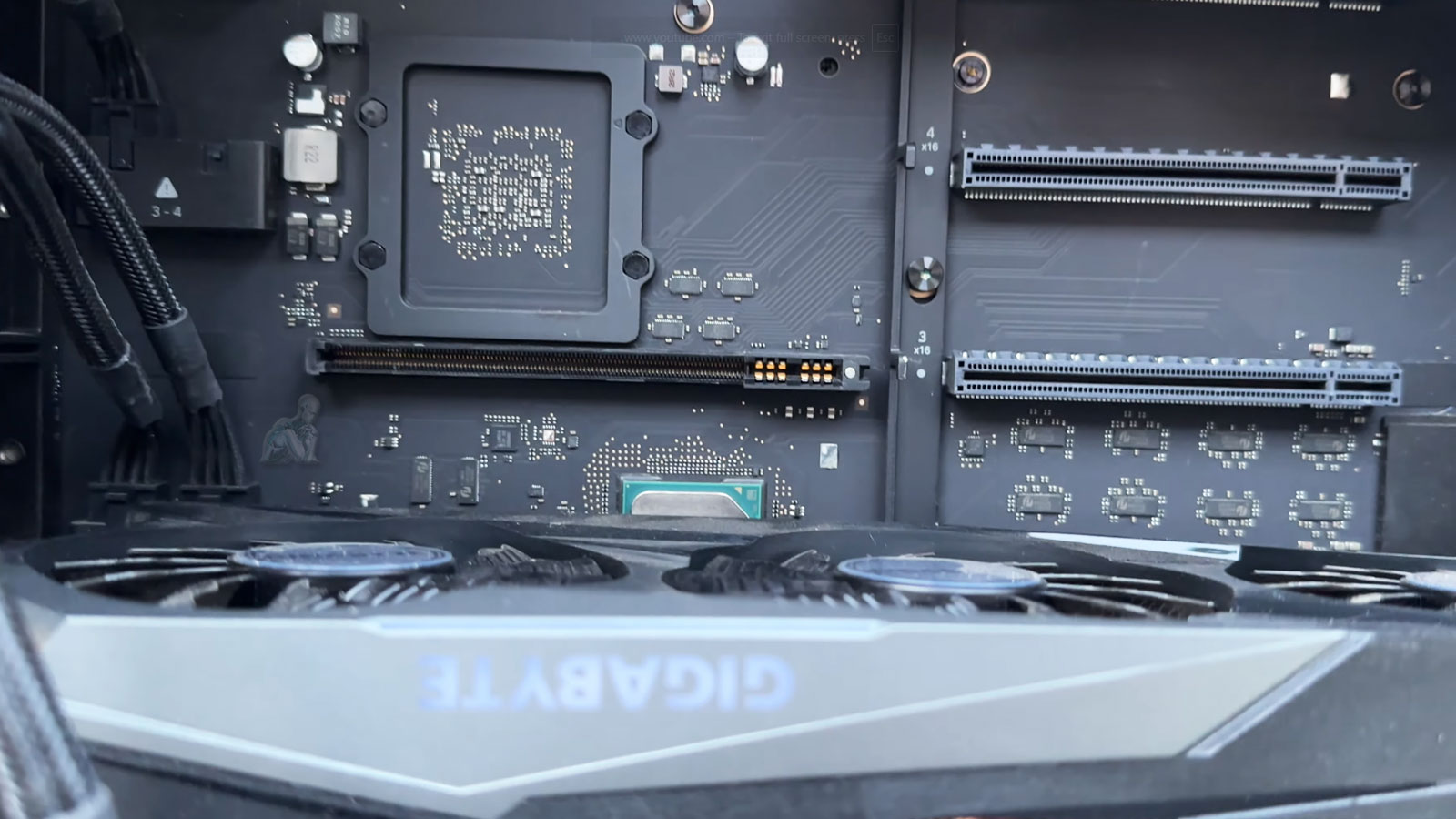
Professional GPU Diagnostics and Graphics Hardware Restoration
Diagnosing GPU-related issues in a Mac Pro requires a precise and controlled approach, as graphical performance is closely tied to both hardware integrity and system-level communication. Graphics cards operate under high thermal and computational loads, making them susceptible to instability caused by power irregularities, cooling inefficiencies, or component degradation over time. A professional diagnostic process focuses on isolating the GPU within the broader system architecture, evaluating its behavior under different conditions to determine whether faults originate from the card itself, its connection interface, or supporting components.
Graphic hardware restoration involves addressing the underlying causes identified during diagnostics while preserving system stability and compatibility. This may include resolving connection inconsistencies, correcting thermal limitations, or restoring proper communication between the GPU and the Mac Pro’s logic board. Each step is performed with attention to maintaining the integrity of the system’s configuration, ensuring that graphical performance is returned to a consistent and reliable state without introducing new variables that could affect long-term operation.

Common Mac Pro Graphics Issues
No display or black screen at startup
Visual artifacts, flickering, or corrupted output
System restarts during rendering or video playback
Overheating or fans running at maximum speed
Kernel panics triggered by graphics processes
External monitors not detected or unstable
Graphics problems can stem from failing GPUs, degraded VRAM, loose connections, thermal stress, or macOS driver conflicts. Proper diagnostics determine the real cause before any repair decision is made.
GPU Upgrade Options (Optional)
In some cases, repair is a good opportunity to improve performance.
Available options may include:
- AMD Radeon Pro GPU upgrades for supported Mac Pro towers
- MPX module installation for enhanced graphics performance
- External GPU (eGPU) configuration where supported
- Multi-GPU optimization for rendering or compute workflows
All upgrades are evaluated for thermal limits, power requirements, and software compatibility.
Understanding GPU Failures in Mac Pro Systems
In addition to hardware-related conditions, compatibility and firmware factors can also contribute to GPU instability. Differences in system configuration, driver support, and operating system behavior may influence how a graphics card performs within a Mac Pro. Identifying the exact cause requires a detailed evaluation of both physical components and system-level interactions, ensuring that the root issue is addressed rather than just the visible symptoms.
Why This Repair Approach Matters
- Accurate diagnostics prevent unnecessary part replacements
- Repairs preserve existing system configurations and data
- Performance testing ensures real-world stability
- Mac-compatible components avoid driver and OS issues
Graphics failures are disruptive, especially in production environments. The goal is to restore reliability, not just power the system back on.
Mac Pro GPU and Video Repair Process
Each repair is performed using workstation-grade tools and controlled testing procedures.
Step 1: GPU and Thermal Diagnostics
The graphics card is stress-tested while monitoring temperatures, power draw, and display output to determine whether the issue is hardware- or software-related.
Step 2: Repair or Replacement Evaluation
When possible, component-level repairs are attempted. If the GPU is beyond repair, compatible replacement options are recommended based on workload requirements and macOS support.
Step 3: System Validation and Optimization
After repair or replacement, the system is tested across internal and external displays, rendering workloads, and professional applications to ensure stable performance.
Supported Mac Pro Configurations
Graphics repairs and upgrades are available for:
- Mac Pro (2013 cylindrical model)
- Mac Pro (2019 Intel tower)
- Apple Silicon Mac Pro systems with dedicated graphics configurations
- Systems using MPX modules or third-party PCIe GPUs
- External eGPU setups paired with Mac Pro
Whether used for video editing, 3D rendering, motion graphics, or compute-heavy workflows, each system is evaluated individually.
Post-Repair Validation and Graphics Performance Testing
After GPU repair or replacement, validation is essential to confirm that the system operates reliably under real-world conditions. This process includes verifying stable video output, consistent driver communication, and proper recognition of the graphics hardware within the operating system. Controlled testing is performed to ensure that the GPU responds correctly across different workloads, eliminating the risk of recurring instability.
Mac Pro Video Repair Support Available Locally
Mac Pro GPU and video repairs are available for professionals, studios, and businesses throughout the Miami area, with options for in-shop service, pickup and delivery, or on-site support depending on system configuration.
If your Mac Pro is showing display issues, struggling under GPU load, or crashing during graphics-intensive tasks, a professional diagnostic can determine whether repair or replacement is the right path forward.