
Thermal Care and System Upkeep for Consistent Performance
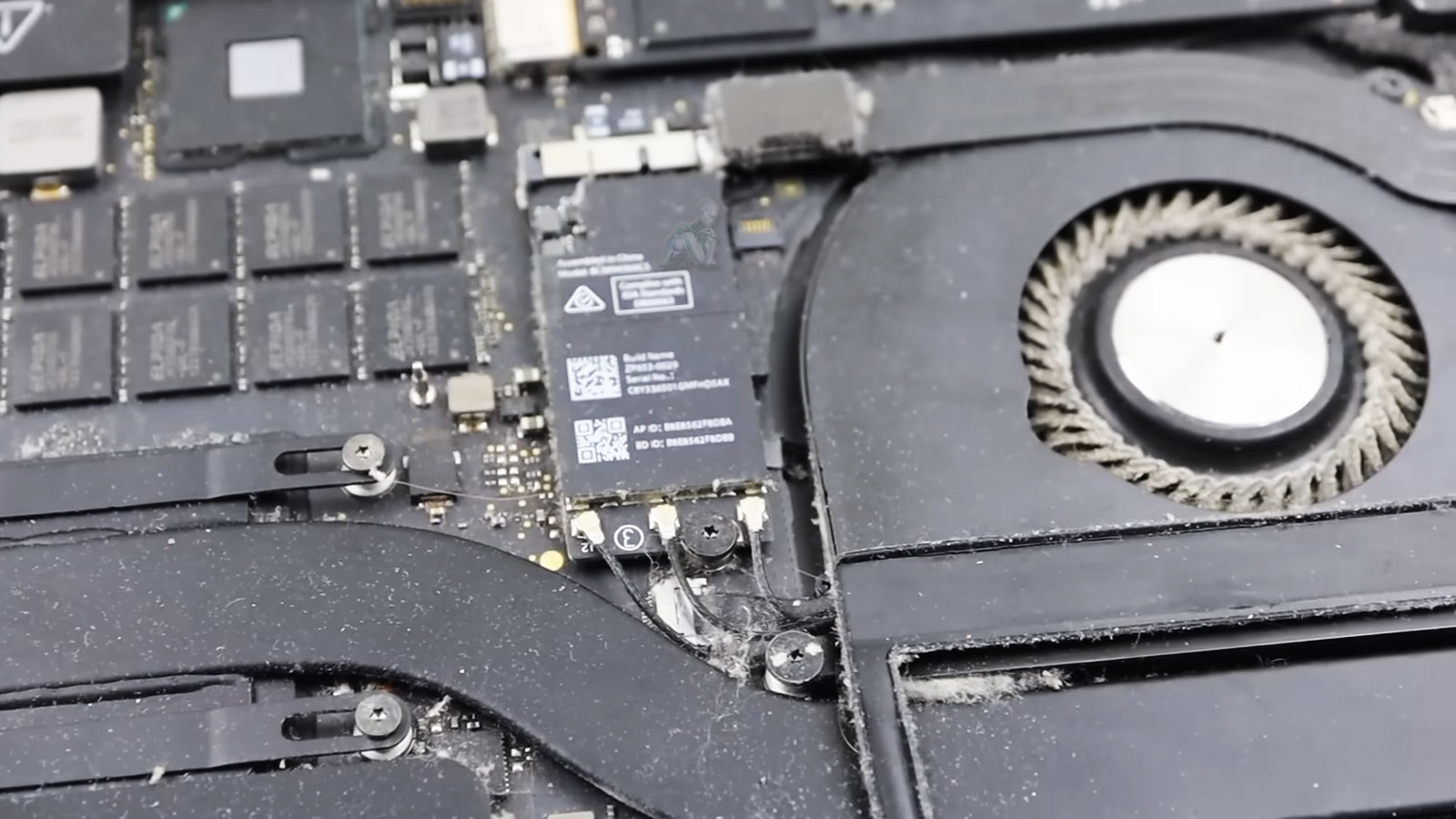
Thermal regulation in a MacBook Air depends on unobstructed airflow and efficient heat transfer across its internal components. Over time, fine dust and particulate matter accumulate within the cooling assembly, restricting the fan’s ability to move air and diminishing the effectiveness of the heat sink. This gradual buildup alters the system’s thermal balance, leading to elevated operating temperatures, increased fan activity, and potential performance throttling under sustained workloads. Addressing these conditions requires controlled internal access, where contaminants are carefully removed without disturbing sensitive components or introducing additional stress to the system.
Consistent system performance is closely tied to maintaining stable thermal conditions. Proper upkeep involves not only cleaning the cooling pathways but also ensuring that airflow channels remain clear and that heat is dissipated as intended across the device’s architecture. When thermal efficiency is restored, the MacBook Air operates within its expected temperature range, allowing for smoother processing, reduced thermal strain, and more predictable behavior during everyday use. This level of maintenance supports long-term reliability by preserving the integrity of internal components and minimizing the impact of heat-related wear over time.
What’s Addressed During Maintenance
Internal Cleaning and Airflow Care
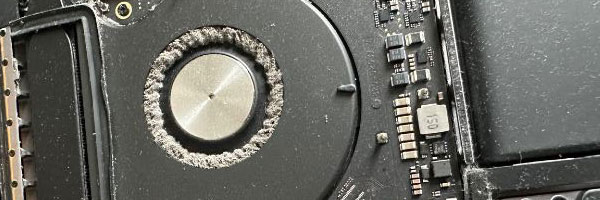
The system is carefully opened to remove accumulated dust from fans, vents, and internal airflow paths. Clearing these areas helps stabilize temperatures and reduces unnecessary fan activity.
Thermal Material Refresh
Old thermal compound is removed and replaced where applicable to improve heat transfer between internal processors and cooling surfaces. This helps manage temperature spikes during daily workloads.
Battery and Connection Check
Battery condition, charge behavior, and visible swelling risks are reviewed. Ports and connectors are cleaned to ensure consistent power delivery and reliable device connections.
macOS Performance Review
Temporary files, excessive background processes, and outdated software elements are addressed to reduce unnecessary system load and improve overall responsiveness.
System Stability Verification
Fan behavior, operating temperatures, storage performance, and general system health are reviewed before completion.
Service Area and Availability
Support is available throughout Miami-Dade County, with service options arranged to minimize disruption to daily routines. Devices are handled carefully, tested thoroughly, and returned ready for regular use.
Compatible MacBook Air Models
Maintenance services are available for:
- Intel-based MacBook Air systems
- Apple Silicon MacBook Air models
- 11-inch, 13-inch, and 15-inch configurations
Support covers a wide range of macOS versions and usage environments, from casual daily use to constant work sessions.
When Maintenance Is Worth Scheduling
- Fans running more often than expected
- The system feels warm during light tasks
- Gradual performance decline over time
- The device hasn’t been cleaned internally in over a year
- Daily use for work, school, or creative projects
Preventative care reduces the chance of sudden failures and helps extend the useful life of the system.
Post-Maintenance Thermal Verification and Environmental Control
Effective cleaning and maintenance extend beyond the removal of visible debris. Once internal components are cleared, it is essential to confirm that the system is operating within its intended thermal range. This involves evaluating airflow consistency, observing fan response under varying workloads, and verifying that heat is dissipated without irregular spikes or sustained thermal buildup. Any inconsistency at this stage may indicate residual obstruction, uneven airflow distribution, or underlying factors that require further attention before the system can be considered fully stabilized.
Cleaning and maintenance aren’t about fixing something broken, they’re about keeping a reliable system dependable. If your MacBook Air is running warmer, louder, or slower than it used to, a proper internal refresh can make a noticeable difference.