
Professional File Recovery for macOS Systems
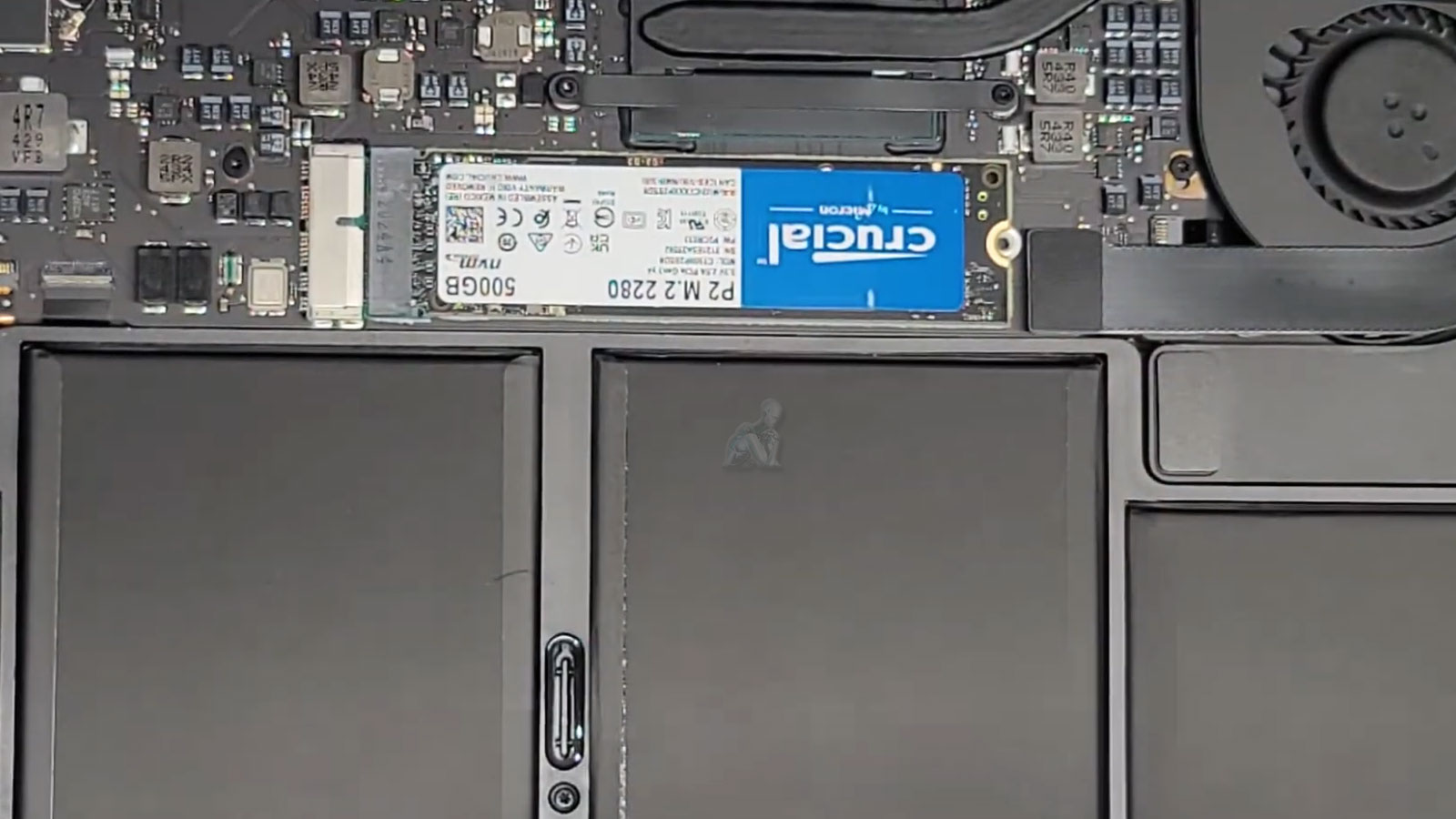
Data loss on a MacBook Air can originate from a range of conditions, including logical file system corruption, failed macOS updates, accidental deletion, or degradation within the solid-state storage layer. Professional recovery begins with a controlled assessment of how the data was lost, distinguishing between logical inconsistencies and hardware-level limitations that may affect access to the storage medium. This distinction is critical, as each scenario requires a different approach to preserve data integrity while avoiding further disruption to the underlying structure of the drive.
Recovery procedures are carried out with an emphasis on precision and preservation. Rather than interacting directly with compromised data structures in a way that could overwrite or alter existing information, the process focuses on extracting recoverable data through stable read operations and structured reconstruction techniques. This ensures that files are retrieved in their most complete and usable state possible. When executed correctly, the system’s data landscape can be rebuilt with minimal loss, restoring access to essential files while maintaining the integrity of the original storage environment.

Situations Where Data Can Be Recovered
We regularly recover data from MacBook Air systems affected by:
- MacBook Air systems that no longer boot
- Accidentally deleted files or emptied trash
- Corrupted macOS installations or failed updates
- Internal SSD issues or unreadable volumes
- Encrypted drives affected by system errors
- Liquid exposure or physical impact damage
Each case is different, which is why proper evaluation comes first.
Supported MacBook Air Models
Data recovery is available for:
- MacBook Air with Apple Silicon M1 and M2
- MacBook Air Retina models with T2 security
- Intel based MacBook Air systems
- APFS and HFS+ file systems, including encrypted volumes
Whether the device is used for work, school, or personal use, the goal is always the same: recover what matters.
Data Integrity Safeguards During Recovery
Recovering data from a MacBook Air requires strict control over how the storage medium is accessed. Any uncontrolled interaction with a compromised file system or unstable storage device can lead to permanent data loss or corruption. To prevent this, recovery procedures are designed to prioritize read-only operations, ensuring that existing data structures are not overwritten or altered during the extraction process. This approach preserves the original state of the data as much as possible while allowing for safe retrieval.
Maintaining data integrity also involves isolating the storage environment from external variables that could interfere with recovery. This includes managing power stability, minimizing repeated access attempts, and avoiding unnecessary system-level operations that could trigger further degradation. By applying controlled access methods and disciplined handling, the recovery process remains focused on preserving what is recoverable without introducing additional risk to the remaining data.
Pickup and Delivery Availability
For convenience, pickup and return delivery can be arranged within Miami-Dade County when needed. This option is available for clients who prefer not to transport their device themselves.
Schedule a Data Recovery Evaluation
If important files are missing or inaccessible on your MacBook Air, professional data recovery can often make the difference between permanent loss and full restoration. Early evaluation improves the chances of success.
To begin the recovery process, schedule an assessment and let experienced technicians determine the safest path forward.
How the Data Recovery Process Works
Drive and File System Assessment
We begin by analyzing the internal SSD and file system to determine whether the data loss is logical, structural, or hardware related. This step allows us to choose the safest and most effective recovery method.
Drive and File System Assessment
We begin by analyzing the internal SSD and file system to determine whether the data loss is logical, structural, or hardware related. This step allows us to choose the safest and most effective recovery method.
Recovery Method Selection
Depending on the condition of the drive, recovery may involve software based reconstruction, file system repair, or advanced extraction techniques designed specifically for Apple storage architectures.
File Organization and Verification
Recovered files are rebuilt into usable folders whenever possible, making it easier to access documents, photos, and project data without confusion.
Encrypted Drive Handling
We support recovery from FileVault encrypted drives and Apple Silicon based storage without compromising security or user privacy.
Data Return Options
Recovered files can be transferred to an external drive or delivered digitally, depending on your preference and the size of the recovery.
Storage Condition Evaluation After Data Retrieval
Once data has been successfully retrieved, it is essential to evaluate the condition of the original storage device. In many cases, data loss is a symptom of underlying issues such as wear within the solid-state drive, controller instability, or file system inconsistencies that may persist even after recovery. Identifying these factors helps determine whether the storage medium can continue to be used reliably or if it presents a risk for future data loss.
A structured evaluation focuses on the stability of read operations, the consistency of data access, and the overall responsiveness of the storage system under normal conditions. When instability is detected, continued use of the same drive may lead to recurring data loss events. Addressing this stage ensures that recovery is not treated as a one-time correction, but as part of a broader effort to maintain long-term data reliability and system stability.
Why Clients Choose This Service
Data recovery requires precision, patience, and experience. We focus on realistic outcomes and transparent communication throughout the process.
- Extensive experience with Apple storage systems
- Advanced recovery tools for SSD and APFS volumes
- Clear explanations before any work begins
- Privacy focused handling of all recovered data
- No unnecessary steps or risky shortcuts
Your files are treated with care at every stage.