
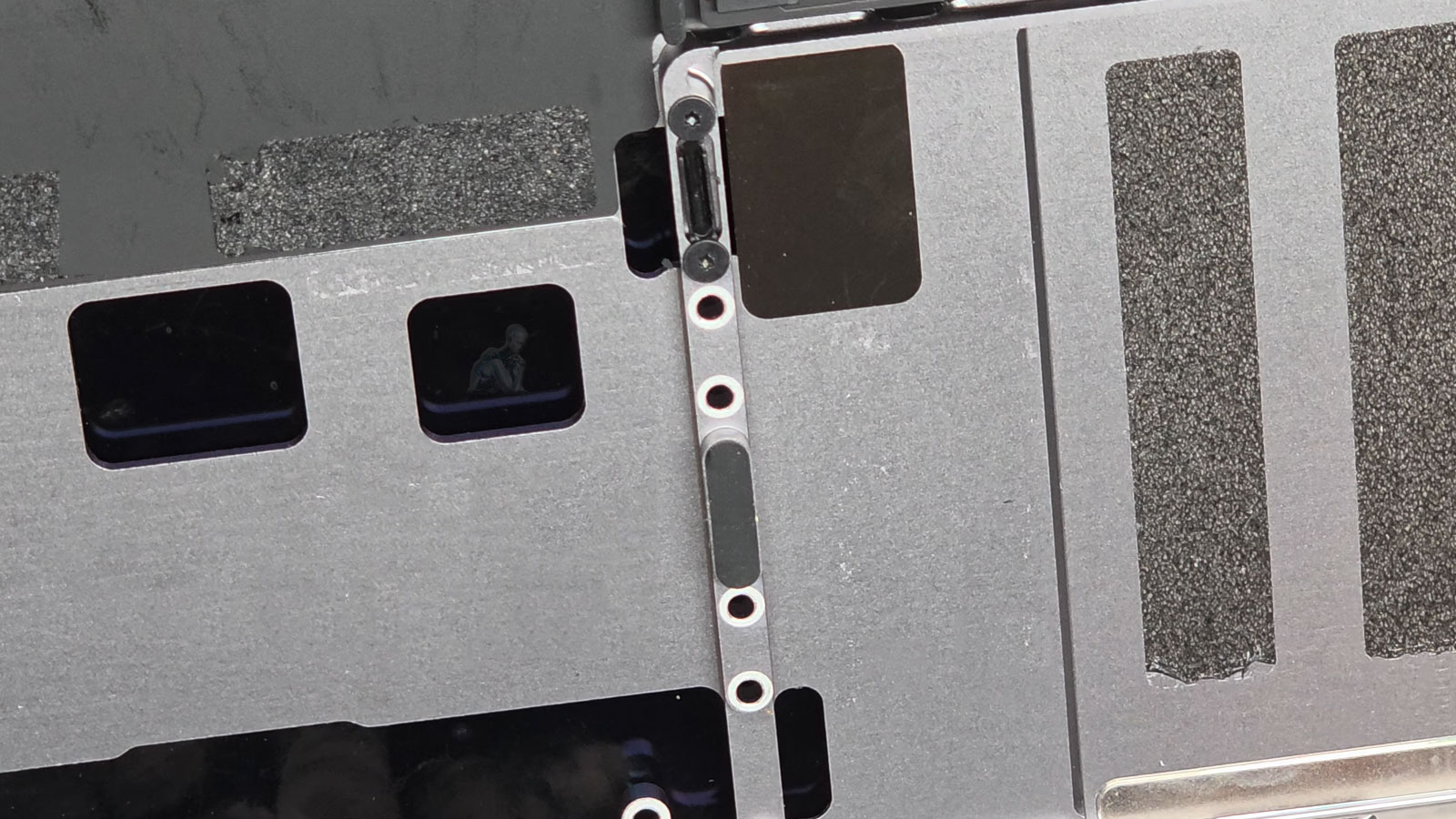
Precision Input Diagnostics and Trackpad Repair
Trackpad performance on a MacBook Pro is governed by a combination of sensor input, pressure detection, and system-level interpretation. Irregular cursor movement, inconsistent click response, or loss of gesture recognition often indicate disruption within this integrated input system rather than a single isolated fault. Accurate diagnosis involves examining the responsiveness of the trackpad surface, the integrity of its connection interface, and the way input signals are processed by the system. This approach allows the source of the issue to be identified within the broader input chain rather than relying on surface-level symptoms alone.
Repair efforts focus on restoring consistent and predictable input behavior across all interaction points. This may involve addressing alignment issues within the trackpad assembly, ensuring stable communication through its connection pathway, or replacing components that no longer maintain proper response characteristics. Each step is performed with attention to preserving sensitivity, uniform feedback, and accurate gesture recognition. The objective is to return the trackpad to a condition where input is precise, reliable, and fully aligned with expected system behavior.
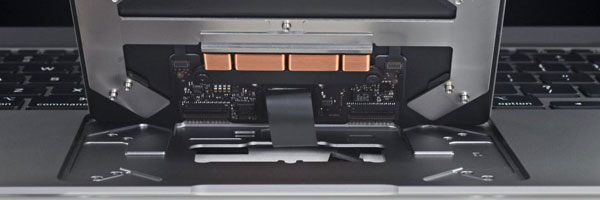
Common Trackpad Problems Addressed
Trackpad does not register clicks or gestures
Cursor movement jumps or freezes
False clicks or dragging without input
Trackpad surface feels raised or uneven
Force Touch pressure no longer responds
Trackpad stops working after liquid exposure
Trackpad failure caused by battery swelling
Some symptoms may appear software-related but are often linked to underlying hardware conditions.
Trackpad Repair and Replacement Methods
Trackpad Component Replacement
When the trackpad assembly is damaged or internally compromised, replacement is performed using model-specific components to maintain native responsiveness.
Internal Connector and Signal Repair
Loose or damaged input connectors are repaired to restore consistent communication between the trackpad and logic board.
Battery-Related Trackpad Resolution
If battery expansion is affecting trackpad function, corrective action is taken to prevent recurring failure.
Post-Repair Calibration and Testing
After repair, gesture accuracy, pressure sensitivity, click depth, and cursor stability are verified under real-use conditions.
System Integration and Input Signal Interpretation
Trackpad functionality extends beyond the physical component itself and depends on how input signals are processed within the system. The translation of touch and pressure into cursor movement, clicks, and gestures is managed through coordinated interaction between hardware and macOS. Disruptions at this level can lead to delayed response, incorrect gesture execution, or inconsistent input behavior that cannot be attributed solely to the trackpad assembly.
Evaluating this interaction involves confirming that input signals are received, interpreted, and executed without delay or distortion. Proper integration ensures that gestures respond accurately, click actions register consistently, and the system maintains smooth interaction across different applications. This alignment between hardware input and system processing is essential for achieving a fully functional and predictable user experience.
Trackpad Diagnostic Approach
Proper diagnosis is essential before any repair. Evaluation includes:
Trackpad surface and mechanical inspection
Flex cable and connector testing
Input sensor and pressure detection analysis
Battery expansion assessment
Logic board input signal verification
This ensures the issue is accurately isolated before corrective work begins.
Supported MacBook Pro Models
Intel-based MacBook Pro systems
Apple Silicon MacBook Pro models
Force Touch and non-Force Touch designs
13-inch, 14-inch, 15-inch, and 16-inch variants
Retina and Touch Bar configurations
Each repair is matched to the specific trackpad architecture used by the model.
Input Surface Consistency and Response Accuracy
The MacBook Pro trackpad relies on a uniform sensing surface to translate physical interaction into precise cursor movement and gesture control. Variations in responsiveness across different areas of the trackpad can indicate inconsistencies within the sensing layer or mechanical structure beneath it. These irregularities may not always result in complete failure, but they can affect fine control, leading to inaccurate cursor positioning or inconsistent gesture recognition.
Ensuring consistent response across the entire surface requires attention to how pressure, position, and movement are interpreted at every point of contact. Even minor deviations can impact usability, particularly in tasks that depend on precision. Addressing these conditions restores a balanced input experience, where every interaction is registered evenly and behaves as expected under continuous use.
Long-Term Input Stability and Wear Considerations
Over time, repeated use of the trackpad introduces mechanical and surface-level wear that can gradually affect input performance. Changes in tactile response, reduced sensitivity, or uneven feedback may develop as the component experiences continuous interaction. These effects are often subtle at first but can become more noticeable as the system is used for extended periods.
If your MacBook Pro is no longer responding to input with the level of accuracy you expect, this is the point to take action and get clarity on what is causing the behavior. A quick call allows the situation to be discussed in real time, especially when the issue is intermittent or difficult to describe. For cases where it is easier to outline the details, the request form can be used to document how the trackpad is currently behaving and what changes have been observed.
Trackpad issues often develop gradually, with small inconsistencies turning into noticeable disruptions over time. Providing context such as when the problem started, how it progresses, and whether it affects specific gestures or clicks helps define the underlying condition more precisely. From there, the next steps can be aligned with the actual behavior of the device, ensuring that the resolution is based on how the system performs in real use rather than assumptions.