
Call (305) 600-4217 Book Now Get 10% off your repair service
Computer Repair Miamis
  • PC REPAIR
  • LAPTOP REPAIR
  • MAC REPAIR
  • GAMING PC SERVICES
  • SERVICES
  • LOCATIONS
  • CONTACT
  • Click to open the search input field Click to open the search input field Search
  • Menu Menu

RAM compatibility and Network cards

You are here: Home1 / Computer Repair Blog for Diagnostics, Hardware, and System Care2 / Technical Knowledge3 / RAM compatibility and Network cards
RAM compatibility and Network cards

Understanding RAM Compatibility

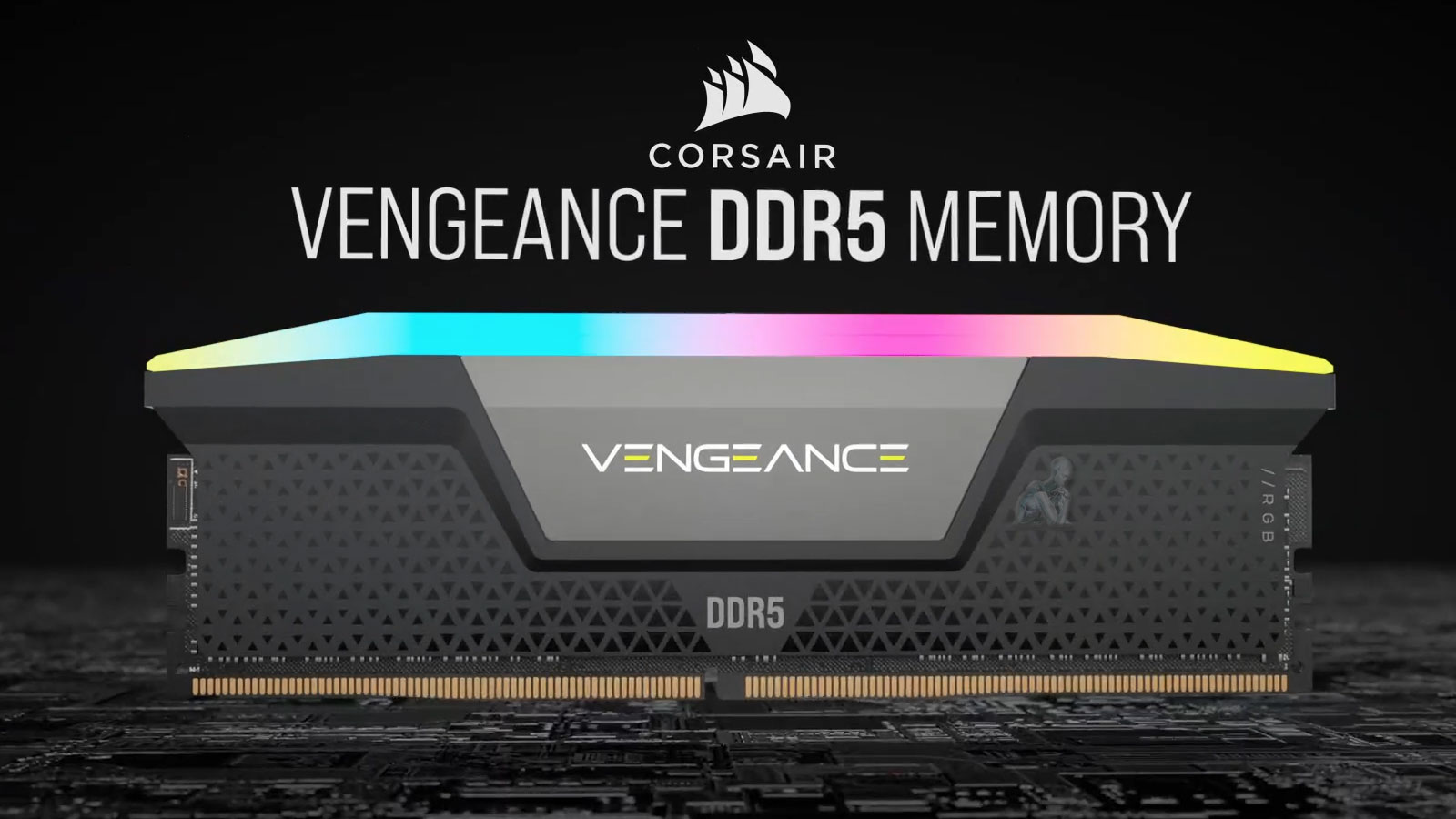
When purchasing RAM, ensuring compatibility with your system is crucial. Different versions of DDR RAM (DDR, DDR2, DDR3, DDR4, and DDR5) exist, each with unique configurations. These versions are not interchangeable. For instance, if your computer has DDR3 slots, only DDR3 RAM modules will be compatible.

RAM sticks are available in two primary forms:

  • DIMM (Dual Inline Memory Module): Used in desktop computers.
  • SODIMM (Small Outline DIMM): Used in laptops.

A lesser-known RAM type is Rambus (RDRAM), which features a distinctive metal covering that acts as a heat sink.
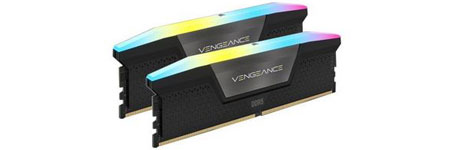
Two RAM memory modules placed side by side for laptop and desktop use

Error Detection and Correction in RAM

  • Parity RAM: Includes an extra bit per byte to detect errors but increases cost.
  • Non-Parity RAM: Uses only eight bits per byte, making it more affordable but unable to detect errors.
  • ECC (Error Correction Code) RAM: Can detect and correct memory errors, commonly used in high-end servers.
  • Non-ECC RAM: Lacks error correction capabilities and is cheaper, making it ideal for desktop systems.

Most operating systems and applications include built-in routines for basic memory error detection and correction, reducing the necessity of ECC RAM for consumer use.

Optimizing RAM Performance

  • Dual-Channel RAM: Enhances performance by combining two memory slots into one bank. To maximize efficiency, always install matched RAM sticks in the same-colored slots.
  • Clock Speed Considerations: RAM modules operate at the lowest speed among installed sticks. For example, if you install a 1600 MHz module alongside a 1333 MHz module, both will run at 1333 MHz.
  • DDR Naming Convention: The standard naming format for DDR memory includes the type (DDR, DDR2, DDR3, etc.) followed by its speed, such as DDR3-1600.

Network Interface Cards (NICs) and Expansion Cards

Expansion cards enhance computer functionality. A sound card, for example, improves audio quality over onboard sound systems. When installing an expansion card, always disable conflicting onboard devices to prevent system conflicts.

Common Issues with Expansion Cards

  • Graphics Card Power Requirements: PCIe graphics cards require power from a 6-pin or 8-pin power connector. Inadequate power supply can lead to performance issues.
  • Driver Updates: If a new expansion card malfunctions, check the manufacturer’s website for updated drivers.

Network Interface Cards (NICs)

A NIC (Network Interface Card) is often added to replace a failed onboard NIC or to upgrade network speed. If your system’s built-in NIC supports 100 Mbps but your network runs at 1,000 Mbps, adding a higher-speed NIC improves connectivity.

Multi-Homed Computers and NIC Teaming

  • A multi-homed computer has two NICs, allowing it to connect to multiple networks.
  • NIC Teaming (Link Aggregation): Uses two NICs to boost data throughput and improve redundancy.
  • Most NICs utilize 8P8C connectors (commonly mistaken as RJ-45) with twisted-pair cables but may support other connection types.

Understanding RAM compatibility and expansion card installation is essential for optimal computer performance. When upgrading RAM, always ensure compatibility with your system’s motherboard, and for network upgrades, consider NIC specifications to maximize connectivity speed.

Explore Topics

Repair Insights

  • CPU being removed from a desktop computer during hardware repair and component replacement.
    A Failed Part May Be Only One Piece of the ProblemAugust 8, 2026 - 10:54 pm
  • Open desktop PC showing heavy dust buildup on the fans and internal components restricting airflow.
    Cooling Problems Rarely Begin as Obvious FailuresMay 11, 2026 - 9:25 pm
  • Vietnam War video game frozen on a computer screen during gameplay without displaying a blue screen.
    Computer Randomly Freezes Without a Blue ScreenMarch 20, 2026 - 12:10 am
  • Laptop motherboard showing liquid damage and corrosion around an integrated circuit.
    Liquid Damage Continues After the SpillJanuary 3, 2026 - 10:54 pm
  • Best Apple MacBook Pro, MacBook Air, iMac, and Mac mini repair services in Miami, FL
    Best Apple Mac Repair Services in Miami, FLMarch 2, 2025 - 6:34 pm
  • ASUS ROG Zephyrus Laptop Repair and Upgrade Evaluation
    It’s time to either repair your laptop or upgrade!March 2, 2025 - 4:57 pm
  • CORSAIR HX1500i Power Supply Repair and Upgrade Evaluation
    PSU Repair or Upgrade Services in 2025March 2, 2025 - 6:03 am
  • Best Gaming Motherboard Repair or Replacement 2025
    Best Gaming Motherboard Repair or Replacement 2025March 2, 2025 - 4:19 am

Technical Knowledge

  • Laptop with an M.2 SSD and 2.5-inch SSD that support SMART drive health monitoring.
    The SMART Drive Health DataAugust 8, 2026 - 11:29 pm
  • TUF Gaming UEFI BIOS interface showing system configuration and boot settings before Windows starts.
    The UEFI Boot ProcessJune 10, 2026 - 10:12 pm
  • Binary data with individual zeros and ones highlighted to illustrate memory bit errors corrected by ECC memory.
    Memory Errors MatterApril 7, 2026 - 7:44 pm
  • DNS resolution process showing a computer communicating with a recursive resolver, root server, TLD server, authoritative DNS server, and destination web server.
    What Is DNSFebruary 18, 2026 - 11:36 pm
  • Custom-built gaming PC with multiple RGB fans, high-performance GPU, visible motherboard circuitry, cable routing, and vibrant internal lighting throughout the case
    Building the Ultimate Gaming PC in 2025 for High PerformanceJune 11, 2025 - 10:13 pm
  • Autonomous car on a highway using onboard sensors and cameras to detect nearby vehicles, track lane positioning, and process real-time driving conditions without a human driver
    The Future Is Autonomous Systems Driven by AI DiagnosticsJune 11, 2025 - 9:58 pm
  • Autonomous AI system performing real-time diagnostics and data processing
    Agentic AI and Generative Intelligence Redefining the LandscapeJune 11, 2025 - 9:37 pm
  • User interacting with virtual reality interface simulating AI diagnostics and digital environments
    Navigating Today’s Tech Realities with ConfidenceJune 11, 2025 - 8:56 pm
  • Legion gaming laptop with back cover removed showing internal components, dual cooling fans, heat pipes, and dust buildup for maintenance inspection
    Detecting if your gaming laptop requires air cleaning maintenanceApril 12, 2025 - 1:08 am
  • ASUS ROG Strix motherboard inside a custom-built gaming PC running with visible components, active lighting, and system operation
    The Best Practices for Building a Custom Gaming PCApril 12, 2025 - 12:48 am
  • Custom-built PC with hard tube liquid cooling system open during repair, showing fittings being removed after a water leak
    Mistakes to Avoid when trying to Repair a Liquid Damaged PCApril 12, 2025 - 12:32 am
  • AORUS gaming PC with blue LED cooling fans actively running, showing internal components and illuminated system performance setup
    Enhance the Performance of your Gaming PC for streamingApril 12, 2025 - 12:01 am
  • Laptop open with colorful lighting across the keyboard and display
    Identifying the causes of slow laptop performanceApril 11, 2025 - 11:36 pm
  • Intel Core i9 9th Generation Unlocked Desktop Processor Evaluation
    In 2025, which CPUs are the best for upgrading or replacing?March 2, 2025 - 5:05 am
  • Protect yourself and your Computer Hardware
    Protect yourself and your Computer HardwareApril 24, 2014 - 5:13 pm
  • Choosing the Right Memory Replacement
    Finding the Best Memory ReplacementApril 24, 2014 - 4:20 pm
  • Laptop internal view showing 2.5 inch HDD drive and hardware components with bottom cover removed
    How to Replace your Laptop HDDApril 24, 2014 - 3:29 pm
  • Desktop keyboard with LED backlit keys illuminated during use
    Learning about computer keyboardsFebruary 6, 2014 - 1:08 pm
  • Latest MacBook Pro shown from front and back with display and aluminum chassis design
    MacBook Pro is the Best for your BusinessDecember 28, 2013 - 6:04 pm
  • Recommendations On How to Fix a Laptop Or Notebook Battery Not Charging
    Recommendations On How to Fix a Laptop Or Notebook Battery Not ChargingDecember 27, 2013 - 12:40 am

Contact

Call (305) 600-4217

support@computerrepairmiamis.com

More Information

Blog

Contact Page

Core Services

  • PC Repair
  • Laptop Repair
  • Mac Repair
  • Data Recovery
  • Virus Removal
  • Networking
  • View All Services

Service Areas

  • Miami
  • Miami Beach
  • Coral Gables
  • Hialeah
  • Doral
  • Homestead
  • View All Locations

Operating Hours

🕒 Monday through Saturday
9:00 AM to 6:00 PM

Service Area
Serving Miami and surrounding areas throughout Miami-Dade County

© 2011-2026 Computer Repair Miamis. All Rights Reserved.
Privacy Policy · Terms of Service · Service & Repair Policy
  • Link to X
  • Link to Instagram Link to Instagram Link to Instagram
  • Link to Tumblr
  • Link to Pinterest
  • Link to Facebook Link to Facebook Link to Facebook
  • Link to Vimeo
Scroll to top Scroll to top Scroll to top