
From a Gamer Builder’s Point of View.
Building a custom gaming PC is more than assembling parts it’s about tailoring a machine to your playstyle, preferences, and performance expectations. For gamers in Miami, this journey also comes with unique considerations like heat, humidity, local tech access, and lifestyle demands. As a dedicated gamer and custom PC builder in Miami, I’ve learned firsthand what it takes to build a rig that doesn’t just look good on paper but performs flawlessly under pressure.
Here’s a comprehensive guide with best practices and personal tips to help you build the ultimate custom gaming PC right here in the 305.
1. Set Clear Goals for Your Build
Before diving into parts lists, define what your gaming PC needs to do.
Ask yourself:
- What games do you play and at what settings (1080p, 1440p, 4K)?
- Will you be streaming or editing content?
- Do you want high FPS or high resolution?
Pro Tip: Focus on your primary use case. A great Valorant rig doesn’t need the same GPU power as one meant for 4K cinematic open-world games.
2. Prioritize Your Budget Strategically
Miami offers plenty of local tech stores and online retailers, but it’s easy to overspend on flashy components.
Best practice: Balance your budget across performance, thermals, and futureproofing.
- GPU and CPU: Allocate about 50 to 60 percent of your total budget
- Motherboard, RAM, Storage: 20 to 30 percent
- Case, PSU, Cooling, Accessories: 10 to 20 percent
Pro Tip: Don’t cheap out on the PSU Miami’s summer blackouts demand stable, efficient power delivery.
3. Choose the Right Case for Miami’s Climate
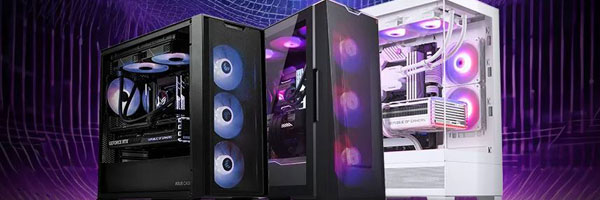
Heat and humidity are real factors here. You need a case that offers solid airflow, dust resistance, and space for cooling.
Look for:
- Mesh front panels
- Multiple fan mount options top, front, bottom
- Dust filters especially if you’re near the beach or keep windows open
Pro Tip: Mid-towers with good airflow and front-facing mesh perform best in Miami’s warm, moist air.
4. Cooling Is Not Optional It’s Essential
Gaming in Miami without proper cooling is asking for thermal throttling. Between long sessions and high ambient temperatures, you’ll need to plan for it.
Best practice:
- Use at least 2 intake and 1 exhaust fan
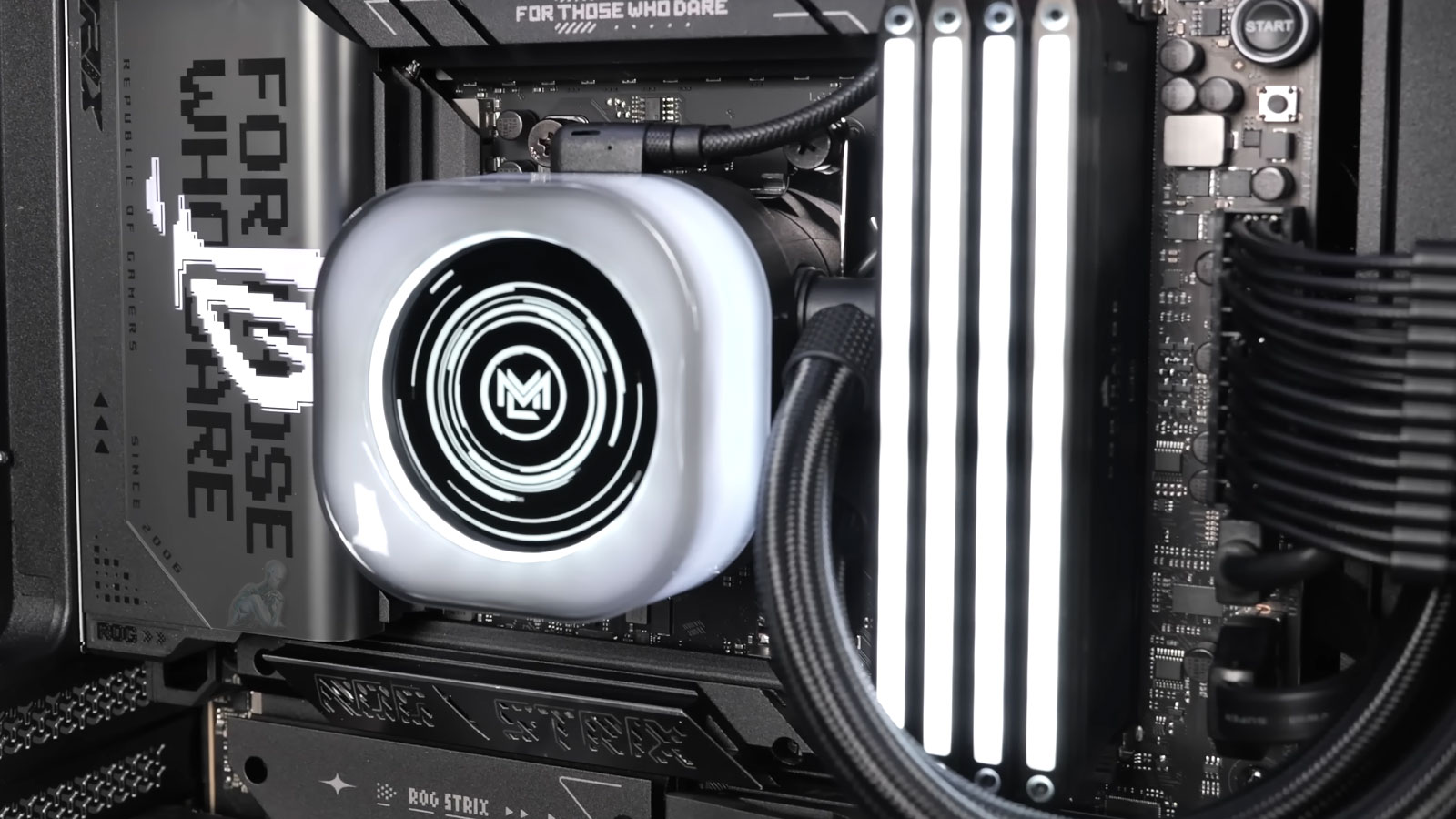
- Consider an AIO all-in-one liquid cooler for your CPU if overclocking
- Monitor temperatures with software like HWMonitor or MSI Afterburner
Pro Tip: Add a dehumidifier in your gaming room to lower both moisture and internal temperatures.
5. Be Smart About Component Compatibility
Double-check your parts using tools like PCPartPicker to avoid issues with fitment, power draw, or BIOS support.
Must-check areas:
- CPU socket compatibility with motherboard
- GPU length versus case clearance
- RAM height versus air cooler clearance
- PSU wattage and connector availability
Pro Tip: Buy all your parts first before opening any boxes many stores have strict return policies on opened items.
6. Shop Local When It Makes Sense
Miami has a number of computer stores that offer good deals, especially during hurricane off-seasons when traffic is low.
Benefits of local purchases:
- Faster returns or exchanges
- No shipping damage
- Support local tech economy
Check out local shops like:
- CompTech Miami
- Tech Airsoft PC Parts
- Micro Center if willing to drive north
Pro Tip: Local stores sometimes offer free build help or warranty support ask before buying.
7. Cable Management Equals Better Airflow
Don’t just make your build look clean optimize it for efficiency.
Tips:
- Use Velcro straps or zip ties
- Route cables behind the motherboard tray
- Use modular PSUs for less clutter
Pro Tip: Clean cables reduce dust buildup, which is crucial in humid climates.
8. Keep Miami’s Power Grid in Mind
We live in a city where outages and surges are not rare, especially during hurricane season.
Best practice:
- Use a quality surge protector or UPS uninterruptible power supply
- Consider line-conditioning power strips for cleaner electricity
Pro Tip: A UPS not only protects your hardware but also saves your progress in case of unexpected blackouts.
9. Install Monitoring Software from Day One
Performance tools help you stay in control of your build.
Must-haves:
- HWInfo or HWMonitor for temperatures and voltages
- MSI Afterburner for GPU tuning
- CPU-Z for hardware verification
- Fan control software like Argus Monitor or Corsair iCUE
Pro Tip: Set fan curves to match the Miami heat you may want more aggressive cooling profiles.
10. Test Before You Lock It All In
Don’t rush to close the case and plug it into your gaming setup.
Steps to take:
- Boot the system outside the case first optional but useful
- Run MemTest86 for RAM stability
- Benchmark with Cinebench, 3DMark, or Heaven
- Stress test with Prime95 or AIDA64
Pro Tip: Make a checklist of all fans, RGB, and ports to ensure everything works before tucking cables away.
11. Optimize for Streaming or Content Creation
If you’re building for more than just gaming, plan accordingly.
Additions to consider:
- Capture cards Elgato 4K60 Pro, AverMedia
- High-speed NVMe SSDs for editing
- Dedicated microphone and camera inputs
- Extra RAM 32GB or more for editing
Pro Tip: Dual PC setups are rare but effective if you want zero impact on game FPS during streams.
12. Don’t Neglect Aesthetics
Miami’s vibe is colorful, stylish, and vibrant. Your gaming rig can be a centerpiece if you put in the effort.
Ideas:
- RGB lighting synced with peripherals
- Custom cables or cable combs
- Themed builds ocean, Miami Vice, neon
Pro Tip: Glass side panels look great, but prioritize airflow and maintenance access.
13. Create a Clean Gaming Environment
Miami’s dust, pet hair, and humidity require ongoing attention.
To-do:
- Clean fans and filters monthly
- Use air conditioning or airflow to manage humidity
- Store the PC on a desk, not the floor
Pro Tip: Keep a can of compressed air handy and vacuum your setup weekly.
14. Stay Plugged Into the Community
There’s a growing PC gaming and modding scene in Miami.
Join or follow:
- Local Reddit groups r/Miami, r/buildapc
- PC building workshops or LAN events
- Facebook Marketplace for part swaps
Pro Tip: Networking with local builders can get you access to discounts, part trades, or rare components.
15. Keep Your Build Futureproof
While no PC is immune to time, smart decisions can keep yours relevant longer.
Tips:
- Choose a motherboard with room for expansion PCIe 4.0 or 5.0 and multiple M.2 slots
- Invest in quality cooling and PSU for longevity
- Leave room in your case for future GPU upgrades
Pro Tip: Spend on upgradability today to save rebuild costs tomorrow. Building a custom gaming PC in Miami means balancing high performance with smart thermal management, aesthetic flair, and practical resilience. As a gamer and builder in this city, I know how important it is to plan for our unique environment from power surges to palm tree pollen.
Take your time, do the research, and build with intention. A well-built gaming rig is more than a tool it’s a reflection of your playstyle, creativity, and dedication. Build it right, and it will power your passion for years to come.