
MacBook Pro Logic Board and Motherboard Repair in Miami

MacBook_LCD_Screen_Repair_Miami

MacBook LCD Screen Repair and Replacement

The LCD screen is responsible for image rendering, brightness control, color accuracy, and visual output on a MacBook. When the LCD panel is damaged or fails internally, the system may power on normally while producing no usable image, distorted visuals, or unstable brightness.

LCD screen replacement focuses on restoring proper display function while preserving system integrity and compatibility with the original hardware configuration.

Common LCD Screen Failure Symptoms

MacBook LCD issues commonly present as:

  • Cracked or fractured display panels
  • Black screen despite system power
  • Flickering, dim, or uneven backlighting
  • Vertical or horizontal lines on the display
  • Dead pixels or color distortion
  • Display artifacts caused by internal panel damage
  • Loss of image due to flex cable or connector failure

These symptoms are often confused with logic board or GPU faults, making accurate display evaluation essential.

Evaluation and Service Scope

Assessment includes verifying whether the failure is limited to the LCD panel itself or involves related components such as the display cable, backlight circuitry, or video output path. When the LCD panel is confirmed as the source of failure, replacement is performed using a compatible panel matched to the specific MacBook model.

Retina and non-Retina displays require different handling, alignment, and calibration considerations.

Post-Replacement Verification

After installation, the display is tested for resolution accuracy, brightness uniformity, color consistency, and stable operation across sleep, wake, and extended use scenarios.

Supported MacBook Systems

LCD screen replacement applies to MacBook, MacBook Air, and MacBook Pro models depending on generation, display type, and repairability. Final compatibility is determined during evaluation.


📞 305-600-4217
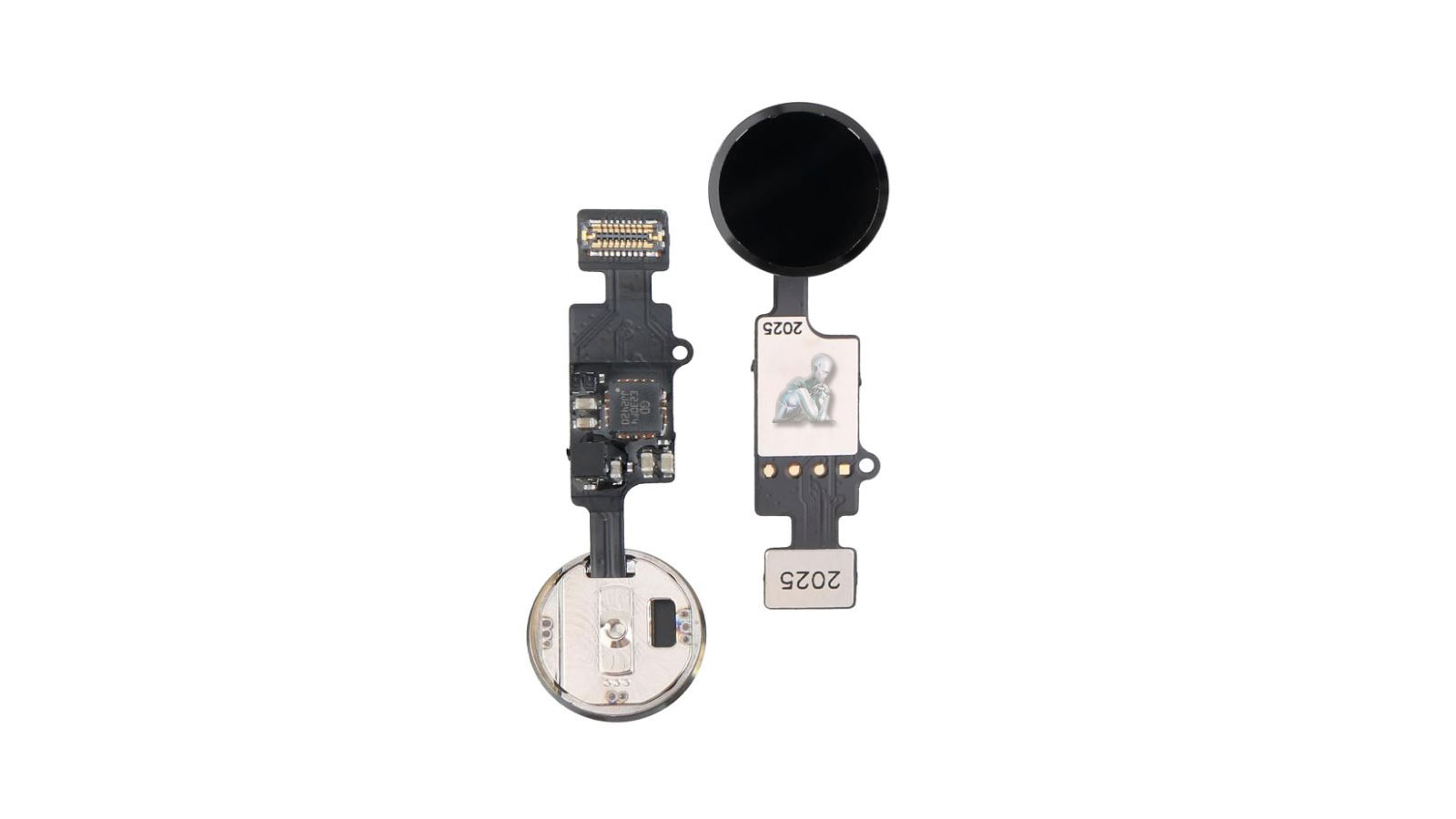
iPhone Home Button Repair and Replacement in Miami

Replacement iPhone home button module with attached flex cable laid out on a work surface, showing contact points and connector strip for installation

iPhone Home Button Diagnosis and Repair Services

The home button is a core input component on supported iPhone models, responsible for navigation, accessibility functions, and Touch ID authentication where applicable. When the home button becomes unresponsive, inconsistent, or physically damaged, normal device operation can be significantly affected.

iPhone home button repair focuses on restoring mechanical response, electrical continuity, and system recognition without affecting surrounding components.

Common Home Button Failure Conditions

Common Home Button Failure Conditions

Home button repair may be required when an iPhone exhibits one or more of the following behaviors:

  • Home button does not respond to presses
  • Intermittent or delayed button response
  • Button physically stuck or unable to click
  • Home button registers input inconsistently
  • Touch ID functionality disabled due to button failure
  • Button damaged after impact or liquid exposure

In some cases, software issues may mimic hardware failure, which is why proper diagnosis is required before repair.

Supported iPhone Models

Home button repair applies only to iPhone models equipped with a physical home button, including:

  • iPhone SE (1st, 2nd, and 3rd generation)
  • iPhone 8 and 8 Plus
  • iPhone 7 and 7 Plus
  • iPhone 6s, 6, 5s, and earlier supported models

Newer iPhone models without a physical home button are not applicable to this service.

Repair Scope and Technical Considerations

Home button repair complexity varies by model. On certain devices, the home button is cryptographically paired to the logic board, meaning Touch ID restoration may not be possible even if button functionality is recovered. Each device is evaluated individually to determine repair feasibility and expected outcome.

Repairs are performed without altering unrelated components or stored user data.

Post-Repair Verification

After repair, the home button is tested for mechanical response, system recognition, and functional consistency. Where supported, accessibility features relying on the home button are also verified.


📞 305-600-4217